Download Free Your Desired App
Home » Softwares » Operating Systems » Windows 10 ROG Edition v6 + Office 2019 Updated Nov 2019 Download
Windows 10 ROG Edition v6 + Office 2019 Updated Nov 2019 Download
Windows 10 ROG Edition v6 + Office 2019 Updated Nov 2019 Download Latest OEM RTM version. Full Bootable ISO Image of Windows 10 ROG.
Windows 10 ROG Edition v6 + Office 2019 Updated Nov 2019 Overview
Windows 10 ROG Edition is an impressive series of the modified OS personal computer operating systems that has bee based on Windows NT family of the operating systems. This operating system is the successor to Windows 10 19H1 and it was released on 23rd July. 2019. You can also download Windows 7 ROG RAMPAGE 64 bit ISO.

Windows 10 ROG Edition has got 14 new visual themes Asis/Rog support for 19H1. It has also got new Start Button and new Winver Logo ASUS. It has also been equipped with an updated version of MS Office 2019. You can also download Windows 10 Gamer Elegant Edition 2019. Microsoft Office 2019 Select Edition includes:
- Microsoft Office 2019 Professional Plus
- Microsoft Access 2019
- Microsoft Excel 2019
- Microsoft Lync 2019
- Microsoft OneNote 2019
- Microsoft Outlook 2019
- Microsoft PowerPoint 2019
- Microsoft Publisher 2019
- Microsoft Visio Viewer 2019
- Microsoft Word 2019
- Microsoft Visio pro 2019
- Microsoft Project Pro 2019
- Skype for business 2019
- OneDrive for Business 2019
- Office Shared Features Profing Tools Only And many more
It also includes
- StartISback 2.8.9
- Alcohol 120% 2.1.0.20601
- CCleaner 5.63.7540
- DxO PhotoLab 3.0.1.4247
- Firefox Setup 70.0.1
- SketchUp Pro 2019 19.3.253
- Media Classic 1.8.4.6
- Internet Download Manager 6.35.11
- Mirillis Action! 3.10.2
- DirectX 9.0c (Jun 10)
- vlc-3.0.8.1
- Visual C++ Redistributable Runtimes AIO Repack 2019-09-10
- Winrar 5.71
- UltraUXThemePatcher_3.6.2
- Theme Signature Bypass
- 7zip 19.00
- Techsmith Snagit 2020 20.0.1 Build 4658
- MAGIX VEGAS Pro 17.0 Build 353
Components:
- Quick Access Changed to This PC
- Explorer right click on left and click all labriries.
- CMD:80% Transperacy
- Disable:Disk Burn
- Shotcurs:This PC/Network/Control Panel
- Increase the cache of icons to 4Mb
- Open the file explorer on (This PC)
- Disabling the bandwidth limit
- Deactivation of the start-up time delay
- Disable application runtime
- Enabling a larger system cache (HDD and SSD)
- Improved disk check time (5 sec)
- Improved system stopping speed
- Improved Windows Shell Response
- Reduced launch time for desktop applications at startup
- Folder and file caches> Active

Features of Windows 10 ROG Edition v6 + Office 2019 Updated Nov 2019
Below are some noticeable features which you’ll experience after Windows 10 ROG Edition v6 + Office 2019 Updated Nov 2019 free download.
- An impressive series of the modified OS personal computer operating systems that has bee based on Windows NT family of the operating systems.
- Successor to Windows 10 19H1.
- Got 14 new visual themes Asis/Rog support for 19H1.
- Got new Start Button and new Winver Logo ASUS.
- Equipped with an updated version of MS Office 2019.

Windows 10 ROG Edition v6 + Office 2019 Updated Nov 2019 Technical Setup Details
- Software Full Name: Windows 10 ROG Edition v6 + Office 2019 Updated Nov 2019
- Setup File Name: Windows_10_ROG_EDITION_v6_Office_2019.iso
- Full Setup Size: 6.7 GB
- Setup Type: Offline Installer / Full Standalone Setup
- Compatibility Architecture: 64 Bit (x64)
- Latest Version Release Added On: 18th Nov 2019
- Developers: Windows
System Requirements For Windows 10 ROG Edition v6 + Office 2019 Updated Nov 2019
Before you start Windows 10 ROG Edition v6 + Office 2019 Updated Nov 2019 free download, make sure your PC meets minimum system requirements.
- Memory (RAM): 1 GB of RAM required.
- Hard Disk Space: 16 GB of free space required.
- Processor: 1 GHz Intel Pentium processor or later.
Windows 10 ROG Edition v6 + Office 2019 Updated Nov 2019 Free Download
Click on below button to start Windows 10 ROG Edition v6 + Office 2019 Updated Nov 2019 Free Download. This is complete offline installer and standalone setup for Windows 10 ROG Edition v6 + Office 2019 Updated Nov 2019. This would be compatible with 64 bit windows.
Related posts:
This Post was Last Updated On: September 14, 2023
-
-
#3 written by De Ye 6 years ago
-
-
#5 written by De Ye 6 years ago
-
-
-
#9 written by Johlo Aquino 6 years ago
-
#11 written by SooYoung SeoHyun 6 years ago
-
#13 written by Narendra Kumar 6 years ago
-
#15 written by lucentmysoni 6 years ago
-
#17 written by Kowshik Raja 6 years ago
-
-
-
-
The process is same like all windows. Here is a sample guide.
https://unique-tutorials.info/how-to-install-windows-10-v1803-iso-updated-july-2018-without-errors-3124456/
-
-
#26 written by Horn of Africa Voice 6 years ago
-
-
-
#32 written by Thakur Ashish Shah 6 years ago
hello admin
this is so good window
but i have a problem plz solve it
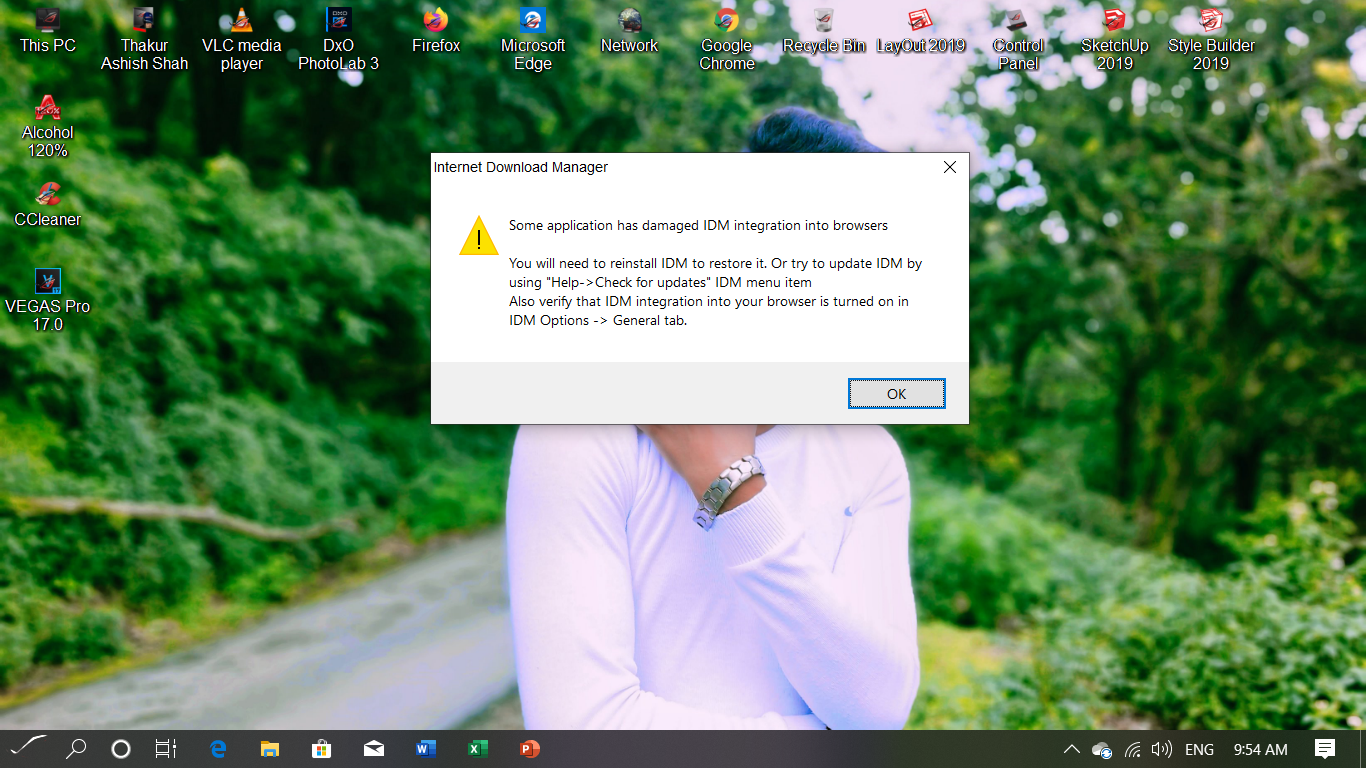
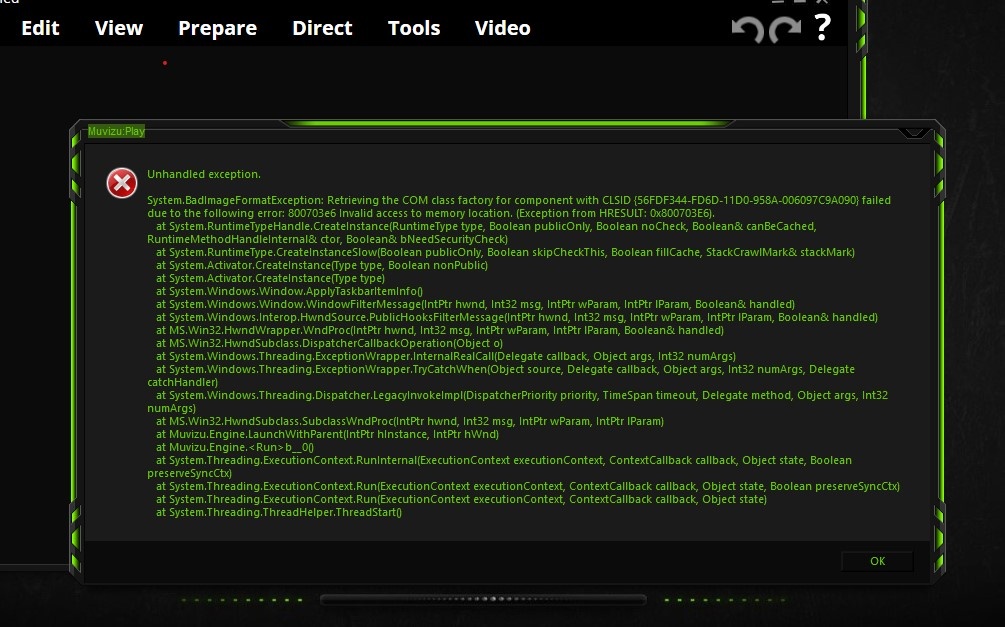
when my windows is open idm have a isu ?????
https://uploads.disquscdn.com/images/dae02a6a5644de63bcbd9a48cee006ccea0062b9a5f6c3a0f55a3d356ff3b82c.png -
#34 written by Om Prakash 6 years ago
-
#36 written by Om Prakash 6 years ago
-
#38 written by Om Prakash 6 years ago
-
-
#43 written by Mumo 6 years ago
-
-
#47 written by Sandip Maity 6 years ago
-
#49 written by Senad Ahmeti 6 years ago
-
#51 written by Jerby Dungca 6 years ago
-
#53 written by Namor 6 years ago
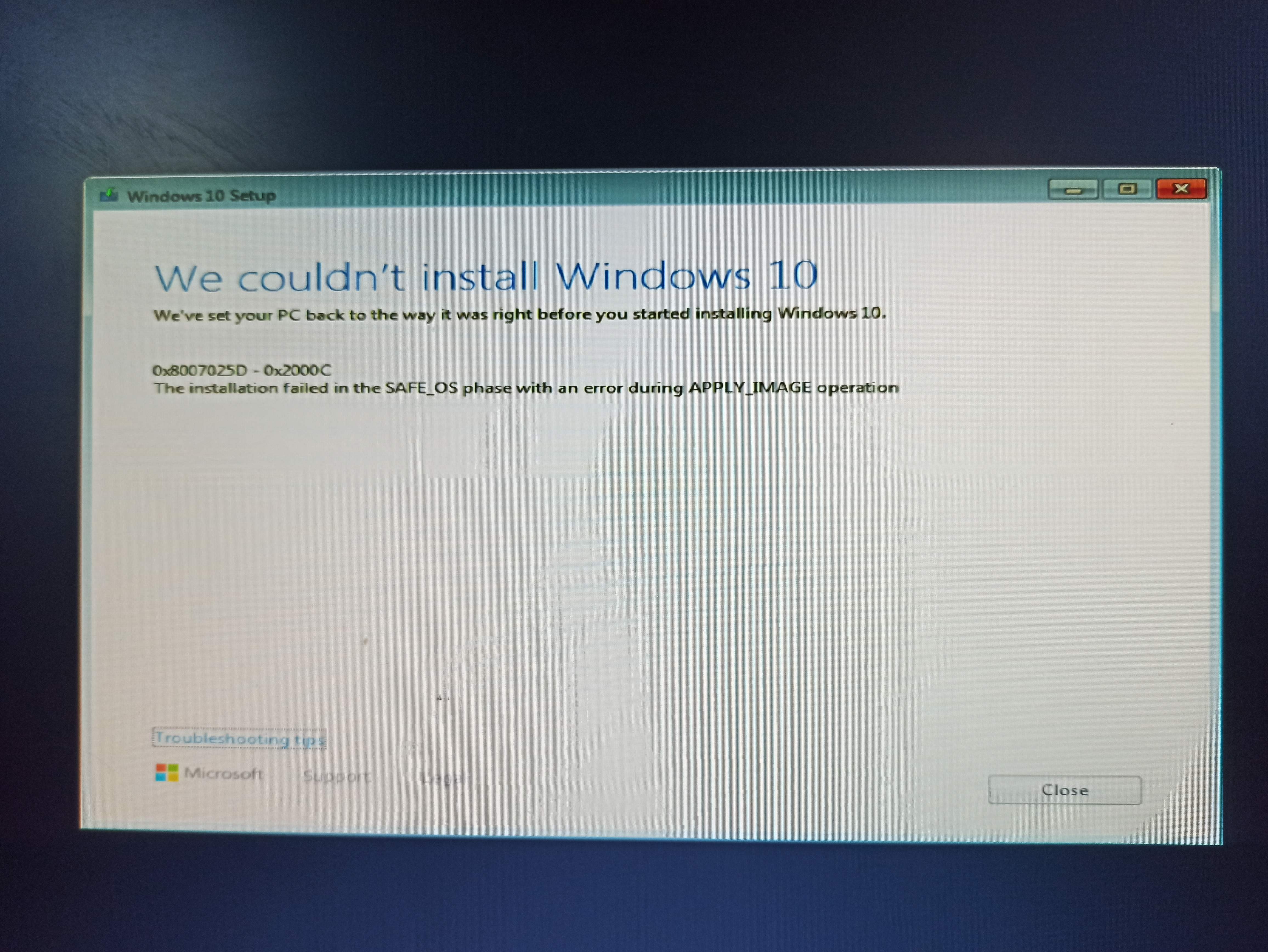
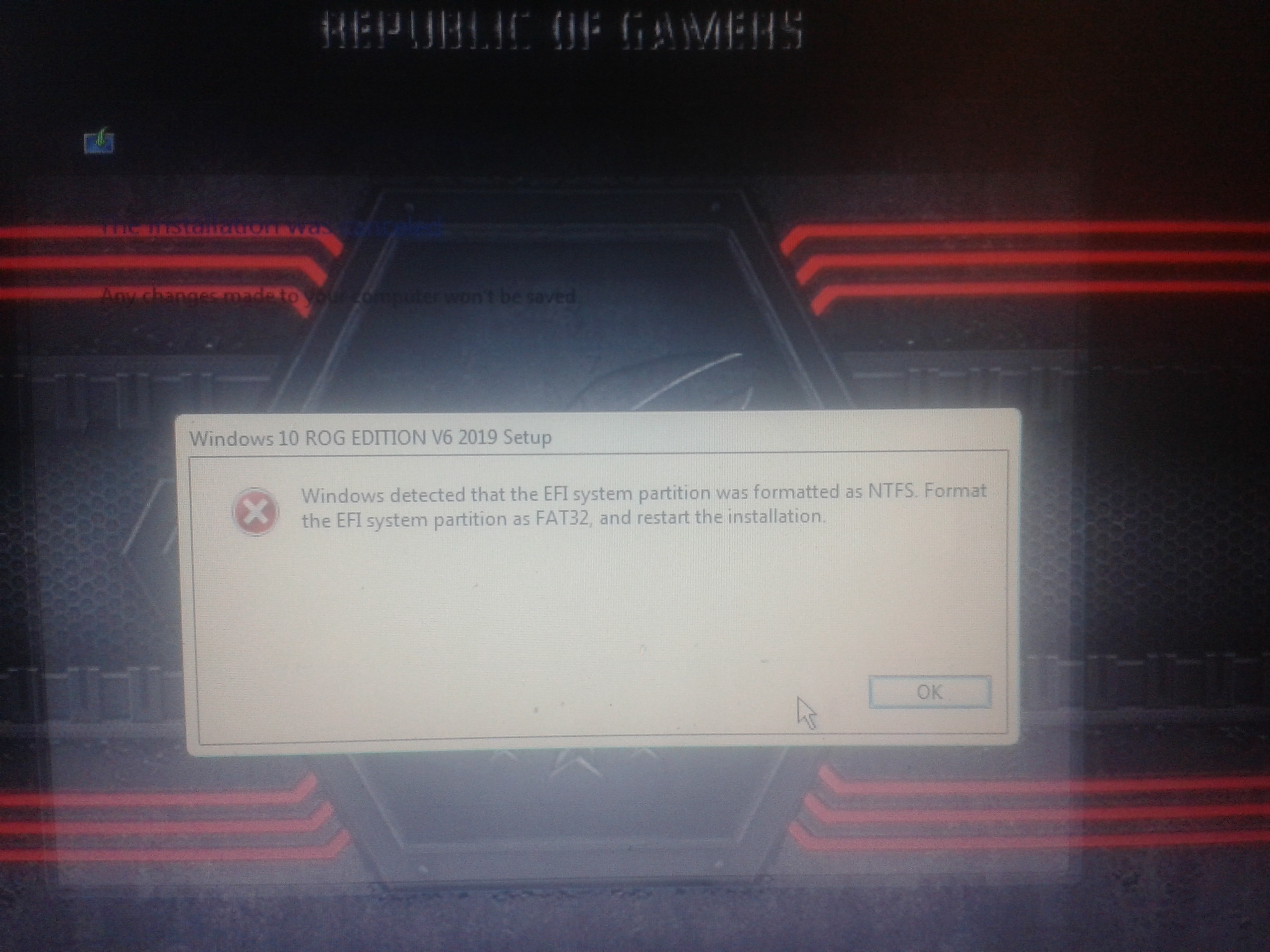
good day admin,i got this OS and make it boot table with rufus then when i install it it makes error
https://uploads.disquscdn.com/images/2512b6f06f81a193a61b6166e8b45aeeb8e44935cb182dfc8056658f79416342.jpg-
-
#55 written by Namor 6 years ago
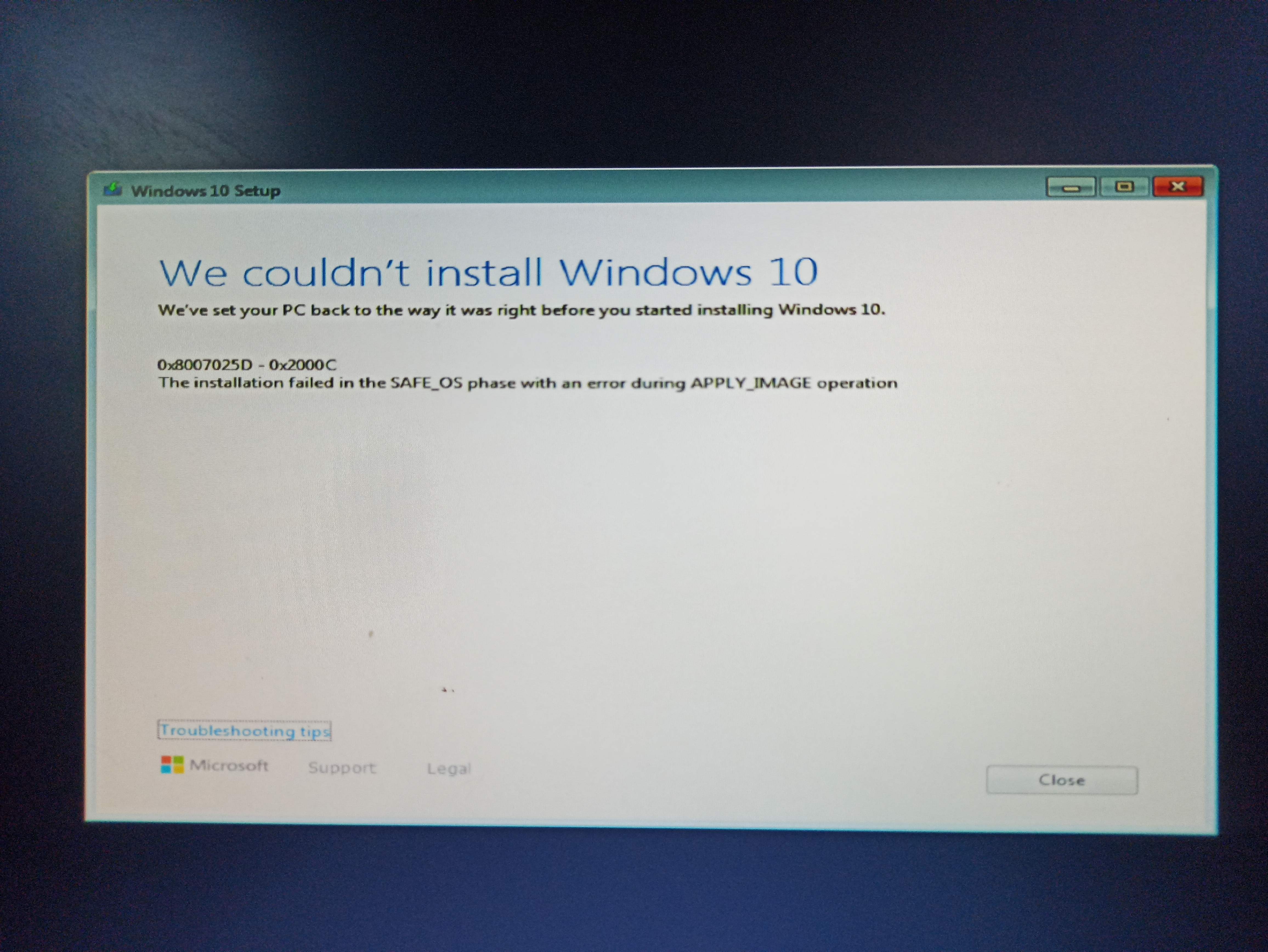
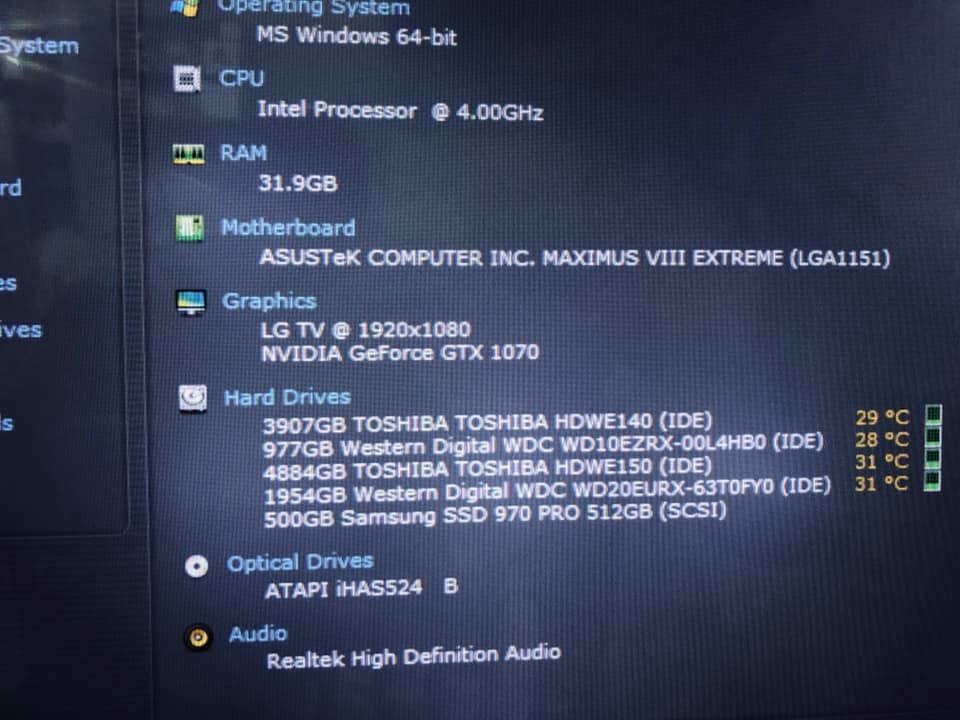
https://uploads.disquscdn.com/images/98f516093e5533b1f874eca43892285bfc689516028d63b47101431528fdb188.jpg like what? I have installed windows 10 RS5X64_OFF19_ENU_MAY2019 only even W7 i try so many times but its not installed it,maybe what specific hardware makes error.my Computer spec.hope you help us to solve my problem,thank you and GOD Bless…
-
-
-
-
#58 written by Ajay 6 years ago
-
-
#60 written by Ajay 6 years ago
-
-
-
#63 written by Ajay 6 years ago
-
-
#66 written by CTPL 6 years ago
-
#68 written by Kavin 6 years ago
-
#70 written by manoj krishna 6 years ago
hello admin.. i love your site very much… you helped me a lot…
i am using “W10X64.PRO.VL.ENU.JULY2019” version in my desktop.
my system configuration is “I5 3rd gen, 8gb ram, nvidea Gtx1030”
after one month usage i am keep on getting blue screen says “Automatic repairs” and related problems..which version would be best suitable for my work..
i have to work on CAD software like Sketchup and lumion or enscape..please help me…
-
#77 written by Sandy Maan 6 years ago
-
#79 written by Ajay 6 years ago
-
-
#81 written by Ajay 6 years ago
-
-
-
#83 written by Tsil 6 years ago
-
#85 written by Kingsley George 6 years ago
-
-
#88 written by Macauley Moj Jnr 6 years ago
-
#92 written by Venom 6 years ago
-
#94 written by Smit T. 6 years ago
Hi Admin, I’m setting up a new HDD and a new SSD tomorrow. If you can reply ASAP it would be awesome!
Thanks in advance!
Using Rufus to create bootable pendrive.
Questions:
1. Should I create the bootable drive as GPT or MBR?? My BIOS Mode is UEFI.
I’m aware my device BIOS will support both, but what do you recommend ?2. I got a prompt after creation of bootable pendrive from Rufus, which said-
You have just created a media that uses the UEFI:NTFS Bootloader. YOU MUST DISABLE SECURE BOOT.
Do I really have to do that? If Yes, then why to do it and how to do it.3. Since both my drives are all new and empty, I’ll install Windows 10 ROG edition to my SSD.
Is the method any different, do I have to change some settings in BIOS or something ??when I start up the process tomorrow.
Should I expect any prompts from my computer which I’m not expecting?
(Sorry to ask that but I’m not academically versed with my computer softwares(Nice way to not admit I’m a newbie) and equipments come quite expensive here in India so I shit bricks and hyperventilate when I get caught off guard with message prompts with computer lingo that I don’t understand.)-
1. I recommend GPT for you. Because if your BIOS Supports UEFI then it is plus. You should use latest GPT. Because MBR is old format.
2. You should have installed GPT / FAT. Yes you need to turn off secure boot.
3. No Change is needed. Simply during installation choose SSD for Windows installation
Keep me posted
-
#96 written by Smit T. 6 years ago
Hey I didn’t understand what you mean by:
2. You should have installed GPT / FAT. Yes you need to turn off secure boot.
Should I format the pendrive as FAT32 and then redo the Rufus creation of bootable pendrive?
Because when I was doing it with Rufus3.8 the only option was ‘File System:NTFS’.
After doing it will I not have to turn off secure boot ?
I couldn’t get a screw out for my m.2 ssd so I had to delay installation so I’m doing it tomorrow.
So let me know..I’ll keep you updated.
-
-
-
#100 written by Abiy Barry Jaden 6 years ago
-
#105 written by Kavin 6 years ago
I need some help with WWE 2K16 on PC.Anytime I try to play a ladder match it goes smoothly until someone tries to pull down whatever is above the ladder.Whenever that happens the game goes in slow-motion until I quit the game. and it was only 10fbs speed Does anyone have any idea how to fix this?
My PC specs
RAM 4GB
PROCESSOR AMD PRO A4-4350B R4, 5 COMPUTE CORES 2C+3G. 2.50GHz
AND MY GRAPHICS MEMORY CARD 1839MB-
-
#107 written by akash 6 years ago
-
-
-
#110 written by Raees 6 years ago
-
#114 written by X-pat Dynamic 6 years ago
-
-
#116 written by X-pat Dynamic 6 years ago
-
-
-
-
#120 written by EARN WITH FUN 6 years ago
-
-
#124 written by pops pop 6 years ago
-
#126 written by kumi Shadrack 6 years ago
Hi admin
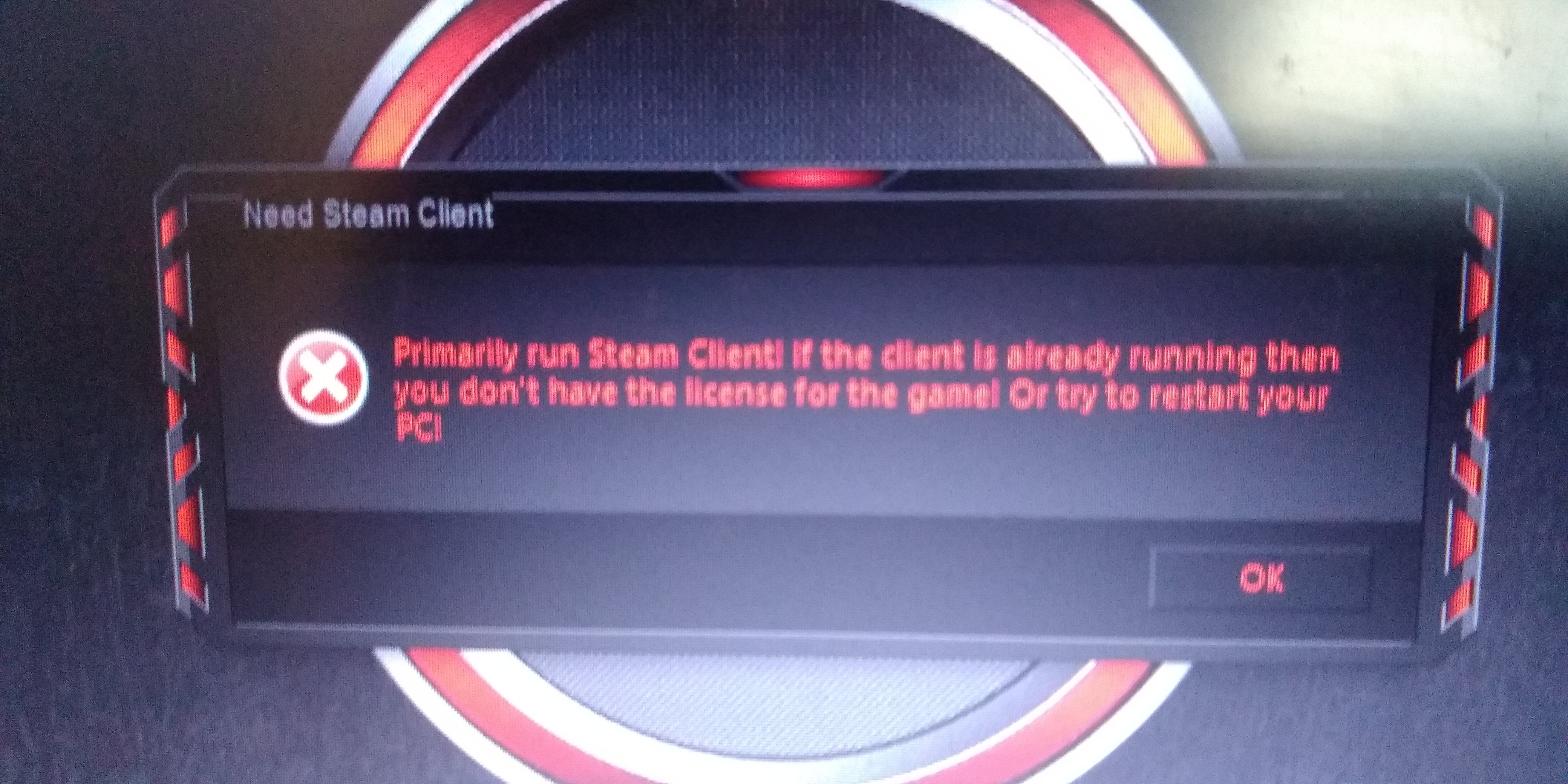
Any time I want to launch RDS official drift videogame I get this prompt “need steam client, primarily run steam client! If the client is already running then you don’t have the license for the game! Or try to restart your PC!
But I have restart it any times. Please I need help. https://uploads.disquscdn.com/images/5a2e9261e249c2306b6f576573092fd4430cb118f0ea6a9c3378a62e39cf94fd.jpg -
#128 written by pradap joy 6 years ago
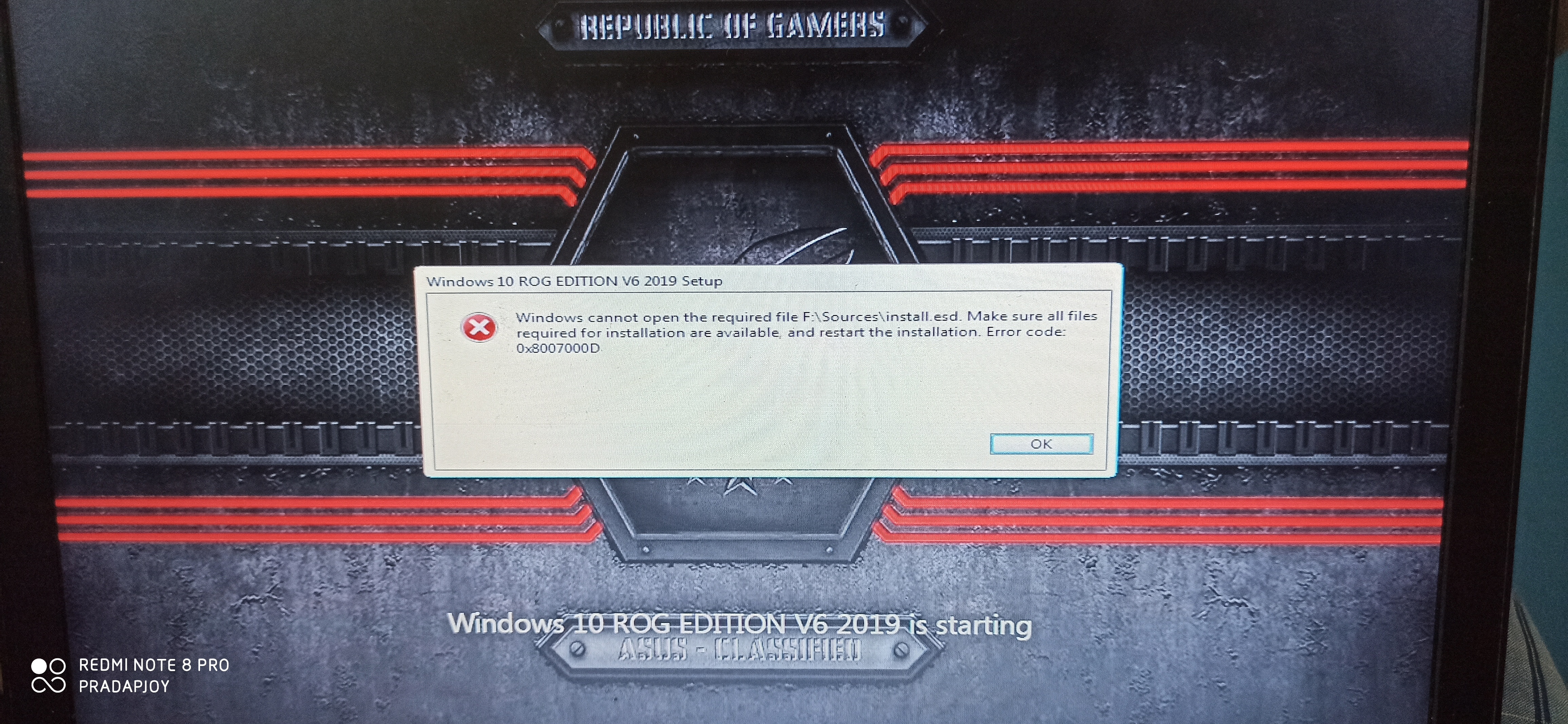
Not install my laptop plz reply admin https://uploads.disquscdn.com/images/45010ed5b50bd93a937f23f9c1dab95bdea7cfc0360a19fad428d9eaeda8b406.jpg
-
#130 written by Rohit Huidrom 6 years ago
-
-
-
#138 written by Sameer Ali Ansari 6 years ago
-
-
#140 written by Sameer Ali Ansari 6 years ago
-
-
-
-
#144 written by Carlos ElCarlos 6 years ago
Thank you for this gem, its excellent.
I am having a small problem I can not figure out. I have installed anti virus ans windows is constantly alerting me that I have no antivirus turned on? I can open my anti virus and everything looks fine, I can also check in settings on windows and it says anti virus is on. How can I turn off or stop this alert?
-
#146 written by Mahbub Alam 6 years ago
-
#148 written by Ravi Teja 6 years ago
-
#150 written by TAMIL Nk 6 years ago
-
-
-
#164 written by SURINDER KUMAR 6 years ago
-
#166 written by karan keni 6 years ago
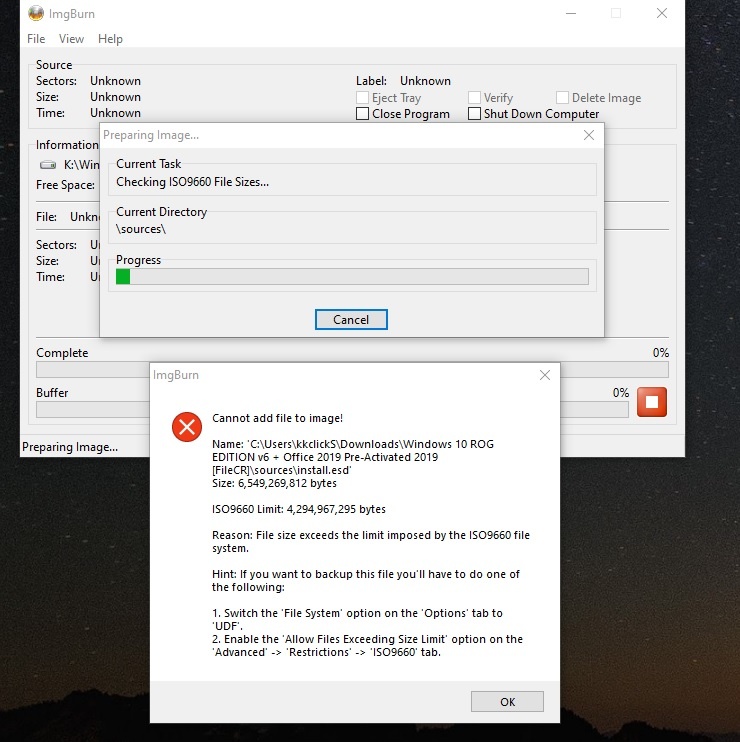
hello sir,,
i am download this file and extract.. i make it bootable file from imgburn..
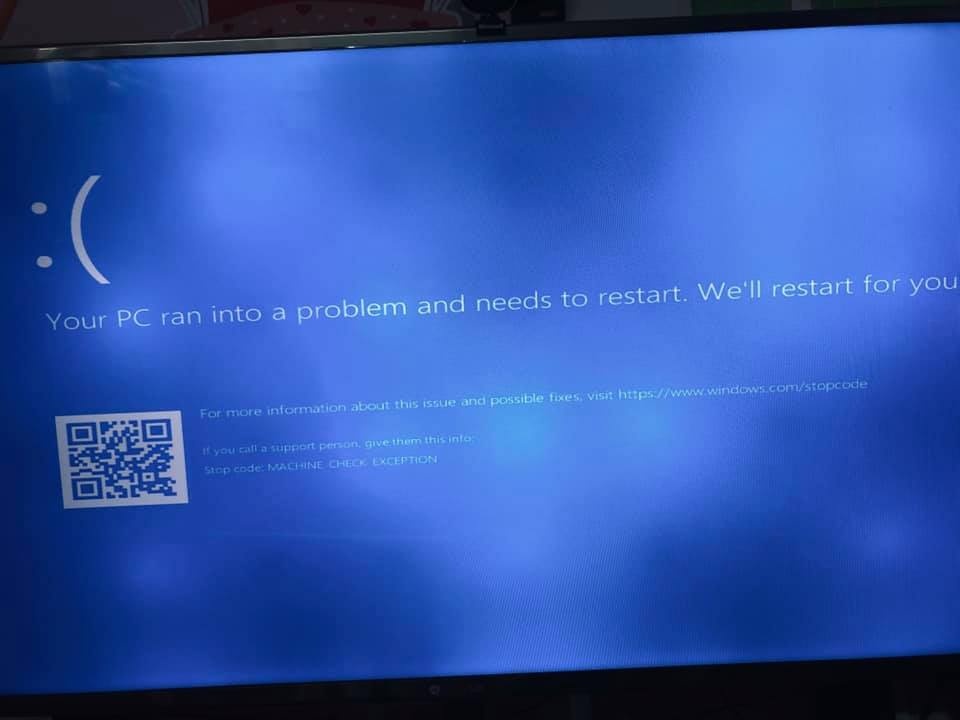
This kid of Error.
Need Help me… ASAP.. https://uploads.disquscdn.com/images/44594eb35bea66f33c1109b4ef43d8a0483ebb009330ceeaefe59e6810b3dd5c.jpg -
#173 written by Faizan Jafri 6 years ago
-
#174 written by Murad Abululla 6 years ago
-
-
#184 written by Murad Abululla 6 years ago
for activation https://www.youtube.com/watch?v=16bm9mxOkx8&feature=youtu.be
and for office:https://www.youtube.com/watch?v=Wg5_qfzjZCI
thank me later /(:/ -
-
-
-
#193 written by Yogenthiran Ganesan 6 years ago
-
-
-
#197 written by Basil Benny 6 years ago
It could be due to many reasons.
1) Your hard disk is very old and it is not having a good write speed.
2)Your RAM capacity is too low.
3)Your CPU is not powerful enough.Here is one thing you can try.
Try enabling fast boot in your system bios.
Try diabling startup items in the task manager.
Hope it helps.
Thank you.
-
-
-
#201 written by Shola Daniel 6 years ago
-
-
#206 written by Christopher Mapoy 6 years ago
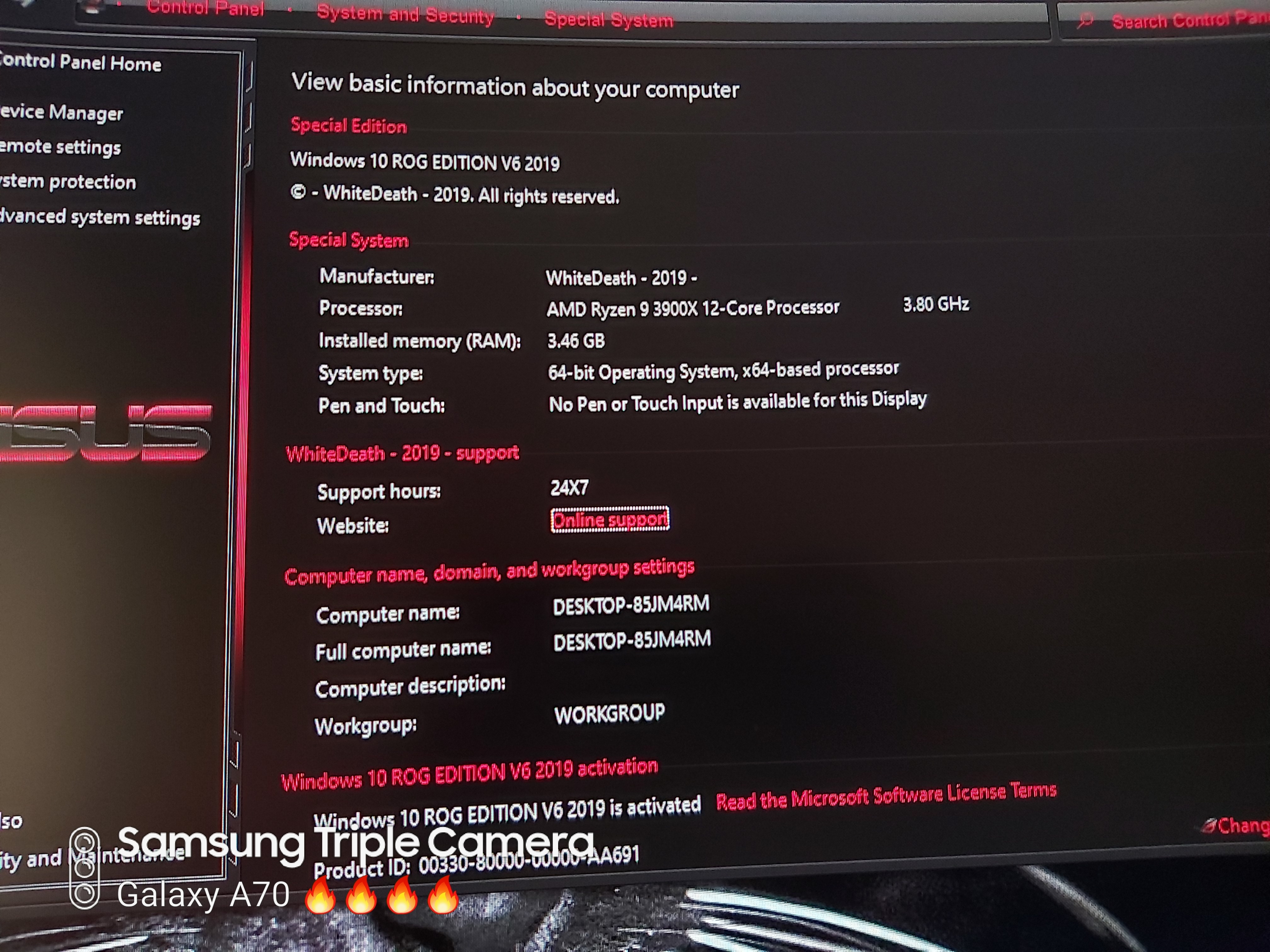
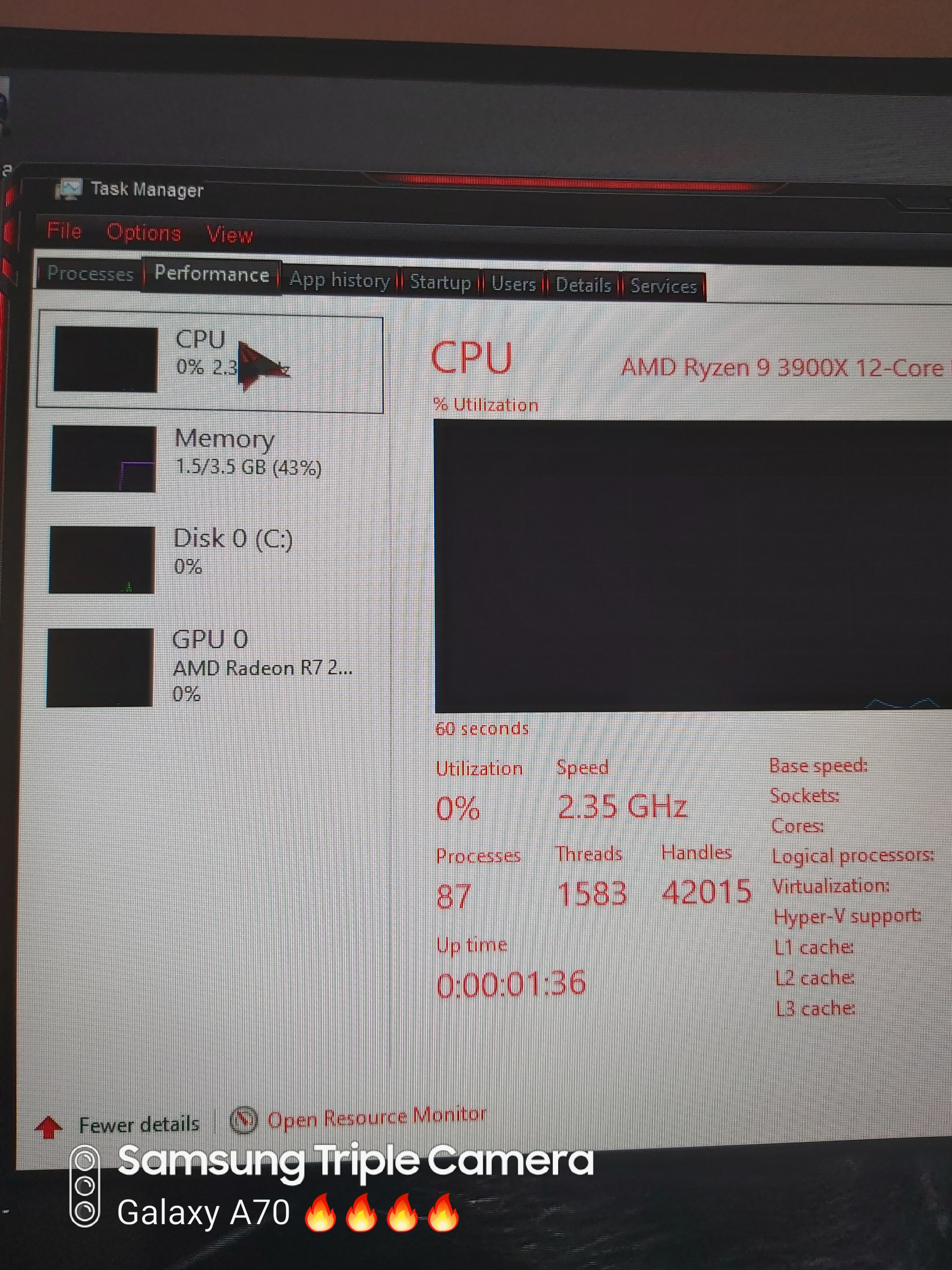
Why this OS is reading my RAM as 4 GB only? It is 16 GB (actual size) https://uploads.disquscdn.com/images/cad32b6917be73e0b36f69ace3ae400c86fb0c41726b2db995d5433c0038cd84.jpg
https://uploads.disquscdn.com/images/5070a758edec3bdc707422acccf57d0e157b4f44b109c8ac3e6a4dfde022d18d.jpg -
#207 written by Christopher Mapoy 6 years ago
https://uploads.disquscdn.com/images/e1a6864b64741fd18c9efd4593c4076501687bb510c477c6802c06eb59b9e691.jpg
This is my actual RAM size. It’s 16 GB. Why the Windows 10 ROG system reads 4 GB only? -
#212 written by Justine Utuh Wee 6 years ago
-
#213 written by Anh h 6 years ago
download rufus new version then exe.
https://rufus.ie/
-
-
#215 written by Melecio Agbayani Calaramo Jr. 6 years ago
-
-
-
#223 written by Jason 6 years ago
-
-
-
#226 written by Katlego Mmola 6 years ago
-
#227 written by vitu han 6 years ago
-
#230 written by Rhon Yamashita 6 years ago
-
#231 written by Bharanitharan Saravanan 6 years ago
Install windows usb tool https://download.gigabyte.com/FileList/Utility/mb_utility_windowsimagetool_B18.0213.1.zip
And Run the above tool after extracting to the pendrive
-
-
#232 written by Manohar Timmapur 6 years ago
https://uploads.disquscdn.com/images/bc122c166eef5eaf4890eb40eac94f82603314a4e73d32e8da0243159df85928.jpg
I have this issue of not full screen and a gap left below plz help anyone -
#235 written by Ahmad Raza Randhawa 6 years ago
-
#240 written by athumani shabani 6 years ago
-
#243 written by Patrik Heim 6 years ago
-
#244 written by Gwynfryd consul 6 years ago
-
#245 written by Akshat kumar 6 years ago
This will help you https://www.youtube.com/watch?v=LmfM1_mfe-k
-
-
-
#249 written by Josh 6 years ago
When i search power option at this os why im getting this can you explain why? https://uploads.disquscdn.com/images/298a8c9c6e66b52d3eaecb6fc6dbe12274705609e7086778f89f14d5dd18cbf4.png
-
#250 written by Nano TV 6 years ago
-
-
#254 written by Wissam Charles Abi Zeid 5 years ago
-
-
-
#260 written by vishwajeet sharma 5 years ago
74% after installing error.. please help me admin. https://uploads.disquscdn.com/images/0a6283bfd8a7969bfcf9646d1df2f5d45788d4d5d6b94b3855827190d01dd61a.jpg
-
-
-
#267 written by Ima Fixer C# 5 years ago
-
#269 written by Corey Rrmk 4 years ago
-
-
- Comment Feed for this Post


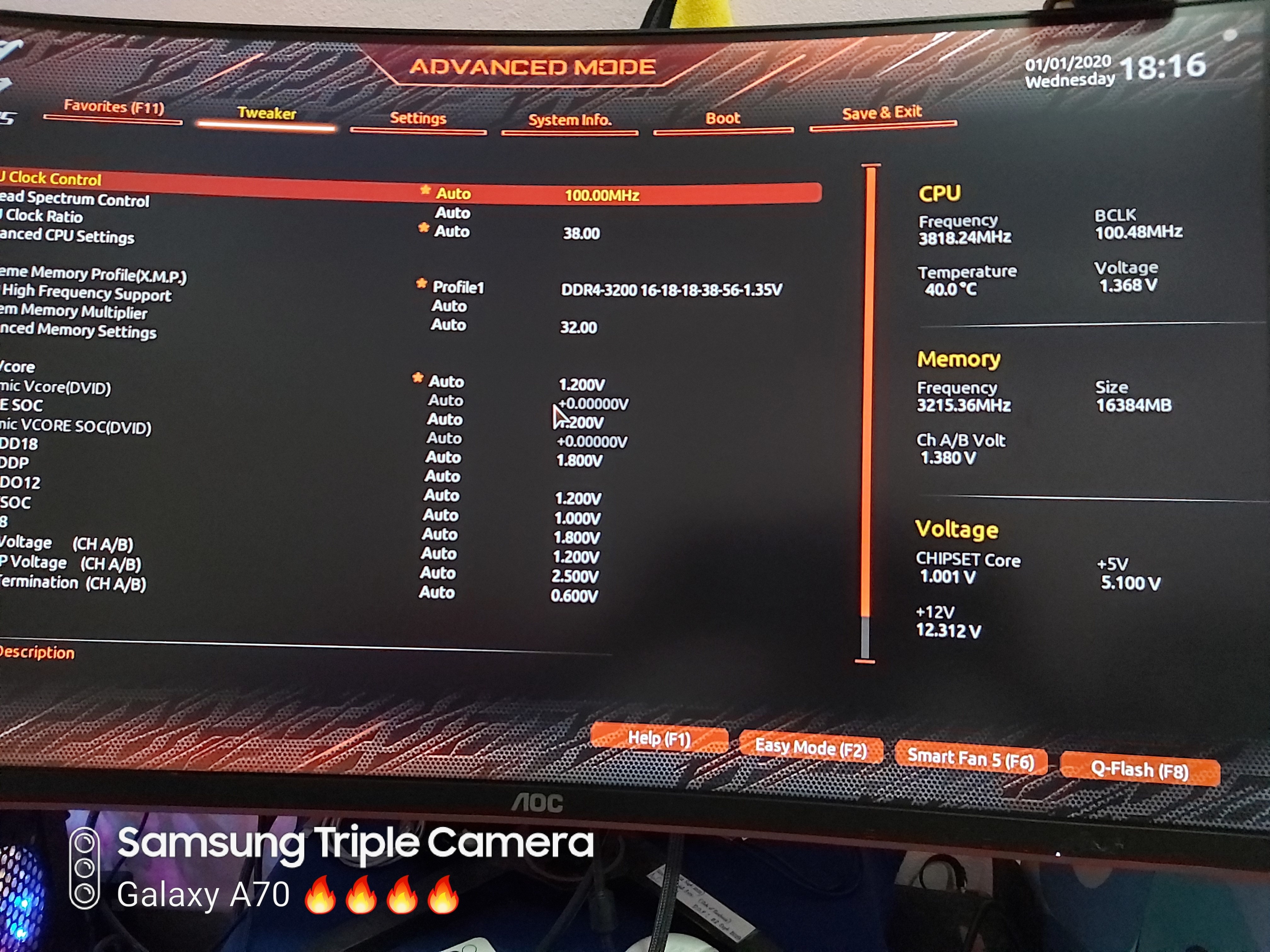
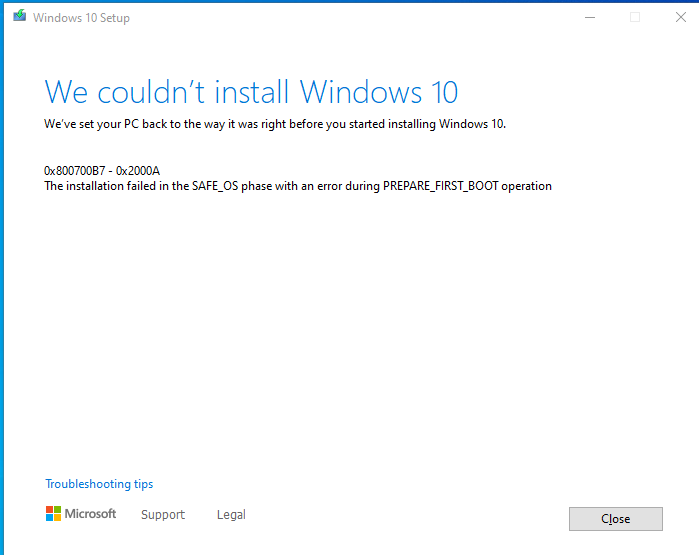

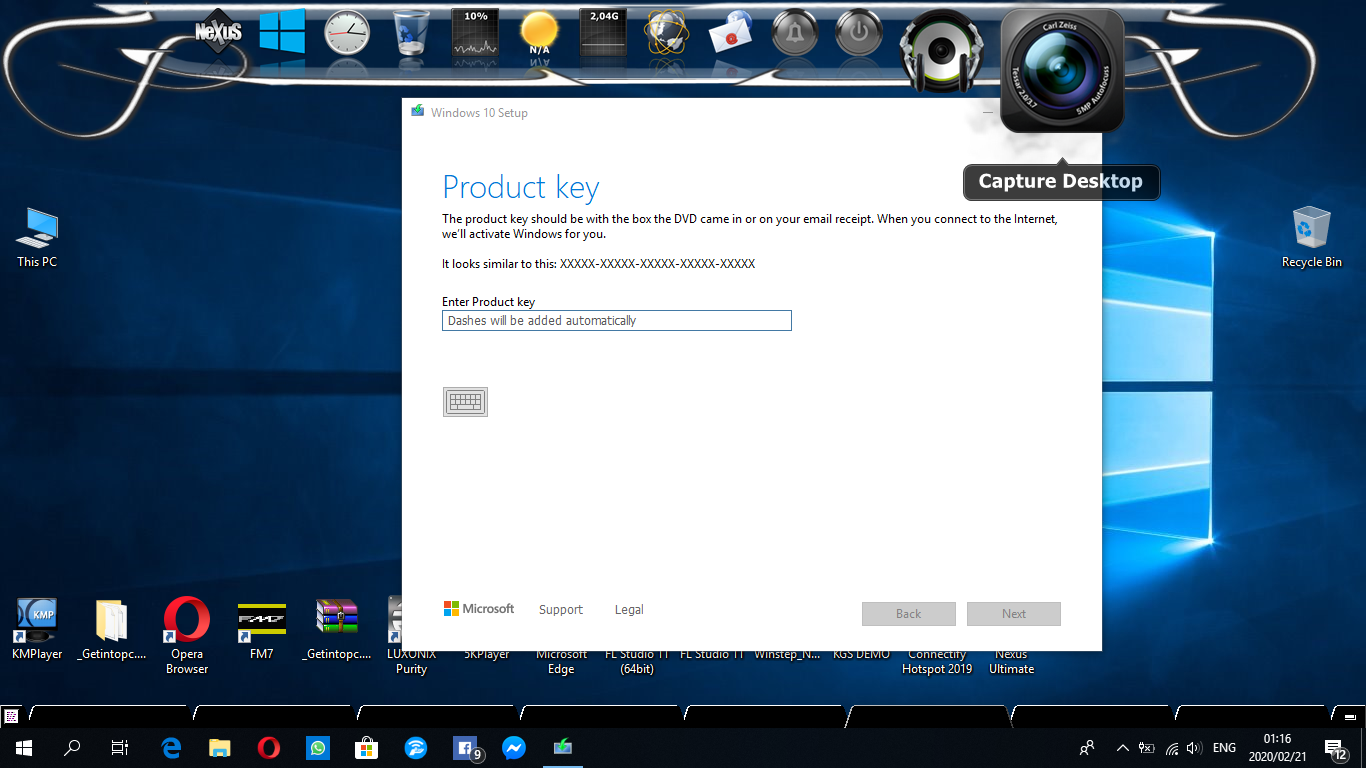
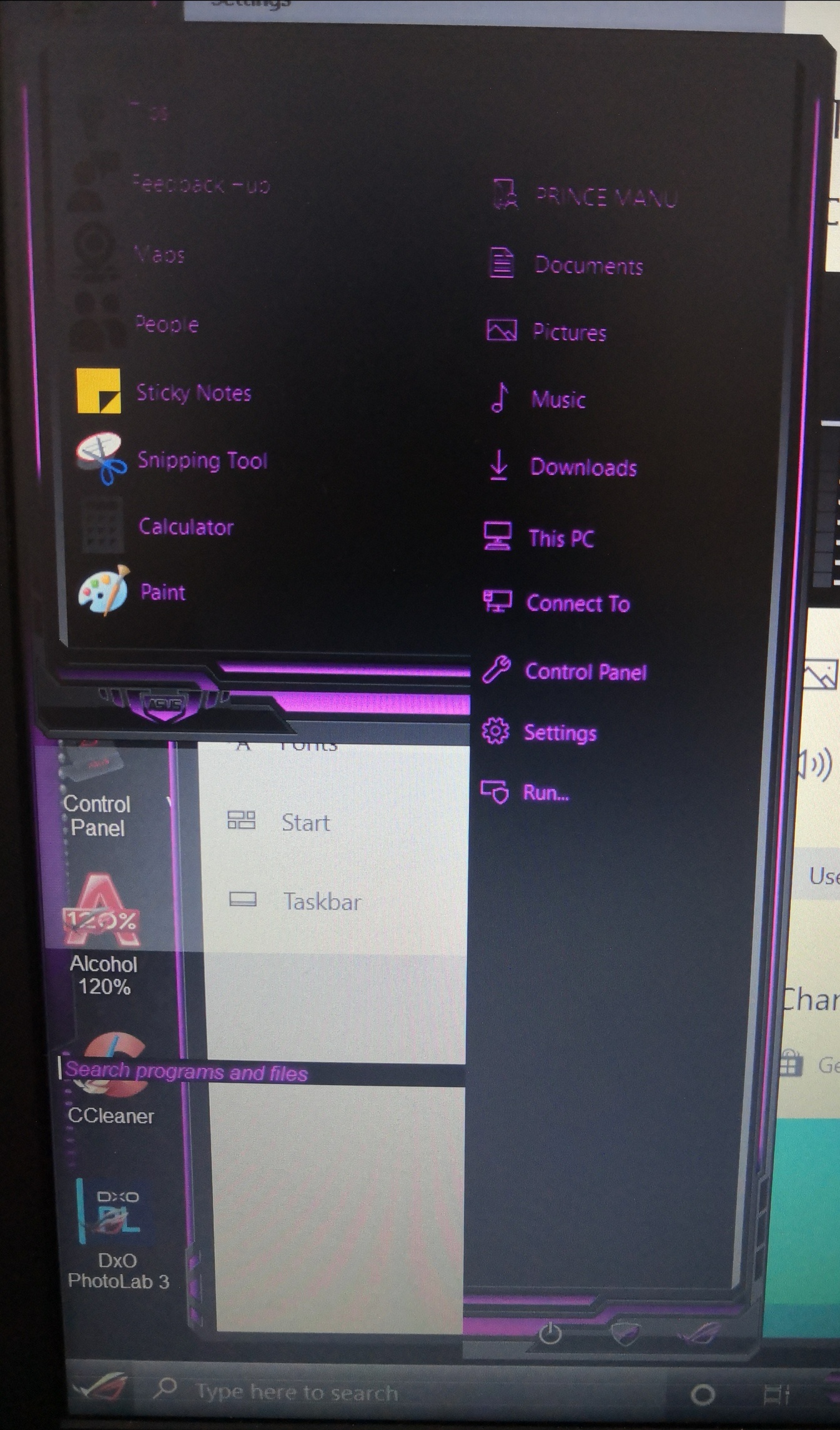
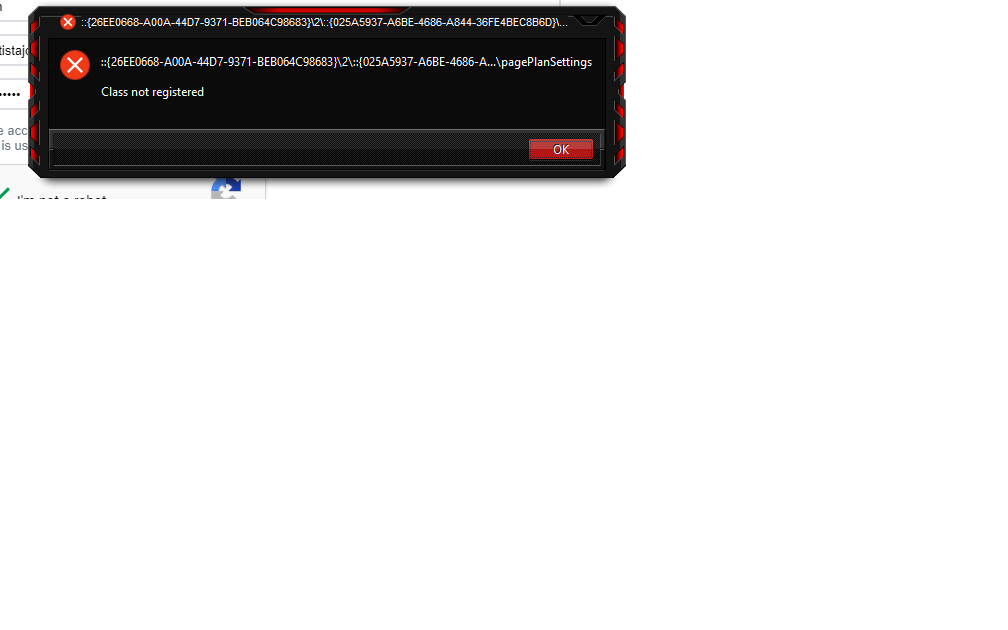
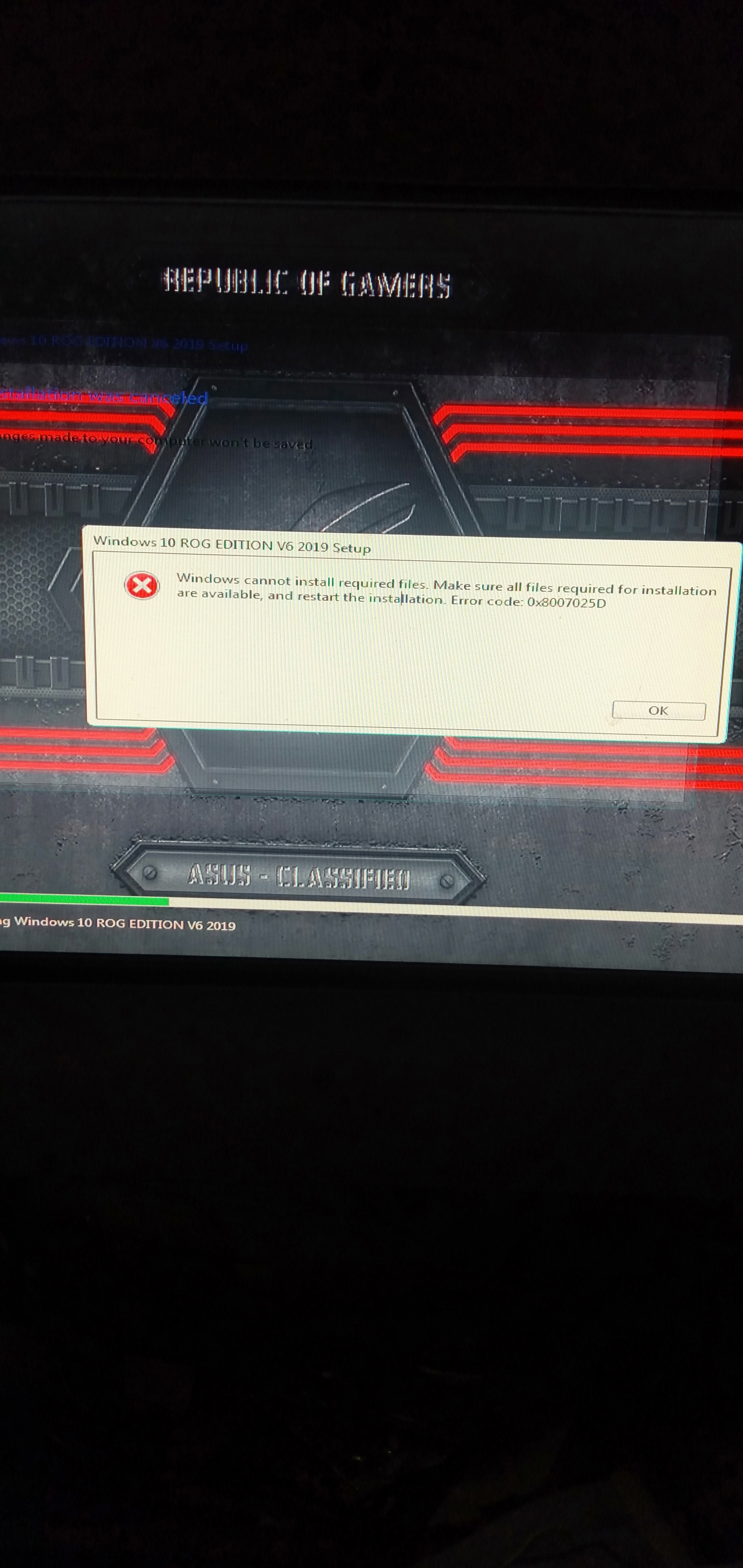
I have Amd Ryzen 5 2500u
with 8 gb of ram
will it run smmothly
rEPLY ASAP PLEASE!!!