Home » Softwares » Operating Systems » Windows 10 Gamer Elegant Edition 2019 Free Download
Windows 10 Gamer Elegant Edition 2019 Free Download
Windows 10 Gamer Elegant Edition 2019 Free Download Latest OEM RTM version. Full Bootable ISO Image of Windows 10 Gamer Elegant Edition 2019.
Windows 10 Gamer Elegant Edition 2019 Overview
Microsoft introduced the Windows Operating System in the od 80s and since then it has become one of the most widely used operating system all over the world. Windows 10 has enhanced the user experience greatly plus it has emphasized greatly on the security and stability. Windows 10 has come up in many editions and Windows 10 Gamer Elegant Edition 2019 is one of them which is created especially for the gamers. You can also download Windows 10 Gamer Edition 2018.

With Windows 10 Gamer Elegant Edition 2019 you can experience super fast performance and high frame rates in different games. In this edition there are some changes like the Superfech is gone which is a plus for SSD and Gaming. Action Center is also removed and the clock has also been removed. There are 10 different themes that have been added in this edition. You can also download Windows 10 Gamer Edition Jan 2019.

Features of Windows 10 Gamer Elegant Edition 2019
Below are some noticeable features which you’ll experience after Windows 10 Gamer Elegant Edition 2019 free download.
- Enhanced user experience.
- Great emphasis has been made on security and stability.
- Can experience super fast performance and high frame rate in different games.
- Superfech is gone which is plus for SSD and Gaming.
- Action Center has also been removed.
- Clock has also been removed.
- 10 different themes have been added in this edition.
Windows 10 Gamer Elegant Edition 2019 Technical Setup Details
- Software Full Name: Windows 10 Gamer Elegant Edition 2019
- Setup File Name: MPB_Gamer_Elegant_Edition.iso
- Full Setup Size: 1.4 GB
- Setup Type: Offline Installer / Full Standalone Setup
- Compatibility Architecture: 32 Bit (x86) / 64 Bit (x64)
- Latest Version Release Added On: 29th Apr 2019
- Developers: Windows
System Requirements For Windows 10 Gamer Elegant Edition 2019
Before you start Windows 10 Gamer Elegant Edition 2019 free download, make sure your PC meets minimum system requirements.
- Memory (RAM): 1 GB of RAM required.
- Hard Disk Space: 1.5 GB of free space required.
- Processor: Intel Dual Core processor or later.
Windows 10 Gamer Elegant Edition 2019 Free Download
Click on below button to start Windows 10 Gamer Elegant Edition 2019 Free Download. This is complete offline installer and standalone setup for Windows 10 Gamer Elegant Edition 2019. This would be compatible with both 32 bit and 64 bit windows.
Related posts:
This Post was Last Updated On: September 14, 2023
- #8 written by Sameh Samir 6 years ago
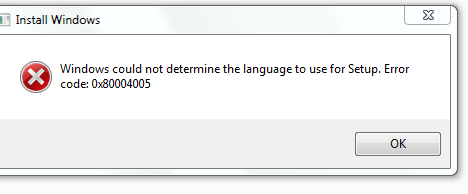
help me plz how can i fix it ?
https://uploads.disquscdn.com/images/c4f9ce18b7588c4dbbb12654b7dc64fa05e99ce283047572a77c89d774b48908.png - #11 written by Richard Martin 6 years ago
NO Image available. With windows 10 lite v11. No anti malware, no security, no windows defender, no smartscreen using Rufus latest edition. NOTHING standing in the way. Would be great if an image was available. Also tried with windows 10 pro, home and enterprise with the same settings. Please check the files. Thank you
- #12 written by Jomar Magnanao 6 years ago
- #15 written by JomarieNshey Tabaldo 6 years ago
- #18 written by 크리스 타망 6 years ago
- #23 written by Richard Martin 6 years ago
Sorry to come back. I have tried various versions of windows, turning off all microsoft built in security, malwar and firewall. Using latset edition of rufus in both NTFS and MBR formats, tried with slimed down windows, gaming versions of windows. Tried with windows home, pro, education and enterprise. NO IMAGE AVAILABLE!!! Tried different boot options in bios, nothing. How the heck do you install this thing, why no image despite all my attempts? I beg of you to respond I love your work and really want this on my pc…
- #24 written by Sufian Muhammad 6 years ago
- #27 written by shefoo Arafat 6 years ago
i have few questions please.
Does it allow downloading language pack in the setting or, is there a compatible version online i can download the language from and use lpksetup.exe to install .cab language pack manually. the light version 11 i’m using right now does not allow neither. i’ve been trying for 2 days to add a language. i’m not sure about what the featured comment means. does it imply if i chose at “keyboard input method” something not US it will let that language be available in keyboard after installation? Thank you Very much for everything you provide on the site ^^
- #28 written by shefoo Arafat 6 years ago
i have few questions please.
Does it allow downloading language pack in the setting or is there a compatible version online i can download the language from and use lpksetup.exe to install manually. the light version 11 i’m using right now does not allow neither i’ve been trying for 2 days to add a language. i do not understand the featured commend. i’m not looking for layout more of a language input itself. please just tell me
- #29 written by Renn Michael 6 years ago
- #34 written by Rashed Remon Campong 6 years ago
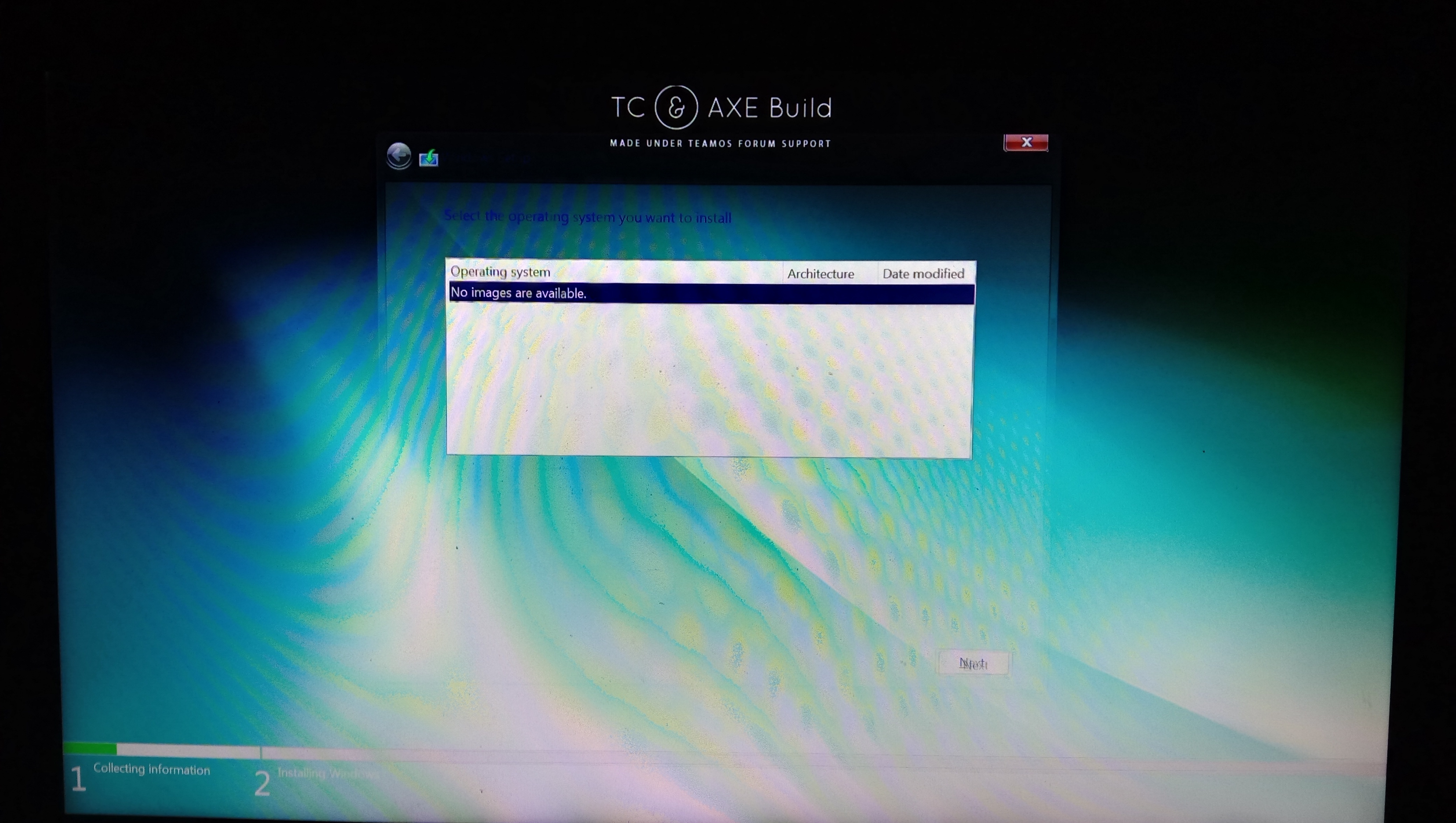
I need help admin, it displays like this when im about to install it. https://uploads.disquscdn.com/images/46d28696d544267862cb4275a5493c15a57e5ecaf3d44d4334a65a8869fed124.jpg =
- #36 written by Abdullah SaL 6 years ago
Thank you for this effort.But why did you remove the language packs? Would it make performance poor? -_-
Even if you add a language before the system was installed, it will appear, but it will not be usable.
This site can be used to install a new language
https://keyman.com/keyboards
You can switch between languages by: windows button + space - #43 written by Vikor Máté 5 years ago
- Comment Feed for this Post


Admin, when I Ctrl+C amd Ctrl+V at OneDrive folder,,, it automatically set to Restart in next one minute