Download Free Your Desired App
Home » Softwares » Operating Systems » Windows 10 All in One 10in1 Updated Nov 2019 Download
Windows 10 All in One 10in1 Updated Nov 2019 Download
Windows 10 All in One 10in1 Updated Nov 2019 Download Latest OEM RTM version. Full Bootable ISO Image of Windows 10 All in One 10in1 Updated.
Windows 10 All in One 10in1 Updated Nov 2019 Overview
Windows 10 is probably the most famous and most widely used operating system that has been developed by Microsoft. Windows OS was introduced more than 3 decades ago and since then it has become an instant hit. The main reason behind it’s popularity was it’s simplicity and stability. You can also download Windows 10 All in One Updated Sep 2019.

Windows 10 All in One 10in1 Updated Nov 2019 has got lots of desktop improvements plus it has been equipped with .NET Framework 3.5 and 4.8. It has also been equipped with Diagnostics and Recovery Toolset 10.0. The security has also been enhanced greatly as it has got lots of Defender updates. You can also download Windows 10 All in One RS6 1903 May 2019.
[ CONTENTS ]
- Integrated / Pre-installed:
- .NET Framework 3.5
- Servicing Stack Update:
- KB4524569
CumulativeUpdate:
- KB4524570
- Cumulative Update for
- .NET Framework 3.5 and 4.8:
- KB4522741
Flash Player Security Update:
- KB4516115 SetupComplete / Post-install:
- Defender Updates
- LANGUAGE: ENGLISH US
* CRC32: 6f4fec54
* MD5 : 52f8121ce63eb649d02a35d876a7a2
* SHA-1: 025ba0aadc7107450b70a2d5ae7b22
[ EDITIONS INCLUDED ]
- Windows 10 Home – – – – STD / DLA / OEM
- Windows 10 Pro – – – – – – STD / DLA / OEM
- Windows 10 Education – STD / DLA
- Windows 10 Enterprise – STD / DLA
- STD = Standard installation – For those with own License Key
- DLA = Digital License Activation (HWID)
- OEM – Will automatically activate if installing same version on original equipment
[ FEATURES ]
- UEFI-ready
- (Use attached Rufus USB-tool to make UEFI-bootable)
- Diagnostics and Recovery Toolset 10.0 (Microsoft DaRT)
- install.wim compressed to recovery format (install.esd)
Screenshots:


Features of Windows 10 All in One 10in1 Updated Nov 2019
Below are some noticeable features which you’ll experience after Windows 10 All in One 10in1 Updated Nov 2019 free download.
- Most widely used operating system that has been developed by Microsoft.
- Simple and stable operating system.
- Got lots of desktop improvements.
- Equipped with .NET Framework 3.5 and 4.8.
- Equipped with Diagnostics and Recovery Toolset 10.0.
- Got lots of Defender updates.
Windows 10 All in One 10in1 Updated Nov 2019 Technical Setup Details
- Software Full Name: Windows 10 All in One 10in1 Updated Nov 2019
- Setup File Name: WIN10X64.10in1.NOV_2019.ISO
- Full Setup Size: 5.3 GB
- Setup Type: Offline Installer / Full Standalone Setup
- Compatibility Architecture: 64 Bit (x64)
- Latest Version Release Added On: 27th Nov 2019
- Developers: Windows
System Requirements For Windows 10 All in One 10in1 Updated Nov 2019
Before you start Windows 10 All in One 10in1 Updated Nov 2019 free download, make sure your PC meets minimum system requirements.
- Memory (RAM): 1 GB of RAM required.
- Hard Disk Space: 16 GB of free space required.
- Processor: 1 GHz Intel Pentium processor or later.
Windows 10 All in One 10in1 Updated Nov 2019 Free Download
Click on below button to start Windows 10 All in One 10in1 Updated Nov 2019 Free Download. This is complete offline installer and standalone setup for Windows 10 All in One 10in1 Updated Nov 2019. This would be compatible with both 32 bit and 64 bit windows.
Related posts:
This Post was Last Updated On: September 14, 2023
-
-
#3 written by Nikhil Kumar 6 years ago
-
-
#10 written by Sandel Ben 6 years ago
-
Yes. here is the official original one
https://getintopc.com/softwares/operating-systems/windows-7-ultimate-download-iso-32-bit-64-bit-official-free-1691716/
-
-
-
-
-
#21 written by shahanoor shaikh 6 years ago
-
-
-
#25 written by Manny Kumar 6 years ago
-
-
#28 written by somone 6 years ago
-
#29 written by shahanoor shaikh 6 years ago
No. If you want Office Included then Go for this one https://getintopc.com/softwares/operating-systems/windows-10-pro-incl-office-2019-updated-nov-2019-download-1270255/
-
-
-
#31 written by shahanoor shaikh 6 years ago
-
-
-
-
-
#42 written by shahanoor shaikh 6 years ago
-
-
-
-
#48 written by bhakkar Sports&Games 6 years ago
-
#52 written by Ko Biet La Ai 6 years ago
-
-
-
#59 written by Aj Mods 6 years ago
-
#61 written by Saurav Yadav 6 years ago
-
#64 written by Innocent Nshimiyimana 6 years ago
-
#68 written by Aliny 6 years ago
-
-
#70 written by Aliny 6 years ago
I found activators , but cannot activate, however, i also found a website which can help us to activate windows with a problem , change version of windows. From pro i get enterprise, but whats the difference?
https://gearchunk.com/activate-windows-10/?unapproved=4374&moderation-hash=1c709780711402ff47a3694e93289a85#comment-4374
-
-
-
-
#74 written by moon moon 6 years ago
-
-
#76 written by moon moon 6 years ago
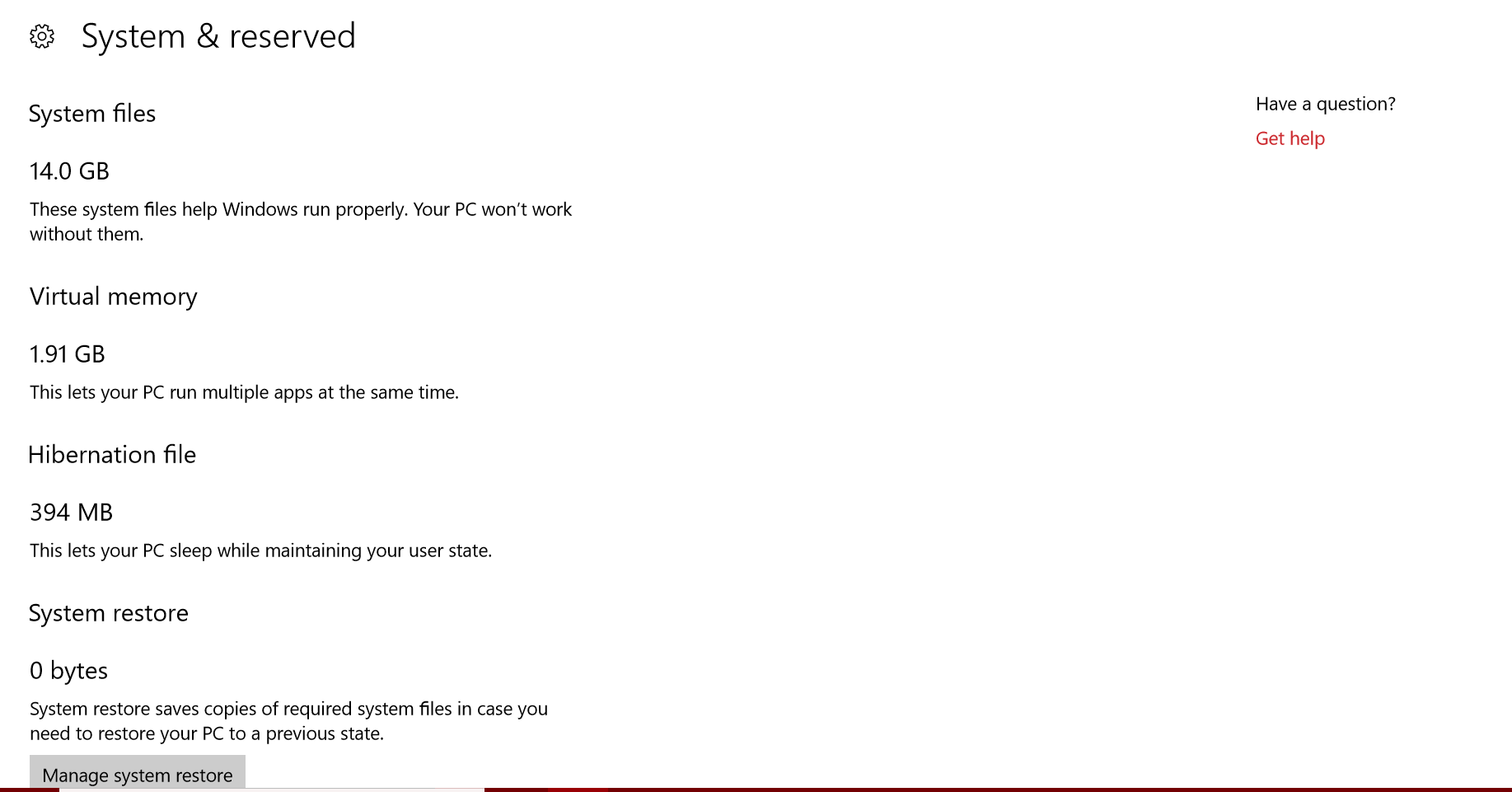
Reserved storage takes about 7 gb of disk space could you please check if it’s disabled in this win version?
And is reserved storage disabled in win 10 lite?
My pc has 32gb ssd therefore I want to know before i installing it…
I have version 1709 installed and it doesn’t have reserved storage but can’t go to 1909 because of reserved storage…. Taking 7 gb of space…
-
-
-
#78 written by Freaky boyz 6 years ago
-
#80 written by Sagar Shegokar 6 years ago
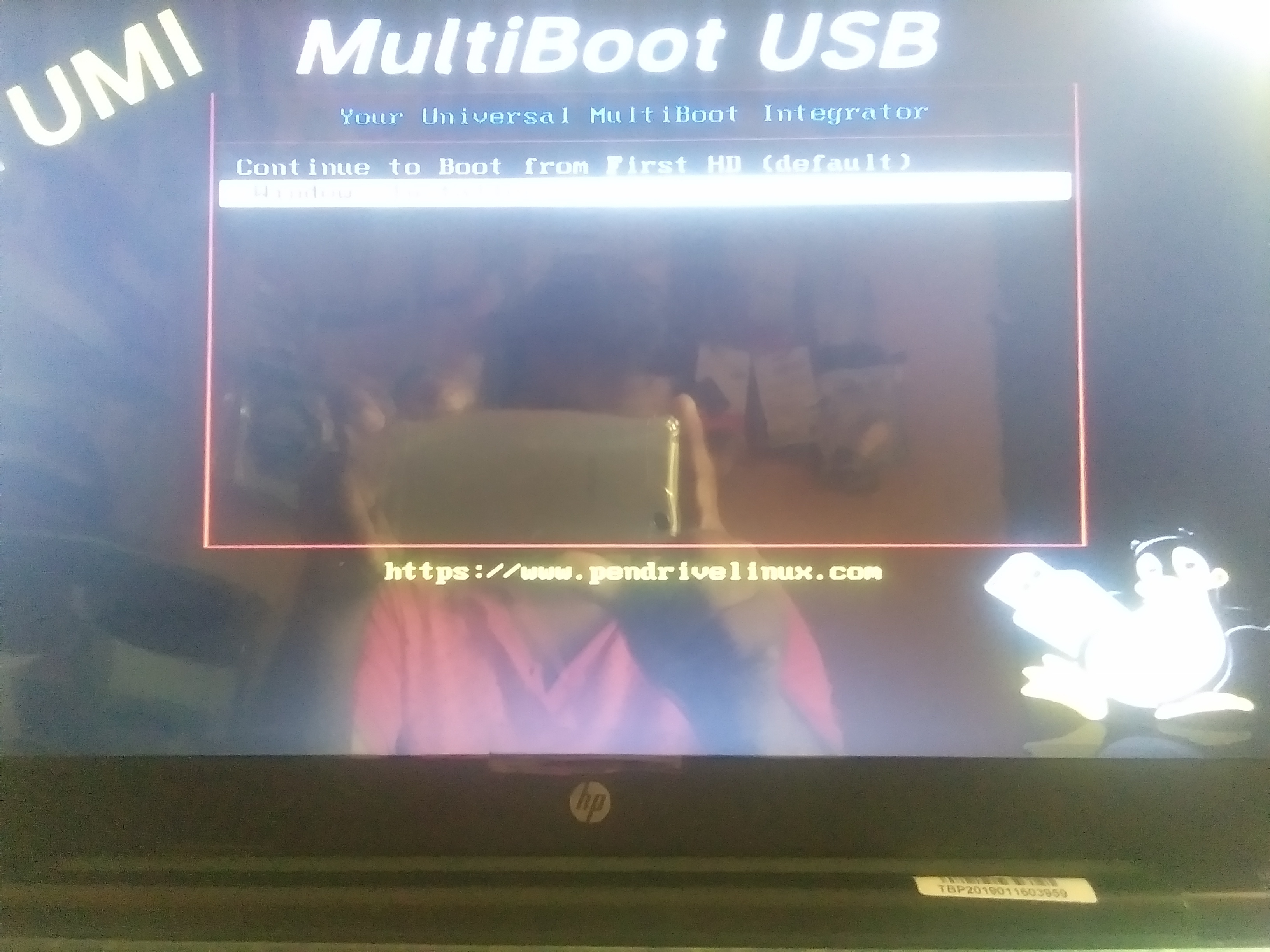
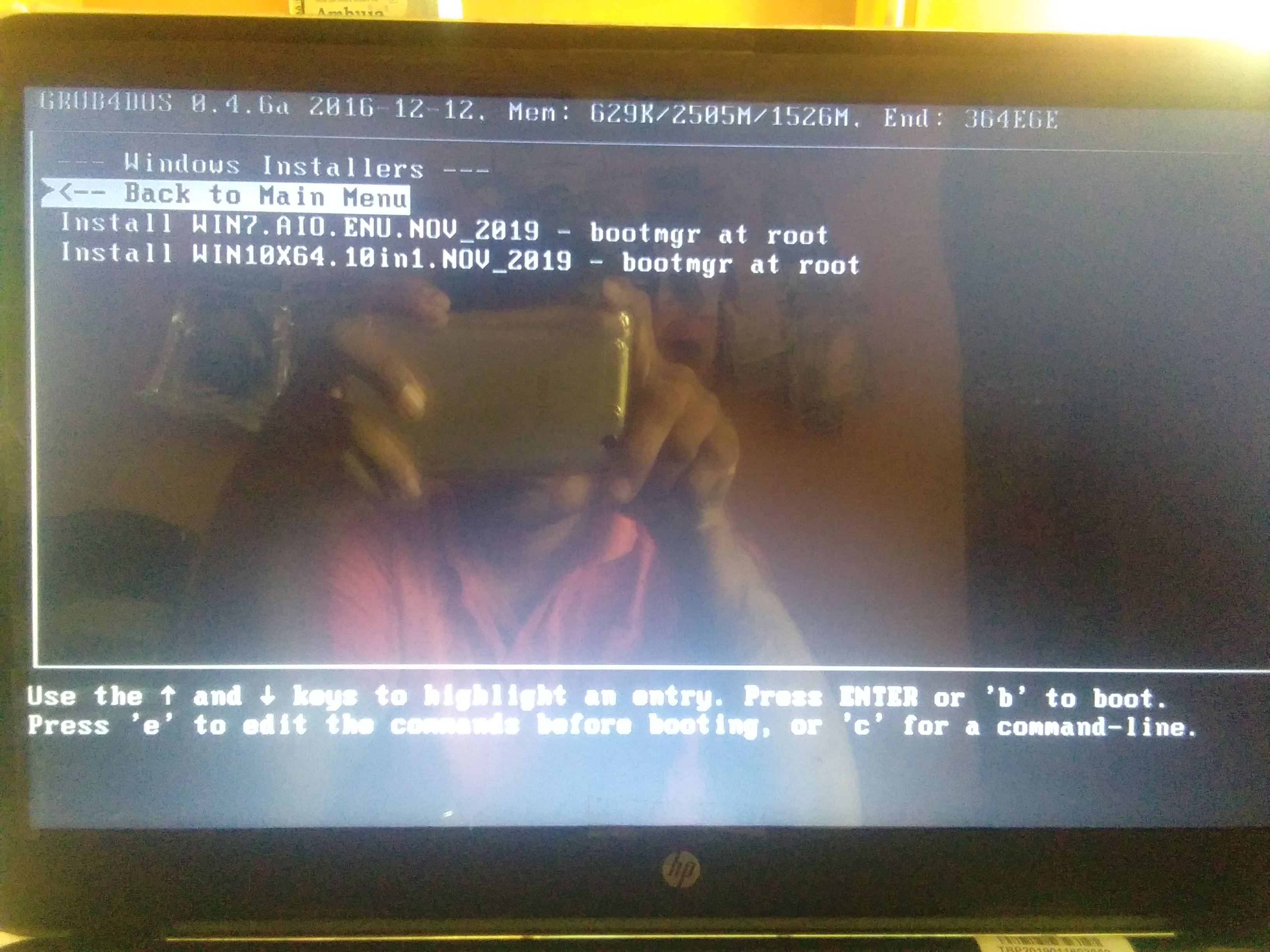
https://uploads.disquscdn.com/images/15fb9cee96ed4becafb8fc218c1347154b67057bf08226ba49f11bbbe00b02c8.jpg https://uploads.disquscdn.com/images/9e6aaa2e637feac8f9040ddaf34dffabee707c7ca8067d5d62f695e08e2de901.jpg https://uploads.disquscdn.com/images/3d45ea974fdedb57f6c1cc2c484ac9068cfc1409afb6fa72daad84d68cf9504f.jpg
pendrive 3.0 -
-
-
-
-
-
-
-
-
#102 written by Energy Weed 6 years ago
-
-
#106 written by Osayande Owie 6 years ago
-
-
#108 written by Osayande Owie 6 years ago
-
-
-
#110 written by Asaye Asfaw 6 years ago
-
-
-
-
#117 written by Akash 6 years ago
-
-
#119 written by Akash 6 years ago
but sir default option wont work, this things started happen when i cancle the usb booting option, sorry for my bad english. please sir help me. https://uploads.disquscdn.com/images/80989712798575b88b47a847b1ccad518b09bee02fc0591ee3cc43fa3a58018a.png
-
-
#123 written by Akash 6 years ago
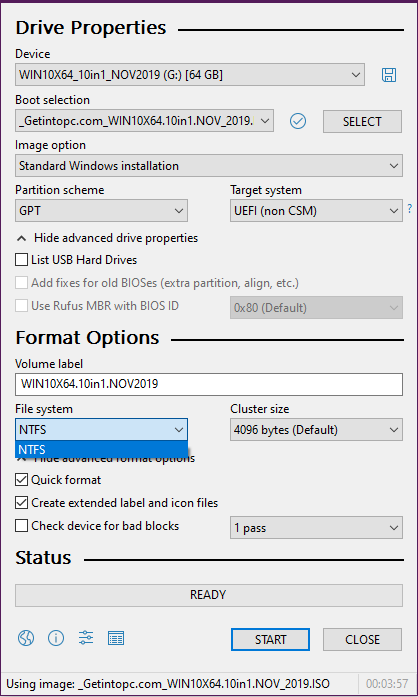
https://uploads.disquscdn.com/images/80989712798575b88b47a847b1ccad518b09bee02fc0591ee3cc43fa3a58018a.png SIr why there was no FAT32 option, i wont let my new ssd setup for this. i need help
-
-
-
#124 written by Waqar Ahmed Ghauri 6 years ago
-
-
#129 written by Tauheed Saeed 6 years ago
-
-
#132 written by KilliNG MachInE 6 years ago
-
#134 written by Pabsy Apps 6 years ago
-
-
-
-
#145 written by Challum Jay Manceras 6 years ago
-
-
-
-
-
#156 written by Tramline 6 years ago
It also depends on USB drive speed. If you have USB 2.0 drive, it might be slow. If you have USB 3.0 drive, it should be fast. Make sure you also put your USB drive into the blue port if you have any (blue port is usb 3.0). Also, if you install on SSD, it will be fast. I recommend you get SSD. They are cheaper these days.
-
-
#160 written by Syed Ateeq Hussain 6 years ago
-
#167 written by Faizan Jafri 6 years ago
-
#170 written by kamal ks 6 years ago
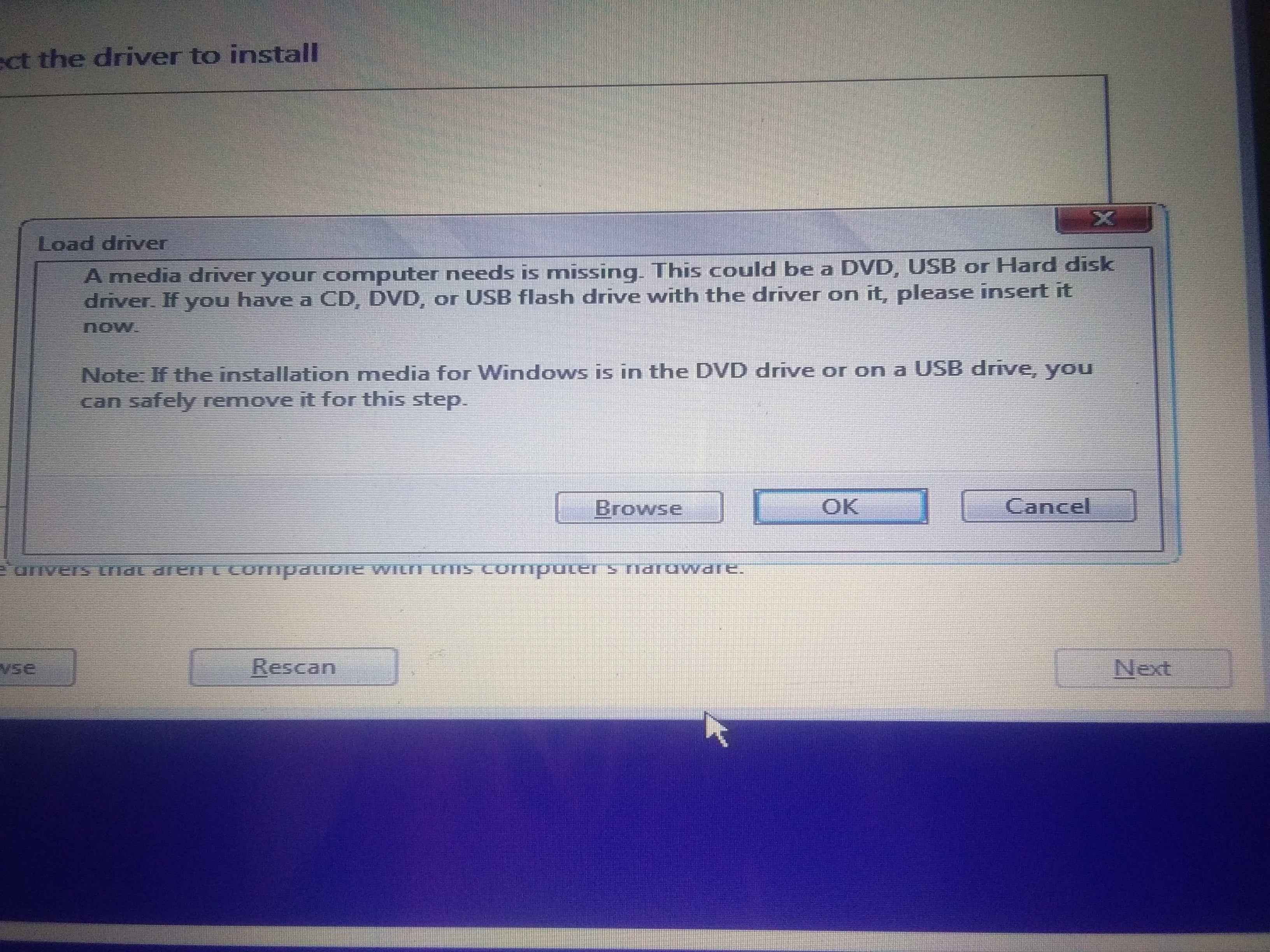
https://uploads.disquscdn.com/images/eb17f47046e432e76524cb895e8676637e38f258ec887d9d2f0e3ed6c5a5d64e.jpg got this information box while installing. How to sort out this and how to install windows 10
-
#174 written by Kenny 6 years ago
-
#178 written by TOPIC MIX HARYANA 6 years ago
-
#180 written by ravi ranjan kumar 6 years ago
-
-
#184 written by Richie Caballes Embahadora 6 years ago
-
#186 written by Richie Caballes Embahadora 6 years ago
-
#188 written by KilliNG MachInE 6 years ago
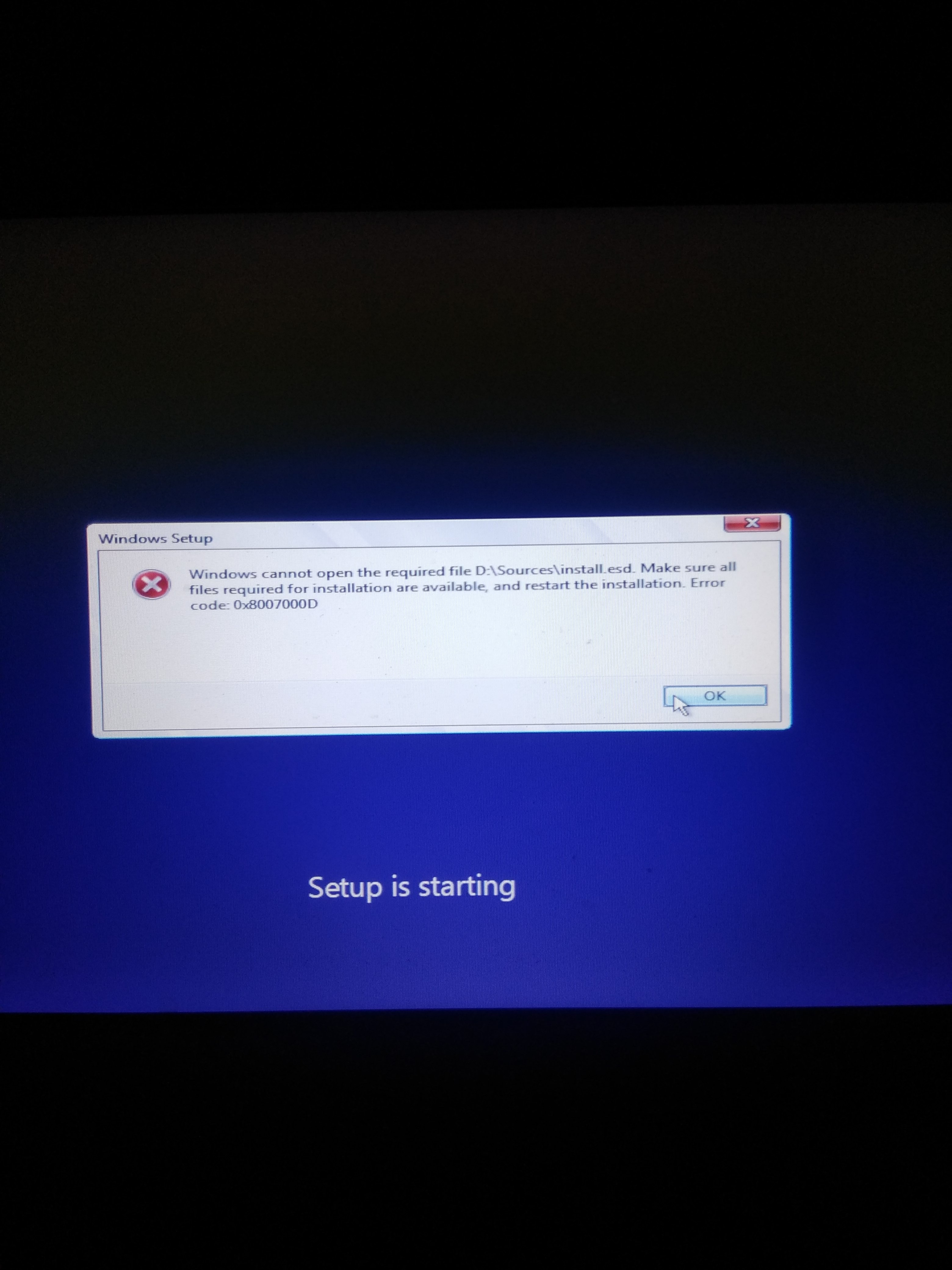
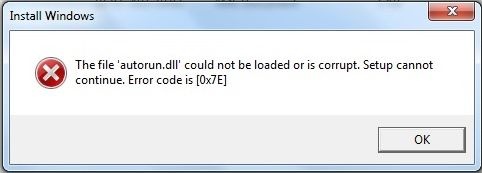
when i get to this part there’s this error https://uploads.disquscdn.com/images/ef4d70e929acb4a66153c6ebb667c7be0aaeefa42e5abef3edc720f6c2ea935d.jpg
-
#190 written by Prateek saxena 6 years ago
-
#192 written by Damilola 6 years ago
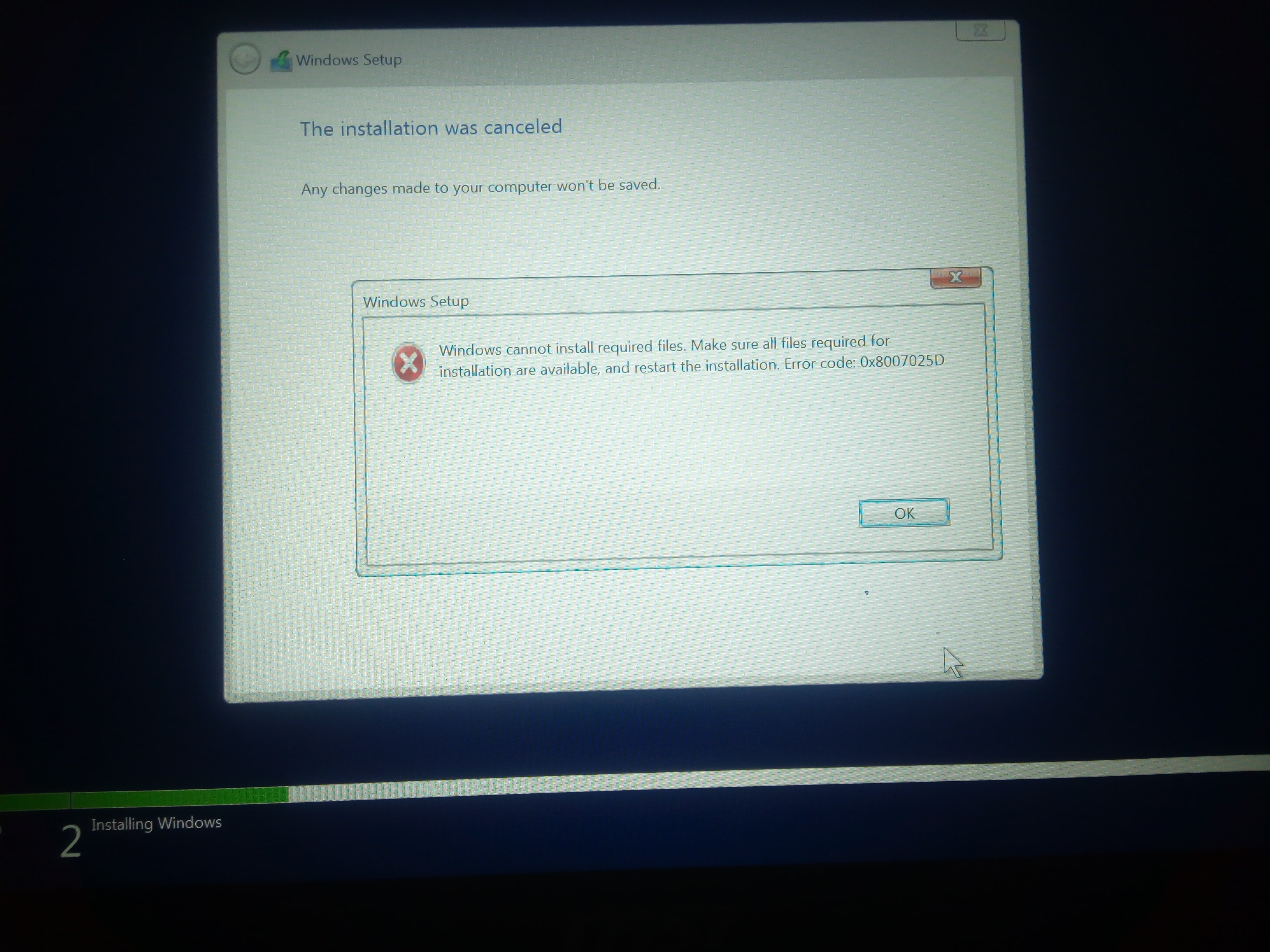
I’m getting an error (error code: 0x8007025D) during installation. What could be the problem? https://uploads.disquscdn.com/images/137e6efe5e663ca9d8a5e7cbd2b129353ab3460c7e4de18df48ff299907186be.jpg
-
#193 written by Tramline 6 years ago
Make sure the ISO was flashed to the USB drive properly.
You can also look at this article: http://www.errorlive.com/error-code-0x8007025d
-
-
#195 written by ラハガワ エレデネ 6 years ago
-
-
#197 written by ラハガワ エレデネ 6 years ago
Hey bro! I just tried. But still not working. Please help me 🙁https://uploads.disquscdn.com/images/55153406a6742416c840024014aacc107961c44b5af19c83d8abfa05ad98e6d4.png
-
-
-
#199 written by mener kk 6 years ago
-
#200 written by disqus_6tWm8FFJx6 6 years ago
Windows 10 1909 ISO
GoTo: https://www.microsoft.com/en-us/software-download/windows10
Download the “Download Tool” (From Microsoft)
Be sure to read the instructions on the web page on how to
download an ISO.
-
-
#201 written by Damilola 6 years ago
The file is a .rar file instead of .iso
When I extracted the rar file, I saw a lot of files and not a single iso file. This is different from what I saw in the video. I decided to use the rar file in Rufus.
During installation, I got the error as in the screenshot in my previous comment. I feel like I just wasted my data and time downloading this file.
Admin, work on this issue or throw more light on why the file is a rar file and not iso.
Or am I to rename the file from .rar to .iso?
-
#202 written by Mohammed Islam 6 years ago
-
#204 written by Tushar Kumar 6 years ago
Hey Admin, I am big fan of this website !!!
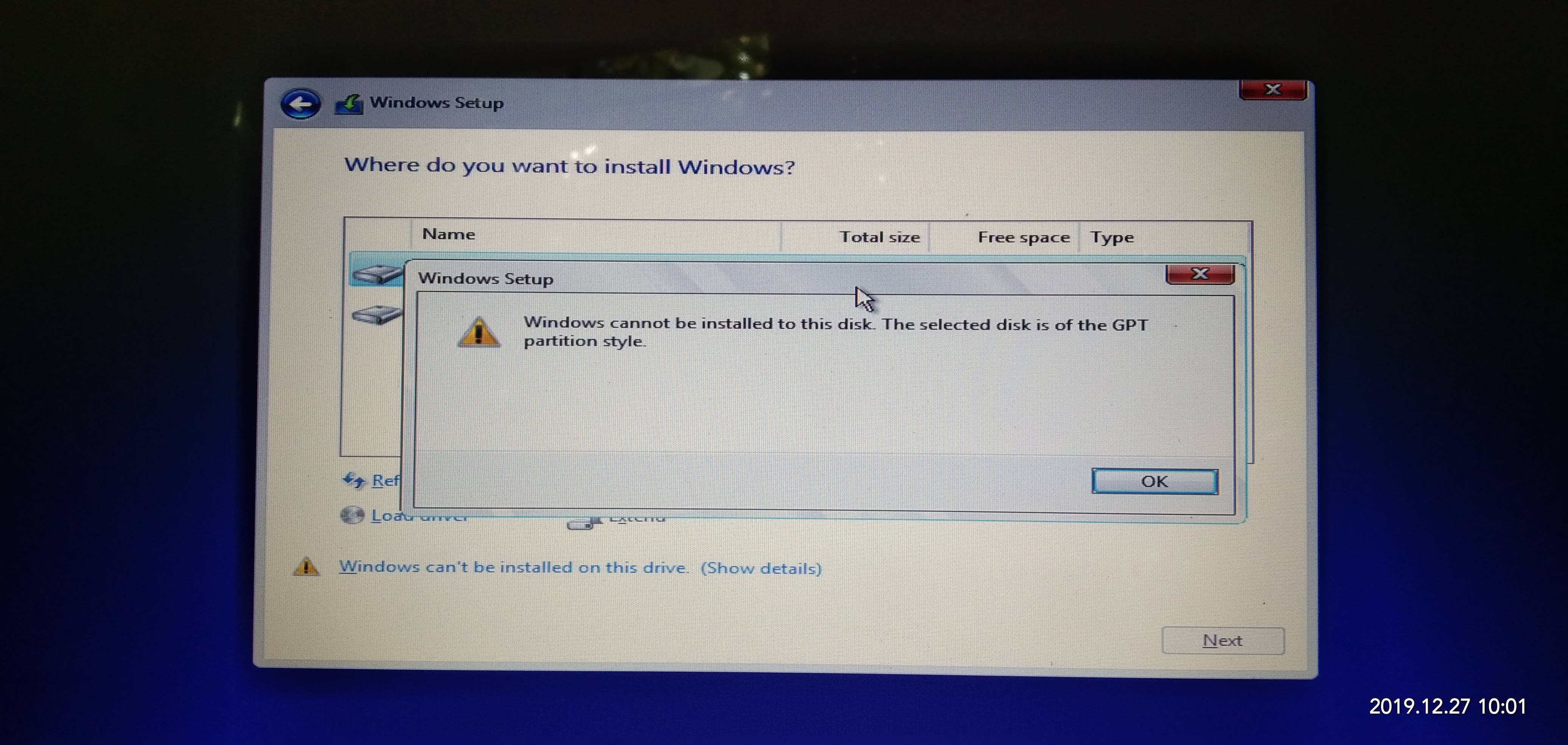
This is the first time I faced an issue in installing something that I downloaded from this website. While installing it says that “windows cannot be installed on this drive”. Can you please give a solution to this.
I tries a lot many things from searching on youtube but nothing worked.PLEASE HELP !!!
-
#205 written by nicko 6 years ago
good day admins. i just build my new compiuter. im installing windows 10 downloaded from getintopc.com but why i im installing the windows its always stop and says, windows cannot install required files. the file does not exist. make sure all files required for installation are available, and restart the installation. error code 0x80070003. please help me with this. im just a newbie from building pc. thank you in advance admins.
-
#206 written by Damilola 6 years ago
Admin. Why are you ignoring my message? How can I fix the error problem I am having? I have SSD and HDD drive. My laptop is currently useless as I have formatted the old windows and can’t install this new window due to the error. I see the error when it get to 29% installing. Someone should help me as I need to do a lot of work with the system. I’m against deadline. https://uploads.disquscdn.com/images/137e6efe5e663ca9d8a5e7cbd2b129353ab3460c7e4de18df48ff299907186be.jpg
-
#208 written by Toby Mars 6 years ago
-
#209 written by disqus_6tWm8FFJx6 6 years ago
Write down the error and then look up the Widows Error
to see what it is.
Windows error code and message lookup tool
https://www.thewindowsclub.com/windows-error-code-lookup-tool
-
#211 written by Sabreen AbuAid 6 years ago
-
-
#220 written by Rilav Jain 6 years ago
How to install it. Please guide. It’s showing “The operation on file “F:Windows 10 X64 19H2 10in1 OEM ESD en-US NOV 2019 {Gen2}WIN10X64.10in1.NOV2019.ISO” failed.” If the file resides on a remote file system, make sure that the network connection and the server where this disk resides are functioning properly. If the file resides on removable media, reattach the media.
Please Help!!!!!!!
-
#222 written by Mirza Khawar 6 years ago
-
-
#229 written by KiraSenpai 6 years ago
-
-
-
#232 written by Nahom Wondwossen 6 years ago
It Showed This Error Please Help
https://uploads.disquscdn.com/images/7e41767090c72843f5a32b78e5dc2bf8704020a600e823f0be883797fd78eeac.jpg -
#233 written by Nahom Wondwossen 6 years ago
Hey admin i got this error when i try to install can you please help me? https://uploads.disquscdn.com/images/7e41767090c72843f5a32b78e5dc2bf8704020a600e823f0be883797fd78eeac.jpg
-
#235 written by disqus_6tWm8FFJx6 6 years ago
Windows 7 and 10 Serials, use “Microsoft PID Checker”
to validate each serial, I have just check (Some) and
found them valid.Windows 10 Serial Numbers
https://www.windowsfeed.com/2016/08/windows-10-product-keys-serial-keys.htmlWindows 7 Serial numbers
https://www.windowsfeed.com/2016/08/windows-7-product-keys-serial-keys.htmlUse Microsoft PID Checker, download link here:
https://www.majorgeeks.com/files/details/microsoft_pid_checker.html -
#236 written by Kanishka Rathore 6 years ago
-
#238 written by Murtaza Samejo 6 years ago
-
#244 written by Muhammad Zubair Tariq 6 years ago
-
-
-
-
#254 written by Luc 6 years ago
-
#257 written by ima fixer 6 years ago
-
#260 written by Hitesh Shandilya 6 years ago
-
#261 written by Surya Teja 6 years ago
Of course if you select DLA version and while installing windows just connect to internet. That’s it you won’t get activation problems. Any windows software if it detects you PC version and capability then it automatically download and install updates (regularly). If activation keys are stored for particular version of windows in your BIOS secure boot then it automatically activates with no issue for the same version you are installing or select DLA.
-
-
-
-
#265 written by Ima Fixer C# 5 years ago
-
-
-
#273 written by Kenny 6 years ago
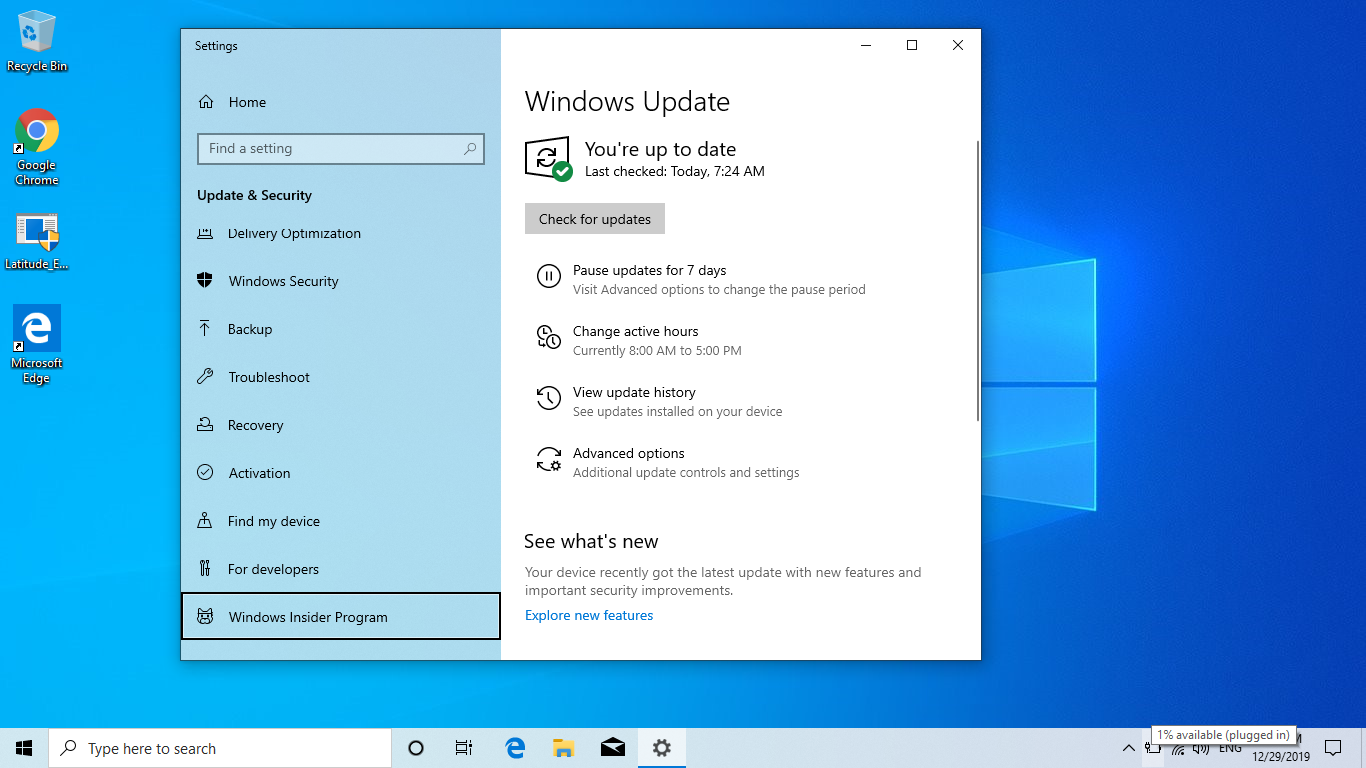
No it is a desktop that I built, it does have an asus board, couldn’t find at first what std, dla meant, so I chose OEM, I do have a COA for this board. It is not the first time I installed windows on it though and always used media creation tool < the logos never showed up before, should I have chosen a different activation method? https://uploads.disquscdn.com/images/a1491ef20166eac8e7fa54d7921eae5649a675b5e4a01db70c4c98bd2de910ba.png
-
#280 written by justin 6 years ago
hey i see u r solving so many people problems so i think u might also help me i have a laptop”ctroniq”n14 and came with windows 10 bulit in and it was nice ok done now the problem is i got updates from windows and i update it like that now i only left with 1.gb space left now i already deleted the windows.old folder so there is no way i can go back right so now i can’t uninstall the version which i got now and my harddisk space is only 25 gb with 2gb ram with intel so how to fix it if i download this version and re-flash it back do i get my space back or should i re-flash old version of windows 10 i talk with service center but there can’t help me because my friend brought it from another country and where i live there is no service…..plz help me dude and also i like your youtube channel cool
-
#287 written by justin 6 years ago
thanks for your reply i didn;t through u will reply so after u tell me to do the work i used the ccleaner and also removed pagefile and also hibernate file got free space 2 gb only after some time it again fall to 222 mb to 18 mb and my laptop came with full version of windows 10 and i got 28.6 gb total hard disk space how much i remeber that when i got my laptop i saw it have disk c,d,e and then the windows update came and i update and found that i have only one folder disk c so and also found the version i first update my laptop is (windows 10 kb4054022 1709 ) so my question i click on recovery opition in my windows update box do i can roll back to that version or not and also if not then all windows software are coming with iso file only as my laptop don’t have cd rom i have to use only the pendrive if i turn my pendrive to bootable then after installing my software can i get back my pendrive to normal mode or its will become waste pendrive
-
#288 written by justin drew 6 years ago
hey hi how u doing i need a help from u again that is i have a problem with my audio driver so i used ur software tweakbit to update my driver it installed the driver but after it ask to restart i did it and i got a message on my screen windows is updating then the laptop shutdown and restart it self and then on laptop display it company logo right the i got a message the wait we r installing software i got it in cmd front type of text then some codes runs on screen and after it no display working i turn on i turn of but nothing working laptop is working but no display of anything for u to understand i am giving a video link :https://www.youtube.com/watch?v=sj6kYmT7GLs
-
#289 written by justin drew 6 years ago
thank you so much for your reply i am going to download the windows version and keep it in a pendrive for safe side i am thinking to do restore point i hope it might bring me back my laptop space back if it didn’t bring back or crash or got it brike then i will re-flash the downlaoded version and i also have a question the windows software is made of iso file so i have to put it in pendrive right but for it i have to make it bootable pendrive so after i make it bootable then can i make it normall pendrive or the pendrive is waste…..
-
#291 written by justin drew 6 years ago
thanks for your reply and lots of information for me to understand what you actually mean!! i have tried the admin process now i am thinking to try the uninstall the update manually blog i see the updates install but i can’t remove them thanks for your website now i will try it but before it as u told to make system repair i will do it but i have a question does the system repair will only backup my files,media,pic,apps, only or does it will backup the windows version too so that if there any problem come in windows will be fixed by the system repair ok i mean that does it backup my files only or the windows also and one more question if i make my pendrive bootable then can i make it back normall pendrive
-
#294 written by justin drew 6 years ago
ok but now u just confused me with system repair disk vs recovery drive i google it and found this answer
”The recovery drive brings your system back to factory defaults; the system repair disc will bring your computer back to the same condition it was in when you created the system repair disc.”
so as u told me i am going to uninstall the update control plane does not allowing me to uninstall so i am going to use the cmd as the link u gave me i will follow as there told but i am thinking the recovery option is better way as u told me now and also thanks for clearing my questions over pendrive but i can’t get back to my laptop factory bulit version because i already deleted the windows old folder but i can get back to ”windows 10 kb4054022 1709 ) thanks for your time and clearing all my question thanks u so much guys happy weakend -
#295 written by justin drew 6 years ago
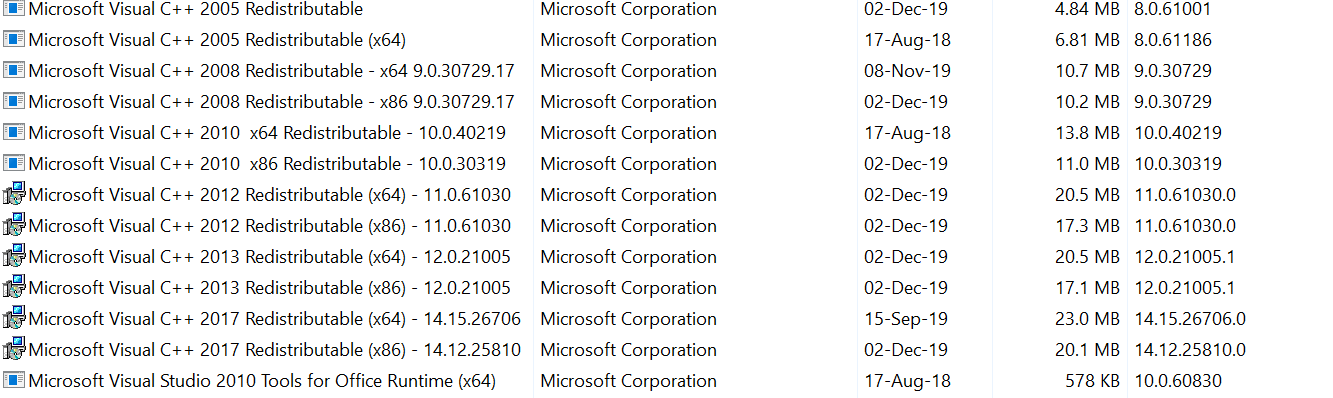
hey did it i made rocovery drive into my pendrive without any error then i went to uninstall windows update using cmd but windows not leting me to do it i went to web and fixed it and then uninstall it but i don’t see any thing happend to my space i still left with same space then i went again into web then what i did is select Advanced. Here check the option to Compress contents to save disk space and click Apply/OK then the process took about 4 hours and now i got around 6….gb space that is awesome but why after some time storge getting down and when i close other opened app it again come back….and i also have a question that i see recover folder in my c drive but ”hiden” glary utilities pro show it to me so its size is around 1….gb can i delete it or by doing it does i mess it up and one more question now i only left with only one windows update (kb4054022 1709 ) can i delete it also or by doing that does i mess my pc well i already deleted my factory bulit version and its windows.old folder also and also there are some ”windows security update” can i delete it also if i want to delete can i keep the new update which was install newly and delete old version of ”windows security update” or should i have to uninstall from new to old…..and i can see that i have windows 10 files 15 in my pc does the windows really os really take much space or there are juck files in my pc that might eating my pc and is there any thing i have to delete to get more space i got glary utilities pro i have already try ccleaner so i want to try something new and also i wan to know about windows microsoft visual studio i got so many of them installed in my pc well i can delete it but i want u plz check and tell me which microsoft visual studio version i can keep that are really important and then i will uninstall the no need microsoft visual studio versions and should u think i have to do reset this pc option or re-flash windows version (kb4054022 1709) let me know thanks for helping me so much
-
#297 written by justin drew 6 years ago
hey hi how r u i hope u r safe,
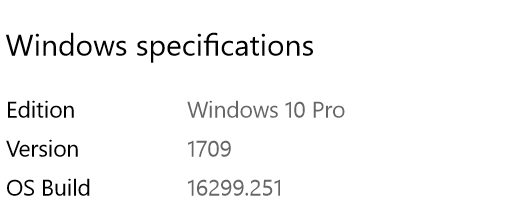
i tried to re-flash windows 10 version () and lucky i got my space back but i have a drivers error
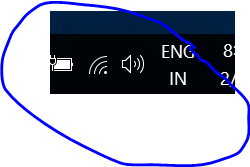
i mean all drivers are working but expect audio driver and bluethooth driver is not working
it show audio driver is working but no auido coming out my speaker/earphone
and bluetooth driver is working but it disconnecting after some time i tried to use driver update software but no use
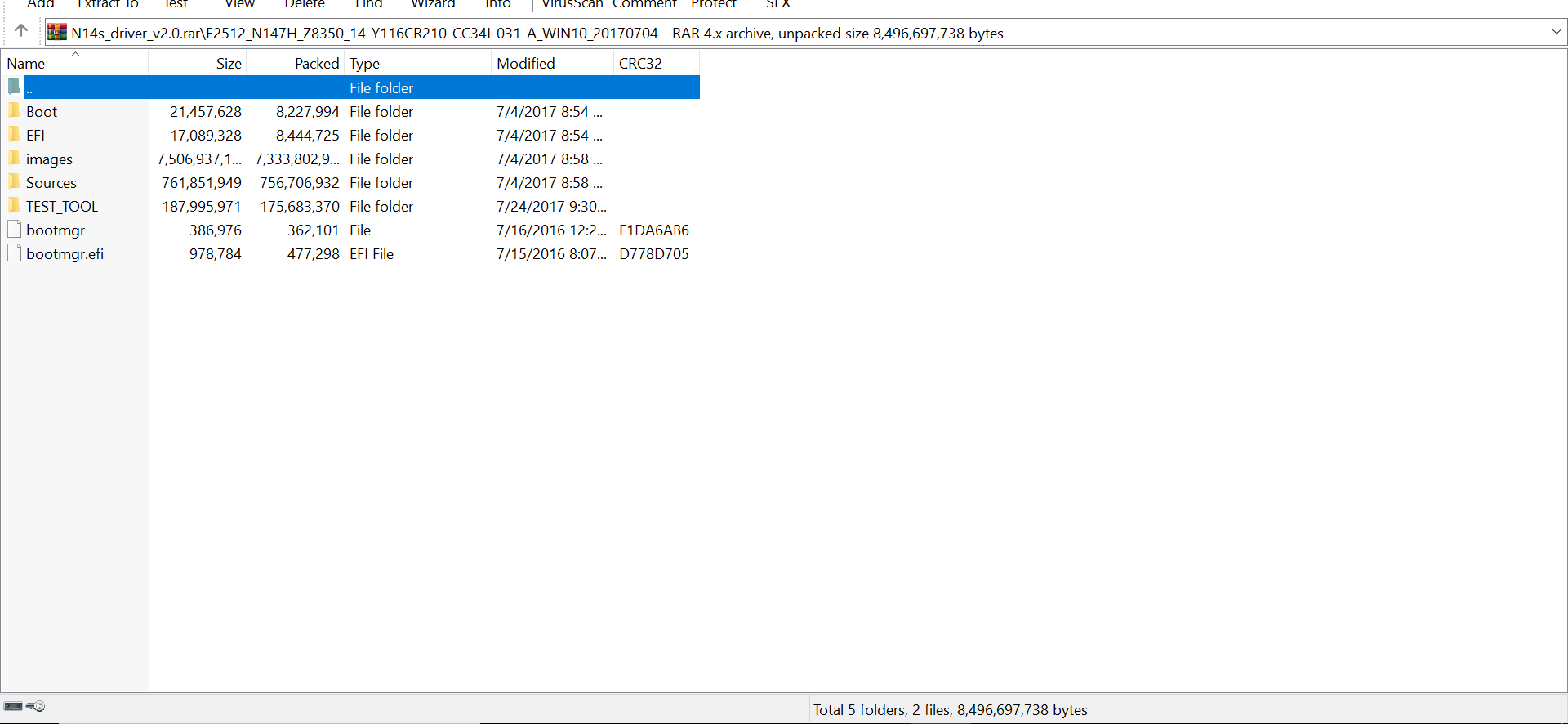
i ask my laptop company for drivers there gave me but don’t where is drivers in it i asked them but no reply came back from them
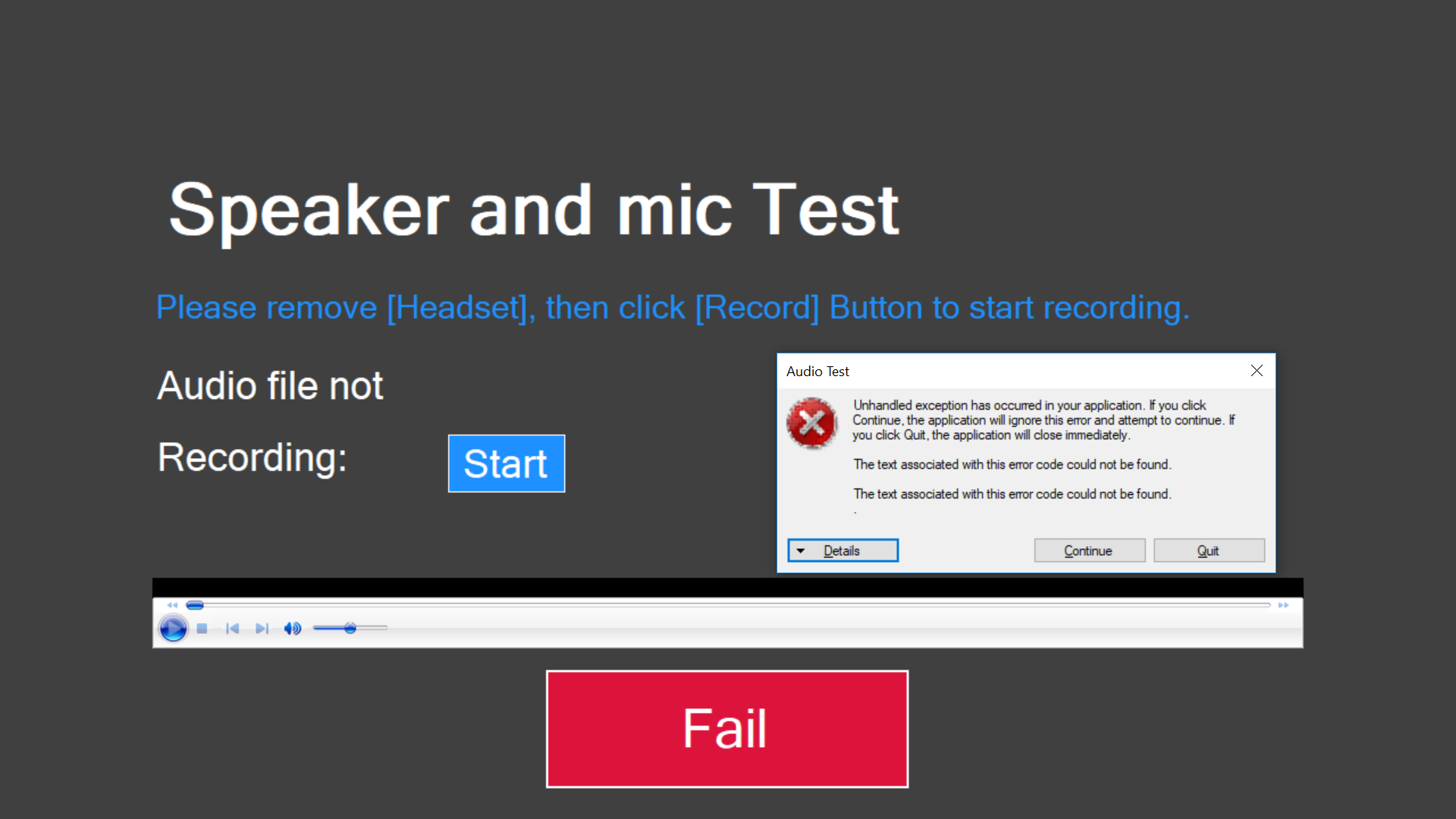
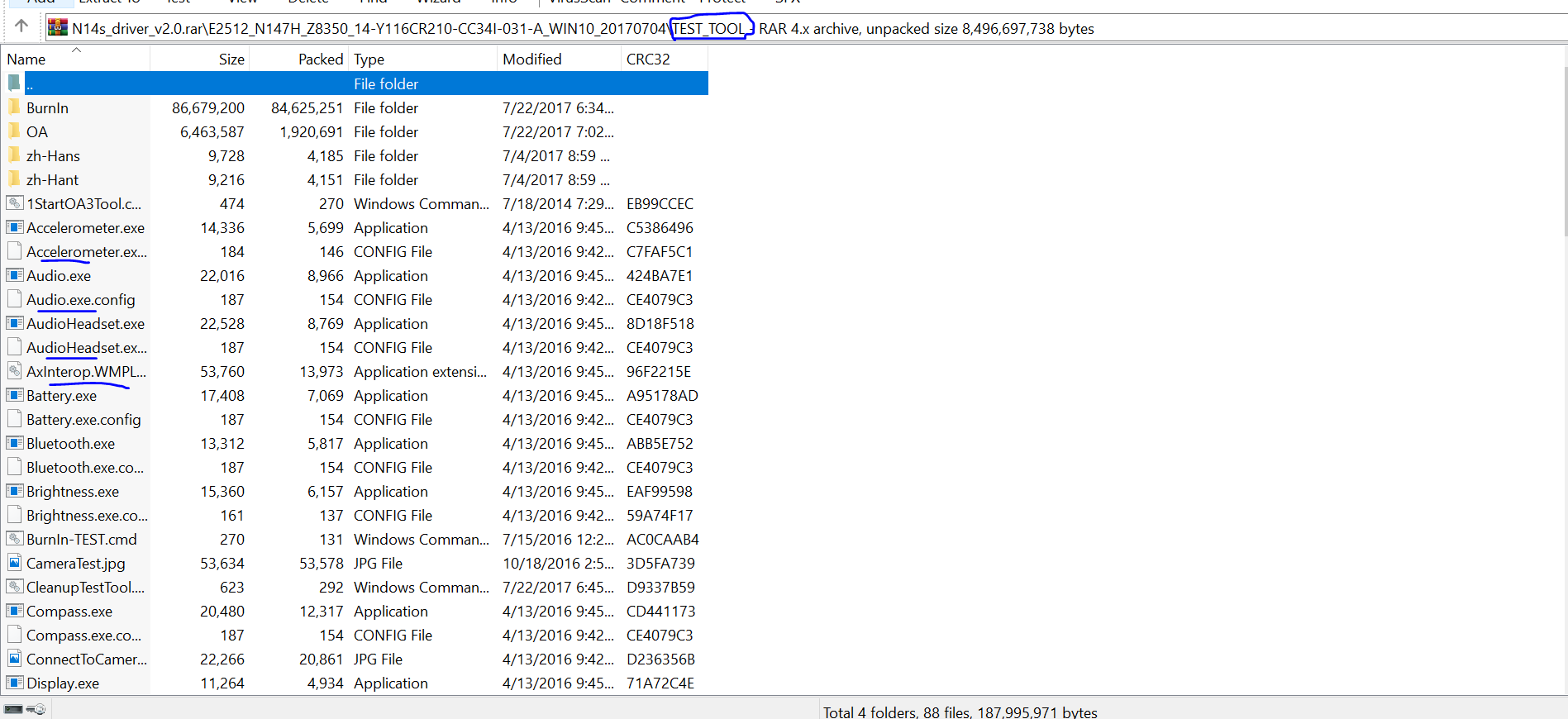
can u help me i attaching pic below please check and its more look like there send me total windows 10 software
only in test tool i can find drivers but when i open exe file it show this
can tell me where is drivers under exe file in test tool i can file named as config is it the driver file
(https://uploads.disquscdn.com/images/a50152036f21a88c33a82591039758746fe2a0ec9409d11dada60a4c0a670e79.png https://uploads.disquscdn.com/images/073c0d180c70fa2dbd1220e76303d37549daeca292e716f9b219b9e589c52104.png https://uploads.disquscdn.com/images/3c3d7729b900724629eef498aee7dfa057ddb33870b7ef788582f346f39b51ce.png )
https://uploads.disquscdn.com/images/05237ddcbd8b1f2109c47c6f5fa3f9c121e144aab616e94e3e019714e512ff85.png https://uploads.disquscdn.com/images/e9ec29429af4bc382306d4fdf4d3b02b666671db88d20af05457ec33da35bfb7.png
-
- Comment Feed for this Post



Which one should I select to activate windows 10 while installing, STD/DLA/OEM ?