Download Free Your Desired App
Home » Softwares » Office Tools » Microsoft Office 2016 Pro Plus + Visio + Project 64 Bit Download
Microsoft Office 2016 Pro Plus + Visio + Project 64 Bit Download
Microsoft Office 2016 Pro Plus + Visio + Project 64 Bit Download Latest Version. Full offline installer standalone setup of Microsoft Office 2016 Pro Plus.
Microsoft Office 2016 Pro Plus + Visio + Project 64 Bit Overview
Microsoft Office 2016 Pro Plus + Visio + Project 64 Bit is oe of the best and most widely used office suite in the market which has got loads of features for creating spreadsheets, presentations as well as for managing your email accounts and databases. You can also download Office 2013 ProPlus 32 / 64 Jan 2017 Updates. 
Microsoft Office 2016 Pro Plus + Visio + Project 64 Bit has got a ribbon based interface and with just a mouse click you can find the components or functions. Microsoft Office 2016 Pro Plus + Visio + Project 64 Bit has got the tools like Excel, PowerPoint, Access, InfoPath, OneNote, SharePoint Designer and Visio etc. The above mentioned applications can be installed separately as well as together with other utilities. MS PowerPoint is an ideal application for creating the presentations, Excel is an appication for creating spreadsheets and MS Word is a tool for creating text documents.You can also download SAP Crystal Reports 2013.

Microsoft Office 2016 Pro Plus + Visio + Project 64 Bit includes
- Microsoft Office 2016 Professional Plus
- Microsoft Access 2016
- Microsoft Excel 2016
- Microsoft Lync 2016
- Microsoft OneNote 2016
- Microsoft Outlook 2016
- Microsoft PowerPoint 2016
- Microsoft Publisher 2016
- Microsoft Visio Viewer 2016
- Microsoft Word 2016
- Skype for business 2016
- Office Shared Features
- Office Tools
- Microsoft Visio Professional 2016
- Microsoft Project Professional 2016
Features of Microsoft Office 2016 Pro Plus + Visio + Project 64 Bit
Below are some noticeable features which you’ll experience after Microsoft Office 2016 Pro Plus + Visio + Project 64 Bit free download.
- One of the most widely used and best office suites in the market.
- Can express your ideas and can create presentations as well as spreadsheets.
- Got a very well organized and ribbon based interface.
- Can manage your email accounts and databases.
- Can create presentations with MS PowerPoint.
- Can create spreadsheets with MS Excel.
- Can create text documents with MS Word.

Microsoft Office 2016 Pro Plus + Visio + Project 64 Bit Technical Setup Details
- Software Full Name: Microsoft Office 2016 Pro Plus + Visio + Project 64 Bit
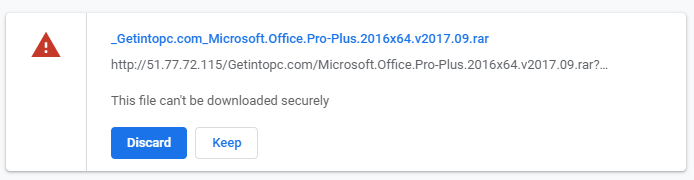
- Setup File Name: Microsoft.Office.Pro-Plus.2016×64.v2017.09.rar
- Full Setup Size: 2.8 GB
- Setup Type: Offline Installer / Full Standalone Setup
- Compatibility Architecture: 64 Bit (x64)
- Latest Version Release Added On: 26th Oct 2017
- Developers: Microsoft

System Requirements For Microsoft Office 2016 Pro Plus + Visio + Project 64 Bit
Before you start Microsoft Office 2016 Pro Plus + Visio + Project 64 Bit free download, make sure your PC meets minimum system requirements.
- Operating System: Windows 7/8/8.1/10
- Memory (RAM): 1 GB of RAM required.
- Hard Disk Space: 3 GB of free space required.
- Processor: Intel Dual Core processor or later.
Microsoft Office 2016 Pro Plus + Visio + Project 64 Bit Download
Click on below button to start Microsoft Office 2016 Pro Plus + Visio + Project 64 Bit Download. This is complete offline installer and standalone setup for Microsoft Office 2016 Pro Plus + Visio + Project 64 Bit. This would be compatible with both 32 bit and 64 bit windows.
Before Installing Software You Must Watch This Installation Guide Video

Password 123
Related posts:
This Post was Last Updated On: September 14, 2023
-
#8 written by shahzad kanwal 8 years ago
-
#12 written by Utsav J Bhatt 8 years ago
-
-
#14 written by max zack 8 years ago
-
#15 written by James Liu 8 years ago
-
-
#17 written by max zack 8 years ago
what is the difference between this:
http://getintopc.com/softwares/office-tools/microsoft-office-professional-plus-2016-64-bit-sep-2017-download/ -
-
#21 written by Akhtar Uzzaman 8 years ago
Hello,
I’ve downloaded this and run it. I get all the other office application but visio and project don’t seem to install with this. Any idea why? I don’t get any errors in installation. I tried the visio and Project tabs seperately and the runs successfully but when I search for the application in Windows they both don’t come up. Can someone please help?
-
#28 written by Hussam Elfekey 8 years ago
https://blogs.technet.microsoft.com/jks/2009/04/23/how-to-fix-the-error-the-language-of-this-installation-package-is-not-supported-by-your-system-during-office-products-installation/
this site gonna help dude !! just select the language English ! -
#32 written by Godhani Abhishek 6 years ago
-
#34 written by Muhammad Abdullah 6 years ago
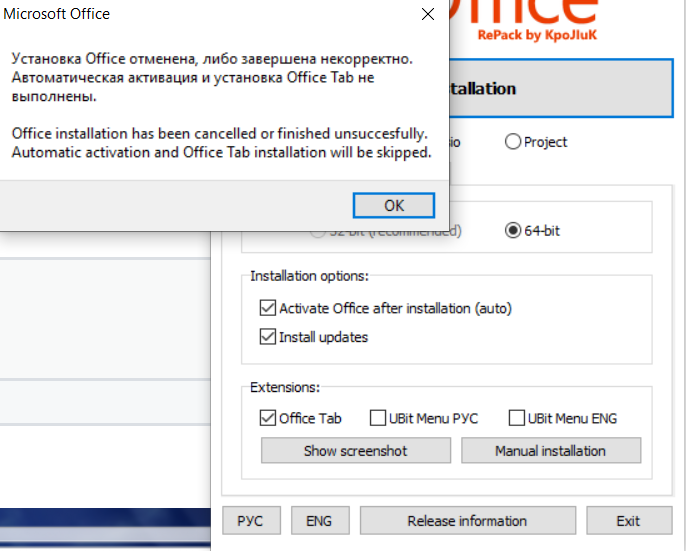
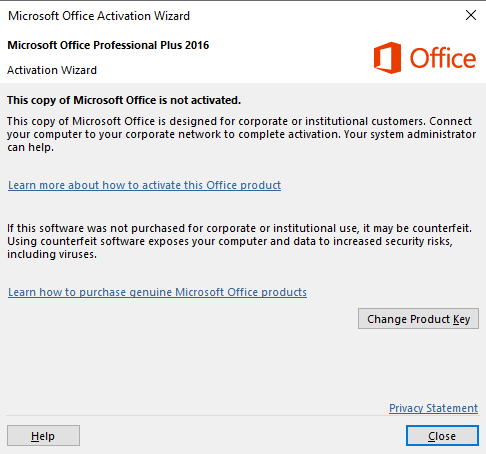
After Installation it is showing notification as
https://uploads.disquscdn.com/images/27449ded254c5b3bf6489f846aa0ca3206de99e128be9f535fe590d56be52c68.png
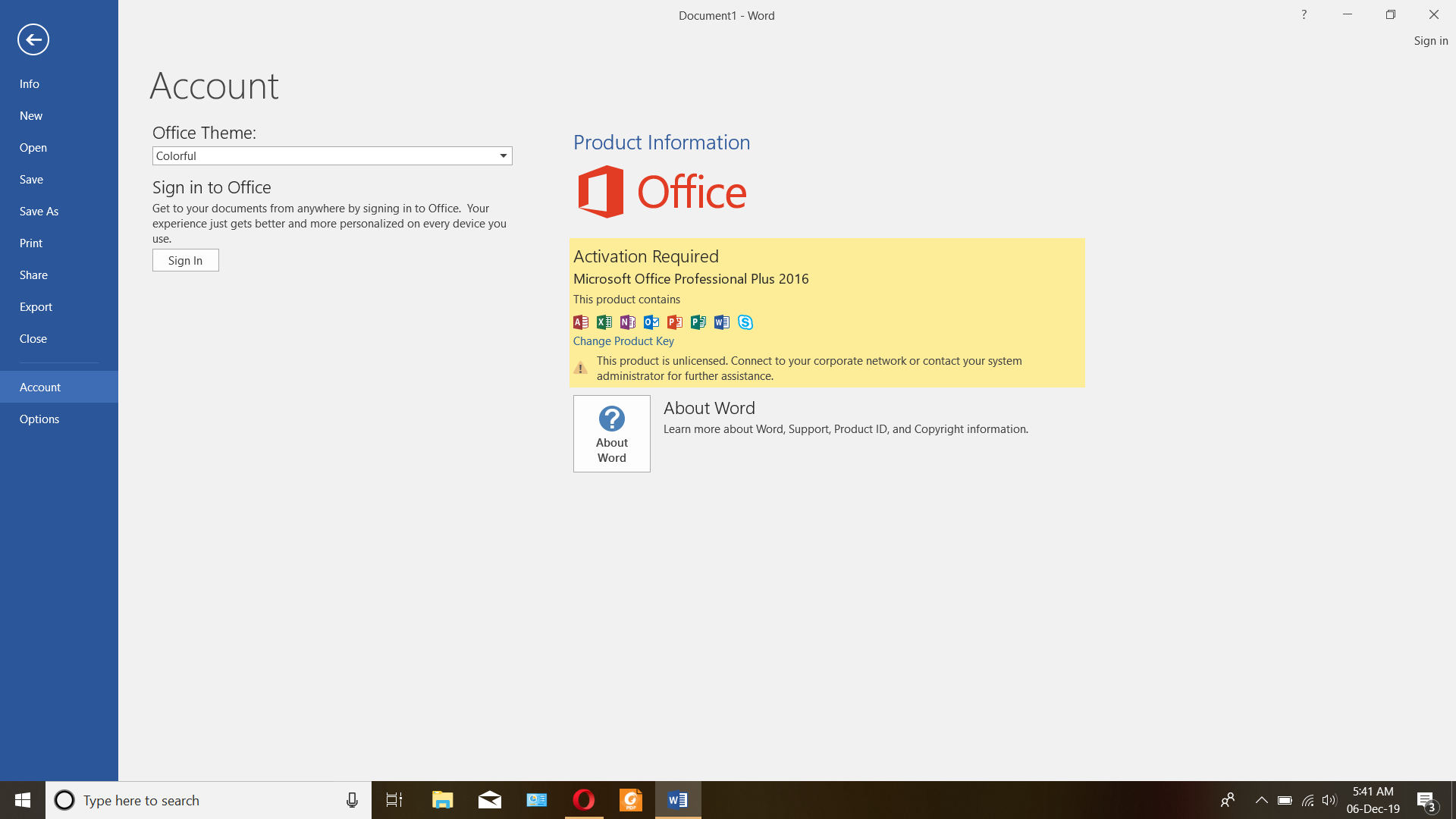
It’s not automatically activating. Please check the issues. https://uploads.disquscdn.com/images/596f4e597f6b39255b465a5f5f1fd45771bbbc307c9181fea7ef1eb82b2d0811.png
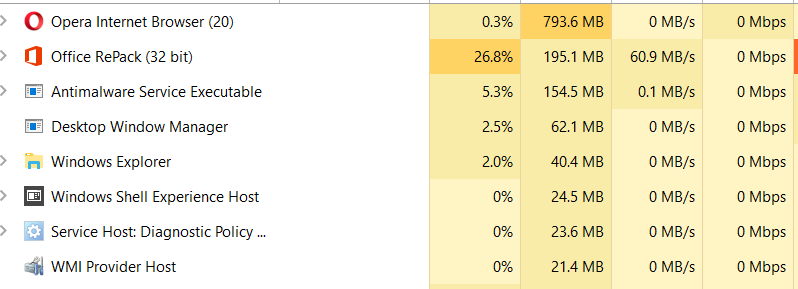
During setup installation,it is showing (32 bit ),might look suspicious ,Kindly also have a look into this. https://uploads.disquscdn.com/images/d2bf30b18f8eee405e36772b996936a4613098047211ecce2fdadfc76a017677.pngWaiting for kind suggestions. Thank You!
-
#40 written by Pinoy Big Baller 6 years ago
-
-
#46 written by Ranna 6 years ago
-
#47 written by KANAMARLAPUDI VENKATA SREEKANT 6 years ago
-
#50 written by mary 6 years ago
-
#52 written by yesungsquishy 6 years ago
-
-
#54 written by yesungsquishy 6 years ago
-
-
-
#56 written by Little Apple 6 years ago
Thanks for the app fatima, it really works out on my PC. I installed it as the video shows, and i managed to activate the office manually. I read the comment section for any issues and i fixed one of them with KMSAuto Net. For those who still stuck on the procedure, the following is how i did it.
1. I uninstalled ALL of miscrosoft office products from my PC, for me to get rid of them and replace them with the newer one/ (you can do this on control panel > uninstall a program; after you uninstalled all of them, restart your PC before installing office you’ve just downloaded)
2. After my PC is clean of any office apps, i then installed the downloaded ms office by following on the video guide. This took long time, i mean LONG time. i really took for an hour and a half for it to complete. Though i have to cut the process of Office Install Helper program in the end, but it opened itself later and somehow finished.
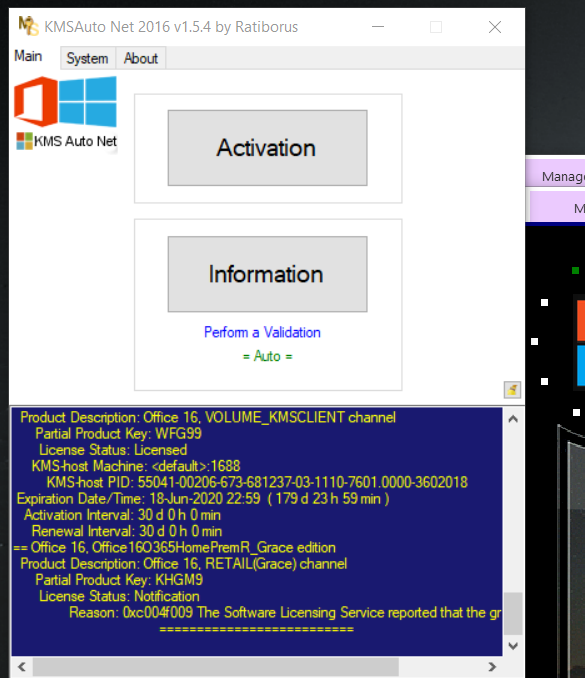
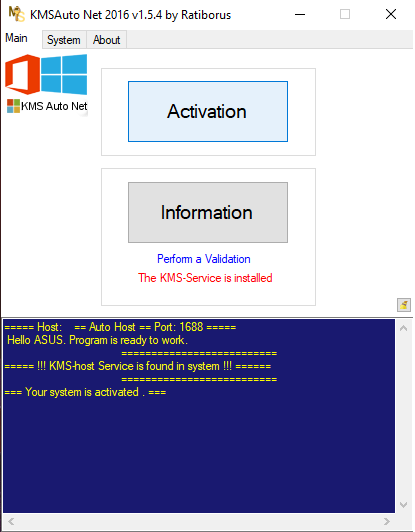
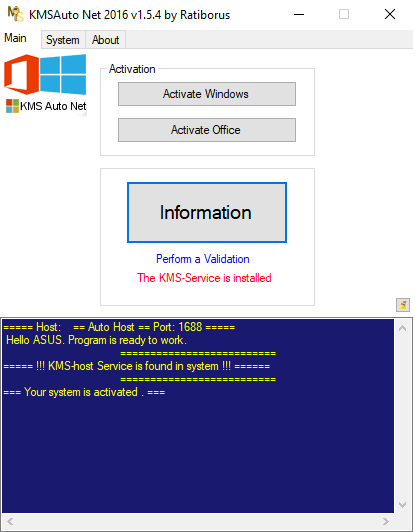
3. Getting started with the Word program, the office wasn’t activated as i expected, so i use KMSAuto Net 2016.
A. You need to download the program first
B. Open KMSAuto as administrator, click on “Activation”C. Proceed to Activate Office. Wait for the process to complete, it will say “successful” or something like that.
4. Done! MS Office is now both installed and activated on my PC.
That’s it, i hope it helps you guys, and i like to give my thanks to Fatima for her effort to this website and other websites she put her countless works (getintopc.com and oceanofgames.com are my places to go for getting apps for years). Best regards and love for you fatima <3
anyone still confused can reply me, i might help if i can.
-
#57 written by Mediapuck 6 years ago
-
#58 written by Little Apple 6 years ago
I have MS Word x64 version with the build number 16.0.4954.1000, and it seems to be released on September 2019. Note that i have it from this site.
Edit: I’m not pretty sure about my MS Word’s version i have, since i’m using KMSAuto, i think the program is auto updating the office since i activated it. The following is my screenshot of ‘About Word’
-
-
#60 written by Srinivas Reddy 6 years ago
-
-
#64 written by Daniel 6 years ago
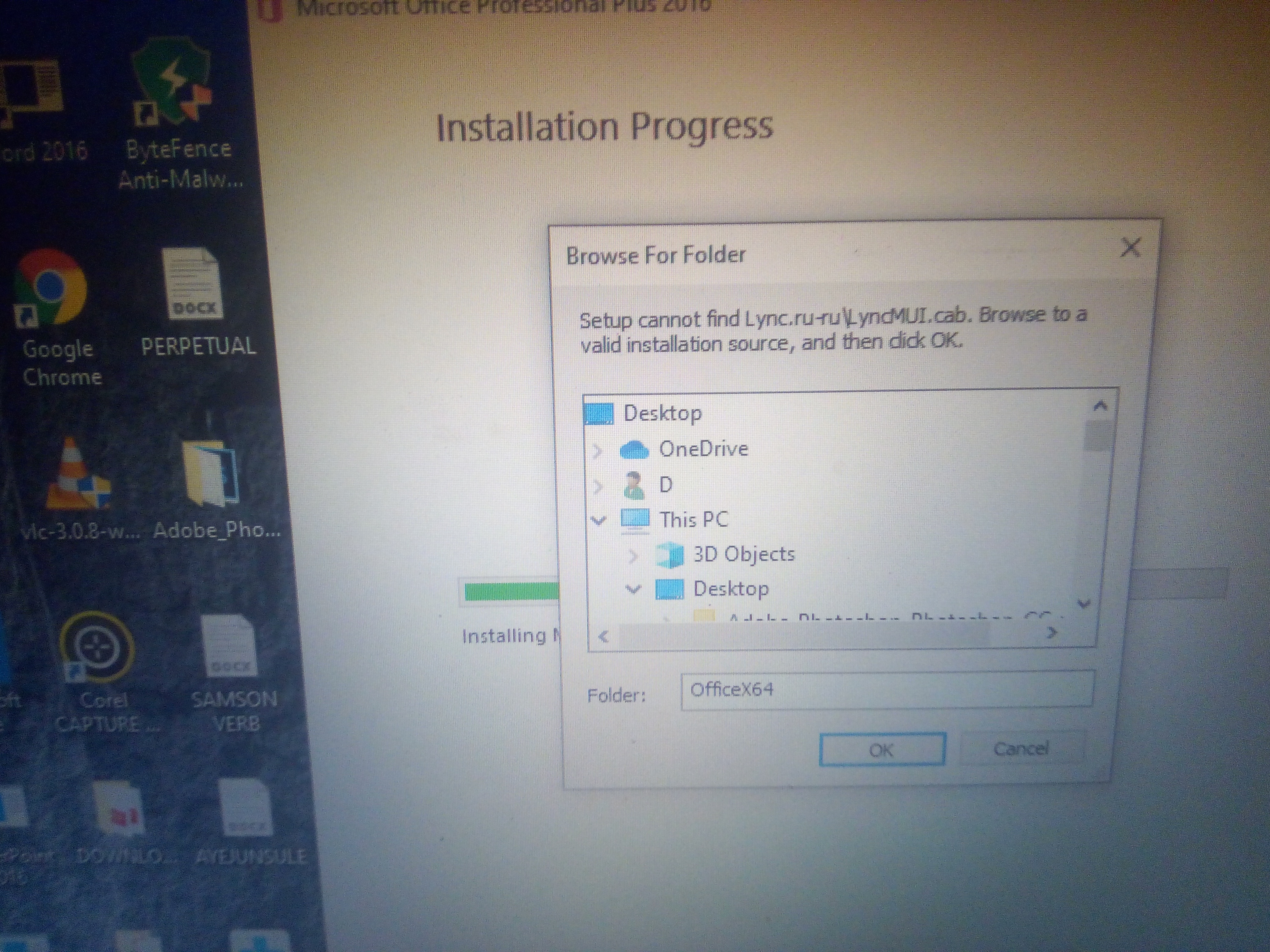
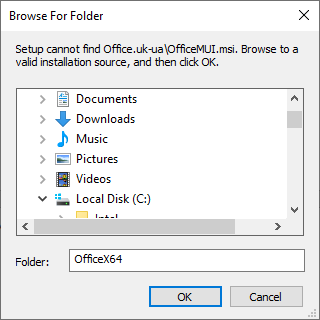
It’s says browse to the valid installation source and i don’t seem to understand pls help out https://uploads.disquscdn.com/images/1bcccfbe0a991a9c565319f9c98d2ad67201a9475dce8789d0a1d19021066b20.jpg
-
-
#65 written by Hamza Ahmed 6 years ago
-
#66 written by Little Apple 6 years ago
Which part did you have trouble with? Installing this cracked MS Word took me a very, very long time. I really appreciate it if you would send me the screenshot of it.
I did it with my laptop and two of my brother’s successfully (all of them are windows 10 based). Note that it took me 3 hours for each of installation.
Just don’t panic if the progress bar doesn’t move, it will finish eventually. Just wait.
-
-
-
-
#69 written by Ashish Nodiya 6 years ago
-
#71 written by 69iid 6 years ago
-
#73 written by Rehaku 6 years ago
-
#75 written by Hamid 6 years ago
-
#76 written by Caleb Ofori 6 years ago
-
-
#80 written by fari perdhana 6 years ago
-
#82 written by Lusi Syanindita 6 years ago
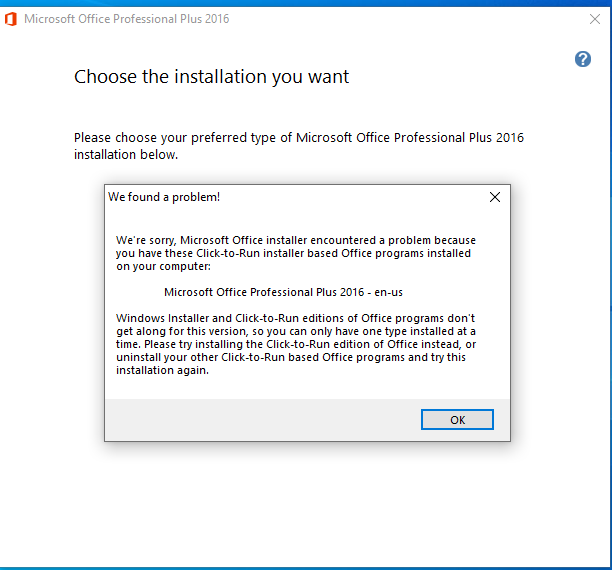
i’m done to following these rule when i try to install this microsoft office 2016, i already uninstall the last microsoft i used to (ms, 2007). but why when i run this ms.word something happened, ms. office has been gone, and when i tried to re-install (such as repaired), my pc cannot install. and the screen show this notification i need to remove some feature in ms. 2007, but i already uninstalled. anyone can helP??
-
#85 written by Daniel 6 years ago
It’s says browse to the valid installation source… Pls what must I do? https://uploads.disquscdn.com/images/1bcccfbe0a991a9c565319f9c98d2ad67201a9475dce8789d0a1d19021066b20.jpg
-
#86 written by Albert Marcelo 6 years ago
-
#89 written by Nova 6 years ago
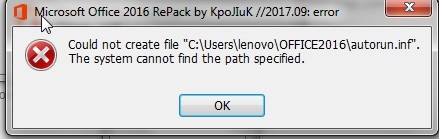
https://uploads.disquscdn.com/images/acf0f1e74e59ad2ef63b41e2c64ddb1b956831ccdbafe1866633b3cc5627d487.png
my name is Nova..
Pls i’m facing this problem
pls i did help -
#94 written by Shubham Verma 6 years ago
-
-
#99 written by Clarence Miranda 6 years ago
-
#104 written by Chris Dewey 6 years ago
Type CMD.Exe into the search bar, run the program as an administrator, when the Command box pops up type (without quotations) “net user administrator /active:yes” this will allow ADMINISTRATOR acct to sow up on the sign in page. Restart pc first. When the computer starts to boot hold the “Shift” button until the log in screen appears. You will see Administrator show up. log in with it. Go to File Explorer to “this PC” click the folder that says “Users” then click on the User Name of the acct you downloaded this file with and to the folder that the downloaded file has been saved to. Then install. CTRL, ALT, DEL to switch users and voila you are good to good. You will read crap about installing Restoro. Don’t do it. Just follow these instructions and you are good to go.
Side note: This was to get Winrar to install and then it allowed me to install this. Same process.Once i got Winrar installed I did not have a problem with any Rar files.
-
#106 written by Time Traveller94 6 years ago
-
#108 written by Graham 6 years ago
-
-
-
#117 written by Muhammad Zorain 5 years ago
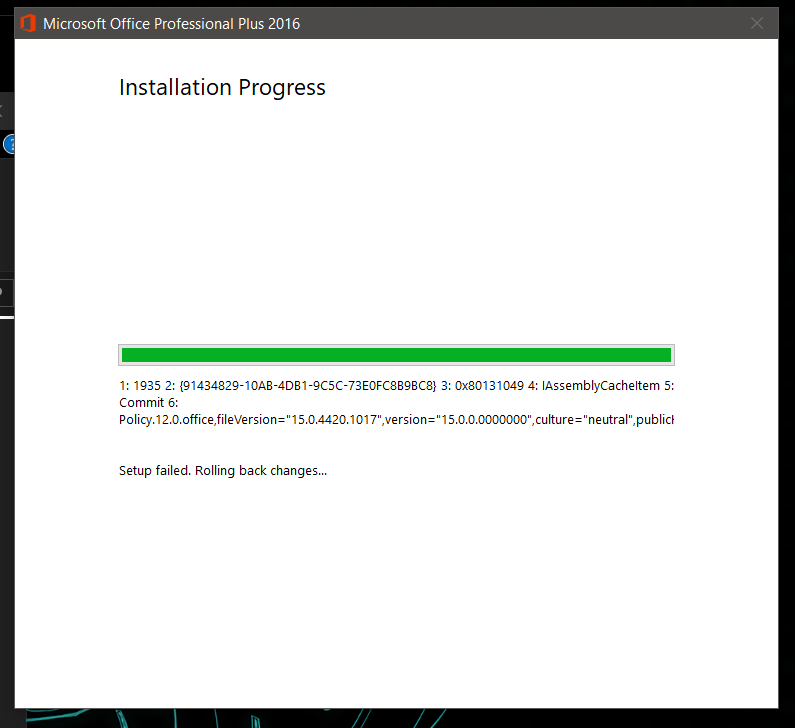
https://uploads.disquscdn.com/images/e2c8efeac91835a760b1df75f30e80fa51b88bb83b234cb5d29d504e3e05f219.png
i am facing the problem it couldnot find any valid folder for installation.. -
- Comment Feed for this Post


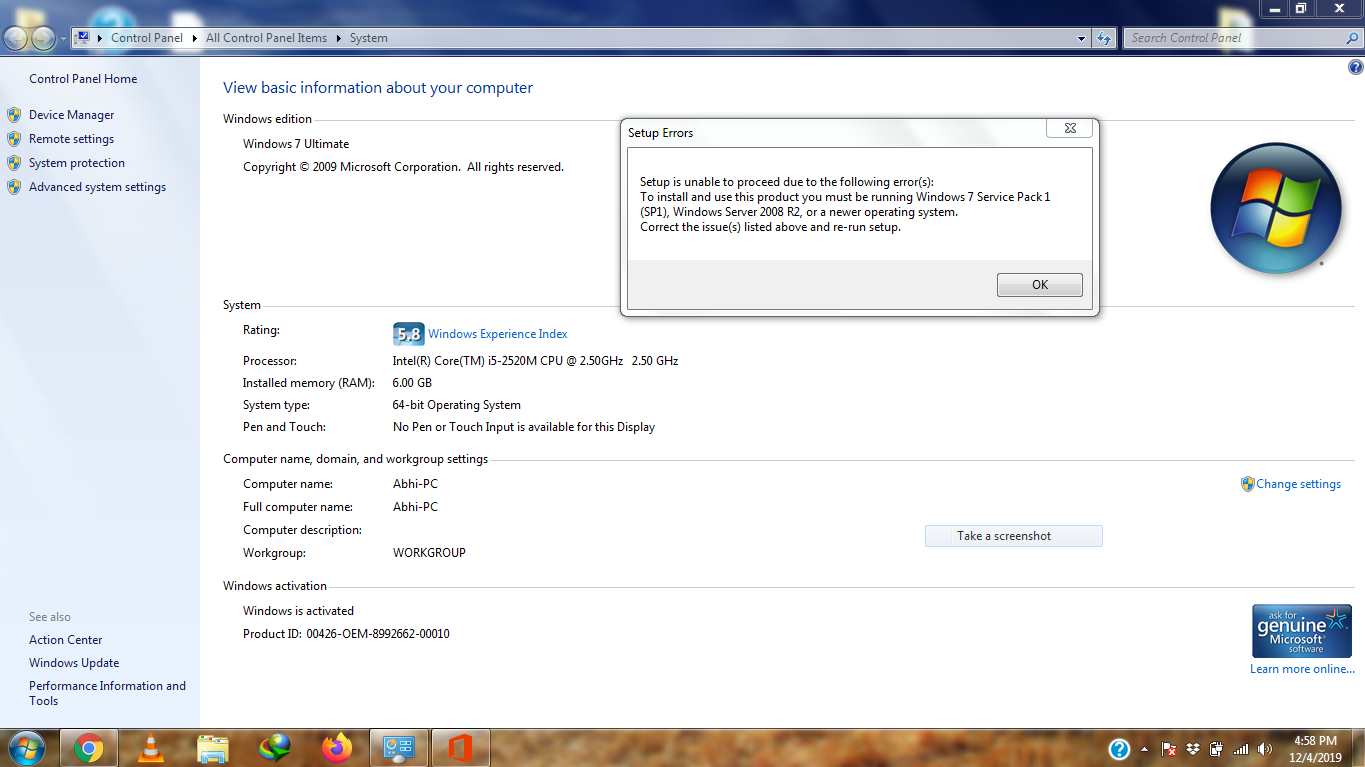
hello plz consider my request plz upload office 2016 home and student