Download Free Your Desired App
Home » Softwares » Graphic Design » VideoHive RTFX Generator + 440 FX Pack Free Download
VideoHive RTFX Generator + 440 FX Pack Free Download
VideoHive RTFX Generator + 440 FX Pack Free Download. It is full offline installer standalone setup of VideoHive RTFX Generator + 440 FX Pack.
VideoHive RTFX Generator + 440 FX Pack Overview
VideoHive RTFX Generator + 440 FX Pack is an imposing application which has a set of instruments for the game developers as well as motion designers to work with the FX animations. This application mix FX-animations possibility and instantly exporting them as a sprite sheet or sequences in the game effortlessly. You can also download VideoHive Quantum HUD Infographic for After Effects.
 VideoHive RTFX Generator + 440 FX Pack allows you to generate previews for your animation packs. It is very easy to manage your projects using the Preview generator tool. You can use FX pack without the skills of After Effects. This pack contians Adobe After Effects project file with more than 440 FX animations, RTFX generator script contains the preview generator, mixing as well as export tools. It has also been equipped with more than 400 pre-rendered FX-animations. All in all VideoHive RTFX Generator + 440 FX Pack is an impressive application with loads of instruments for game developers and motion designers. You can also download VideoHive PhotoMotion Professional 3D Photo Animator.

Features of VideoHive RTFX Generator + 440 FX Pack
Below are some noticeable features which you’ll experience after VideoHive RTFX Generator + 440 FX Pack free download.
- An imposing application which has a set of instruments for the game developers as well as motion designers to work with the FX animations.
- Mixes FX-animations possibility and instantly exporting them as a sprite sheet or sequences in the game effortlessly.
- Allows you to generate previews for your animation packs.
- Very easy to manage your projects using the Preview generator tool.
- Contains Adobe After Effects project file with more than 440 FX animations, RTFX generator script contains the preview generator, mixing as well as export tools.
- Can use FX pack without the skills of After Effects.
- Equipped with more than 400 pre-rendered FX-animations.

VideoHive RTFX Generator + 440 FX Pack Technical Setup Details
- Software Full Name: VideoHive RTFX Generator + 440 FX Pack
- Setup File Name: VideoHive_RTFX_Generator_440_FX_pack.rar,
- VideoHive_RTFX_Generator_1000_FX_elements_19563523.rar
- Full Setup Size: 2.5 GB, 4.1 GB
- Setup Type: Offline Installer / Full Standalone Setup
- Compatibility Architecture: 32 Bit (x86) / 64 Bit (x64)
- Latest Version Release Added On: 15th Nov 2019
- Developers: VideoHive

System Requirements For VideoHive RTFX Generator + 440 FX Pack
Before you start VideoHive RTFX Generator + 440 FX Pack free download, make sure your PC meets minimum system requirements.
- Operating System: Windows XP/Vista/7/8/8.1/10
- Memory (RAM): 1 GB of RAM required.
- Hard Disk Space: 5 GB of free space required.
- Processor: Intel Pentium 4 or later.
VideoHive RTFX Generator + 440 FX Pack Free Download
Click on below button to start VideoHive RTFX Generator + 440 FX Pack Free Download. This is complete offline installer and standalone setup for VideoHive RTFX Generator + 440 FX Pack. This would be compatible with both 32 bit and 64 bit windows.
Before Installing Software You Must Watch This Installation Guide Video

Password 123
Related posts:
This Post was Last Updated On: September 24, 2022
-
#7 written by Ekki Firmanda Irawan 6 years ago
-
-
#16 written by IQ company 6 years ago
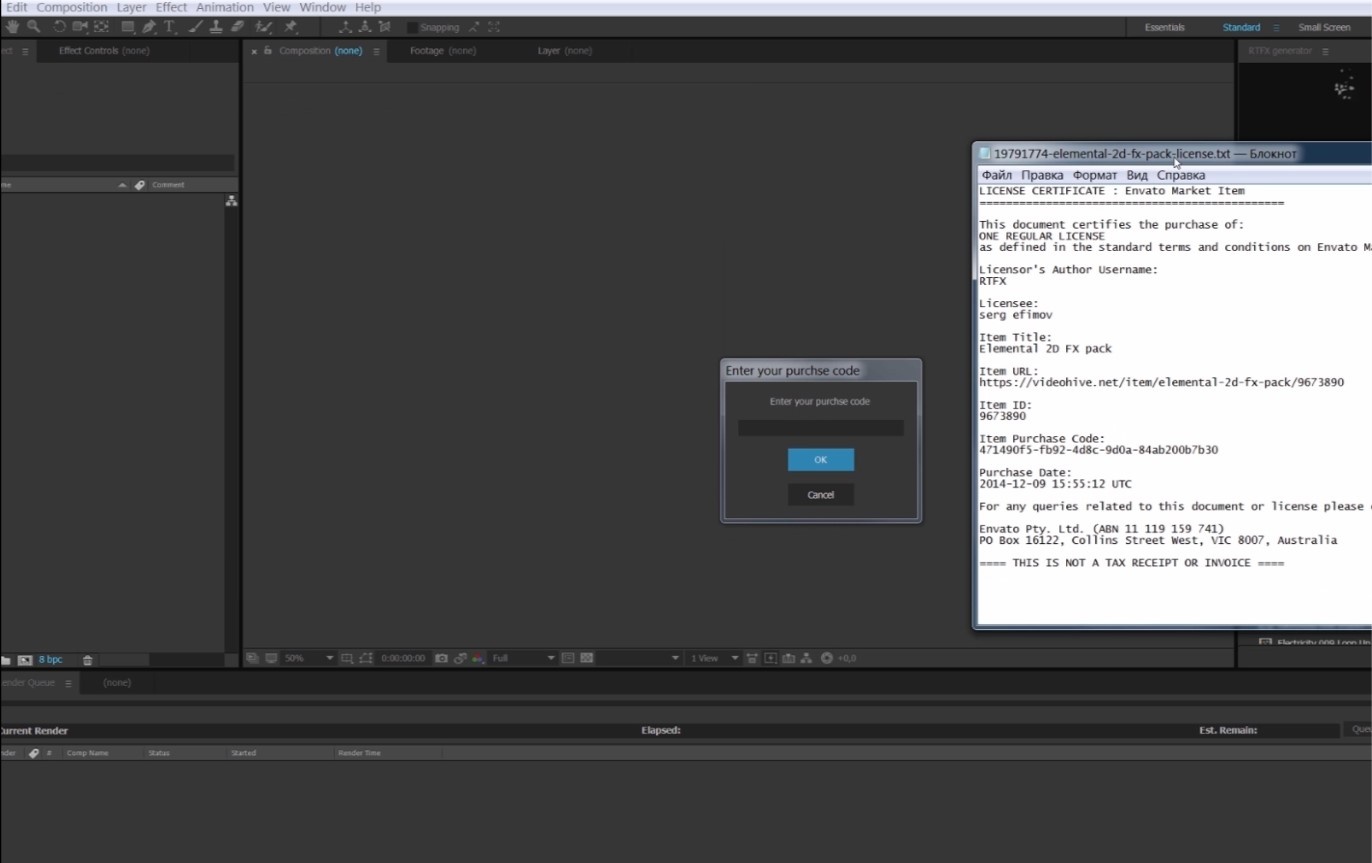
471490f5-fb92-4d8c-9d0a-84ab200b7b30 https://uploads.disquscdn.com/images/3d827e11f340020e7e1670f36f4012bd124c2c50f405682d310e9d0ecc5226de.jpg
it is always show please check your internet connection ?
i need help
😉 -
#18 written by George flidoh 6 years ago
Here is how i installed it for those who are fialing to install after effect CC
First extract after effect from the downloaded Zip (AFTER EFFECT/PRODUCTS/AEFT and extract the ADOBE AFTER EFFECT ZIP) Then go to the extracted folder/1/universal/professional/Support files/ and paste the RTFX in the “support files” Folder then Look for after effect Launcher in the same “Support files” FOLDER and youll see RTFX under extention window -
#20 written by Syed Aun 6 years ago
-
#25 written by Syed Aun 6 years ago
-
#29 written by Syed Aun 6 years ago
-
#31 written by Syed Aun 6 years ago
-
#32 written by Syed Aun 6 years ago
-
-
#38 written by Chesterfilms Comedy 6 years ago
-
-
#44 written by Bryan Julius Perucho 6 years ago
hi everyone! may i request some assitance on instaling the plugins?
here is where i am right now..1.) downloaded the file (using a download manager) – to ensure no corrupted file
2.) Go to the “Start” menu, then “Standard”, select “Run” and enter the “appdata” command and click “OK”.
The folder “AppData” opens. Next, go to the folder with the script (“Script / Win”), and copy the “Local” and “Roaming” folders from there to the “AppData” directory that we opened earlier.
We agree to merge folders and click “OK”. (this is for the 440 FX pack right? the 2.5gig size)although i can able to use the effects, but it is not visible as a PLUGIN, which makes it hard to navigate from file to file, because there is NO PREVIEW, compared to if it is a PLUGIN..
i also downloaded the RTFX GENERATOR (the 4gig size)
please help anyone, i am really lost huhuhuhu 🙁
-
#47 written by frostbite 6 years ago
-
#50 written by josh licup 6 years ago
-
-
#52 written by INDOMINUX ÅPÒLLÓ 6 years ago
anyone having issues with the 1000fx version 2 can connect @ gmail with me [email protected]
-
-
#58 written by Mãcin 6 years ago
ok guys, i figured it out.. how to install that second one “RTFX Generator [1000 FX elements] v.2”.. just follow these steps..NO CODE NEEDED, JUST DOWNLOAD “RTFX GENERATOR [1000 FX ELEMENTS] v2”.
—-works on second download link—-
1. close after effects or any other adobe programs if opened, (you can leave internet connection and virus protection on)
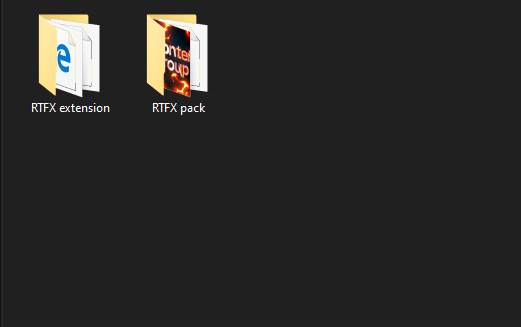
2. you must have “AE extension” folder, inside that copy “RTFX extension” folder and paste inside “C:Program Files (x86)Common FilesAdobeCEPextensions”.
3. copy “RTFX pack” folder and paste it inside “C:Program Files (x86)Common FilesAdobeCEPextensionsRTFX extension”.(this is important)
4. press win+r and type “regedit” then press enter.
5. (now we come to a little tricky part) locate “HKEY_CURRENT_USERSoftwareAdobe”.
6. now on left find “CSXS.*” folders(where * might be any number like 7/8/9/4 etc.) ex. mine has CSXS.10, CSXS.4, CSXS.6.1, CSXS.8, CSXS.9 etc..you might have different numbers, and it’s ok, don’t be panic…
7. now select 1st found CSXS.* folder and on right side you may see “PlayerDebugMode” string value set to 0 or 1, we have to set this particular entry’s value to 1 by double clicking on it. (if you can’t see “PlayerDebugMode” entry then just create it by right clicking>New>String Value, then just type “PlayerDebugMode” and change it’s value to 1)
8. now repeat step 7. set “PlayerDebugMode” value to 1 inside every CSXS folder.
9. it’s done. just open after effects goto windows>extension and navigate to RTFX, it’ll open it’s panel..
BUTTTTT where’s the effects? well, we have to tell it where the effects are, remember step 3 where we copied pack files?
10. just goto RTFX panel and on bottom left there’s download icon which says “Install Packs”, just click on it and locate that “RTFX Pack” folder and select “RTFX.pack” file, it’ll load every effects inside that RTFX panel…wheew, and that’s how you do it…
don’t contact anyone here on comment section for such cheap trick, they’ll just ask for money, just wait for official guide from GETINTOPC team or search it on internet…-
#59 written by Ranjodh Singh 6 years ago
-
-
-
#74 written by Nole 6 years ago
I don’t know if any of you have experienced this but, when I applied a certain kind of effect or transition, the other type of effect/transition doesn’t work or it won’t display anymore. That type of effect/transition under it will be affected on the error it got but the other type of effect/transitions can be placed inside the timeline. I wonder if there is a fix around this?
-
#76 written by Need Buddy 5 years ago
-
-
#78 written by Need Buddy 5 years ago
-
#85 written by alhakeem2001 4 years ago
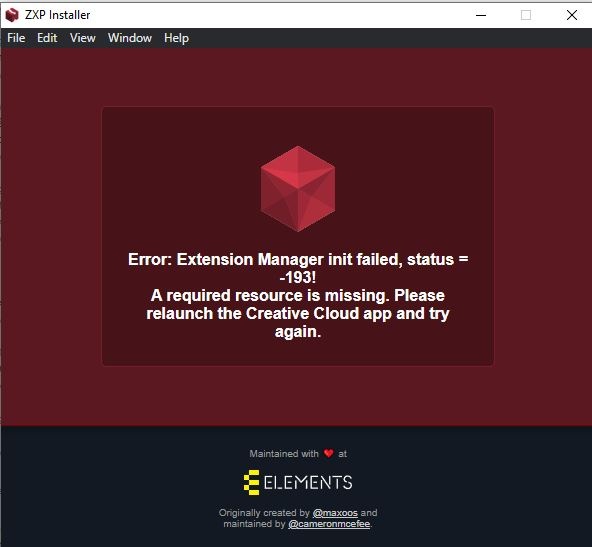
I am getting this error when I try to drag the RTFX pack folder into the ZXP installer:
https://uploads.disquscdn.com/images/97925fc6c6ace7ee3f085d056ca1231a976e26ef872d7d244bb919a387035dab.jpg -
- Comment Feed for this Post


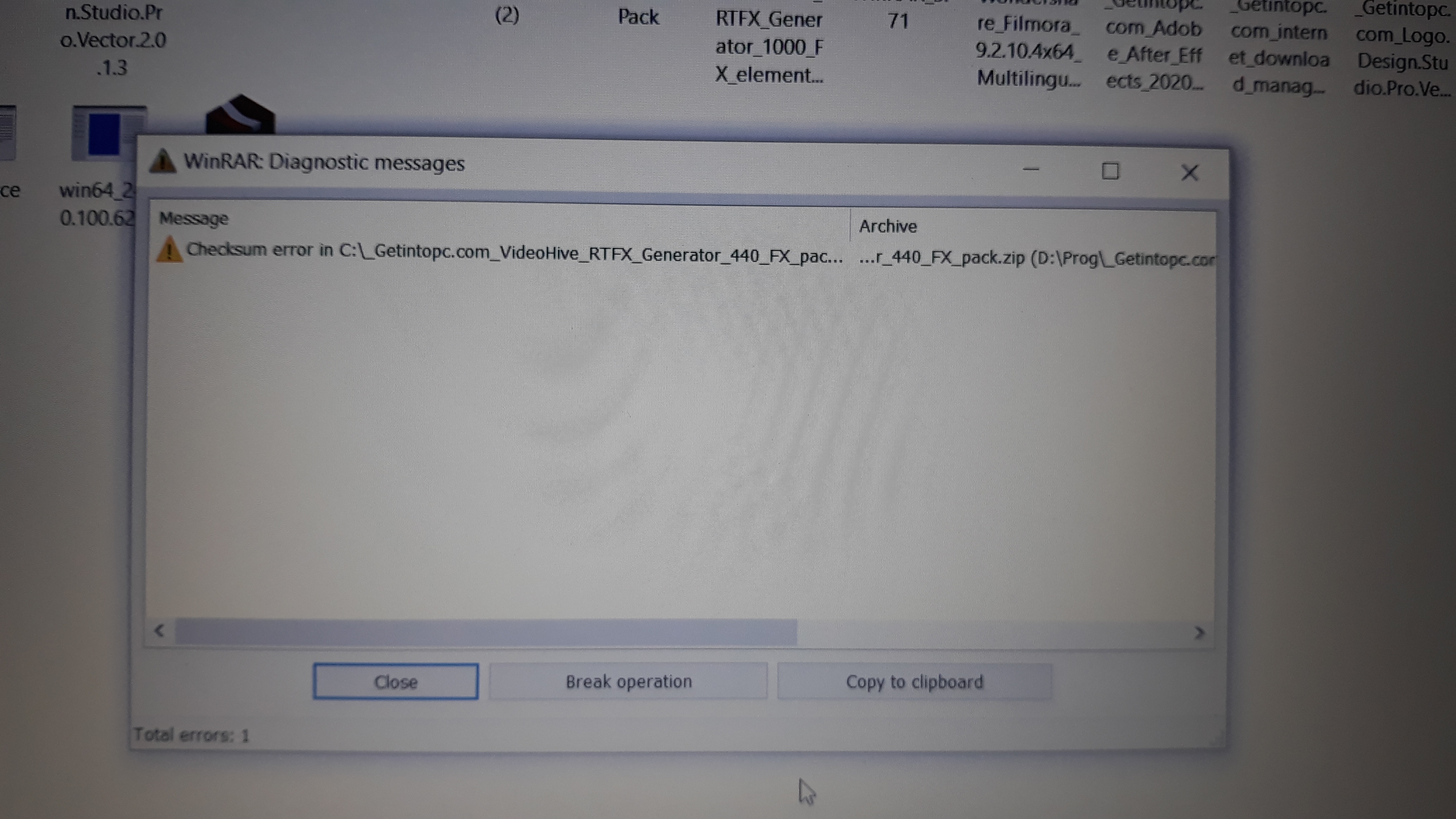
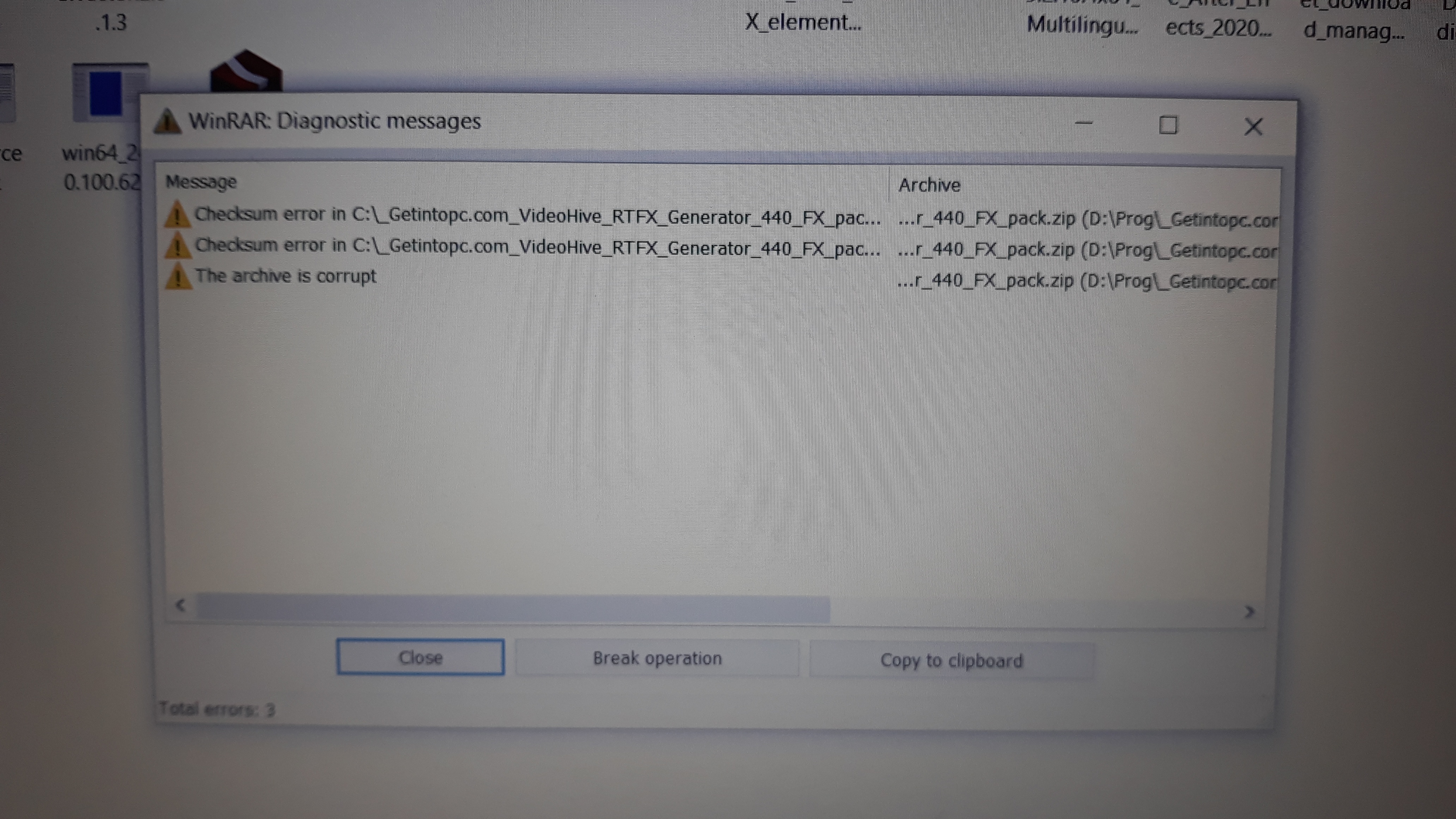
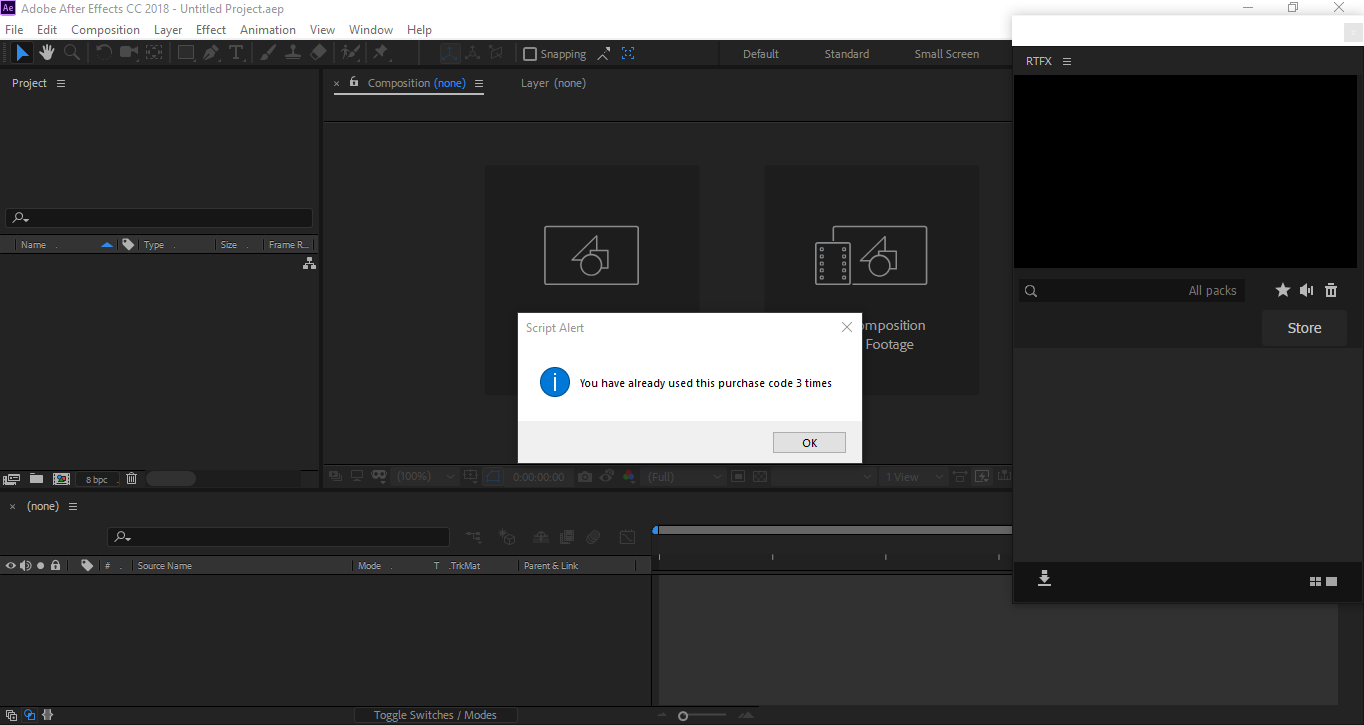
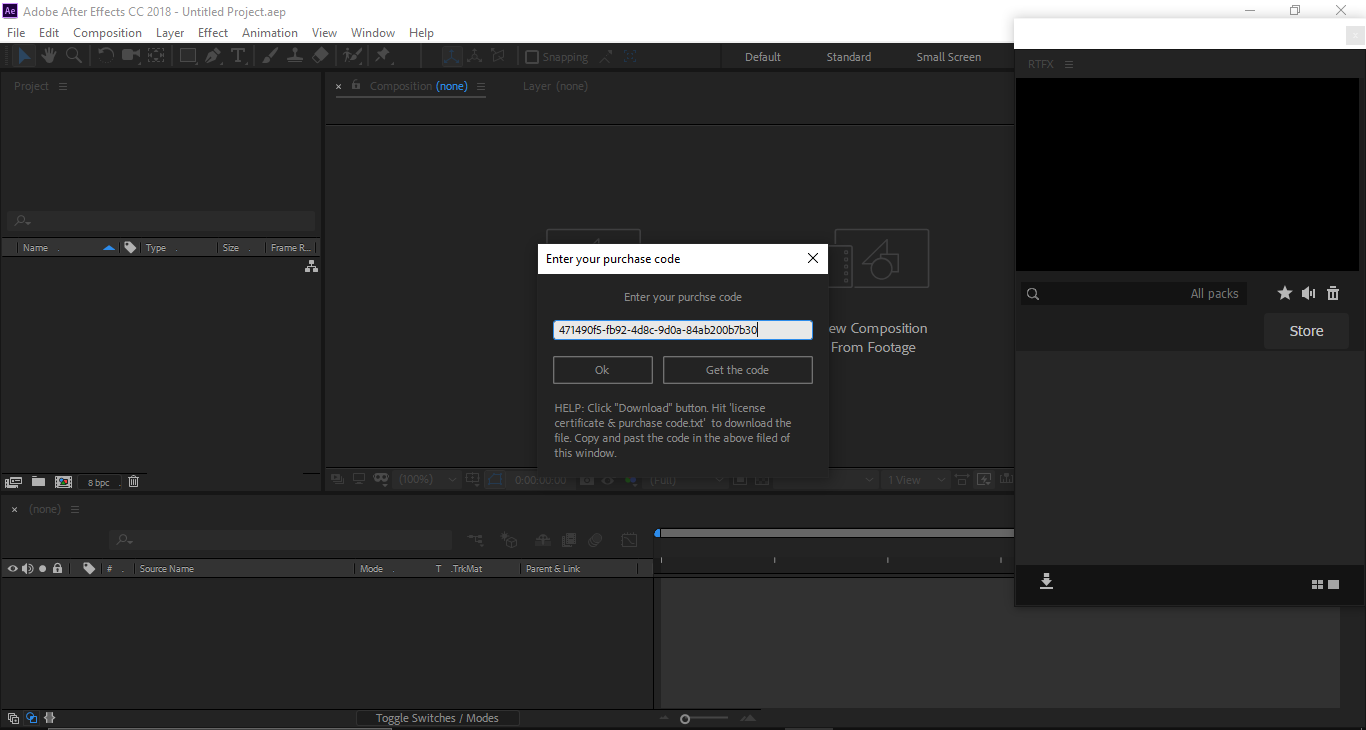
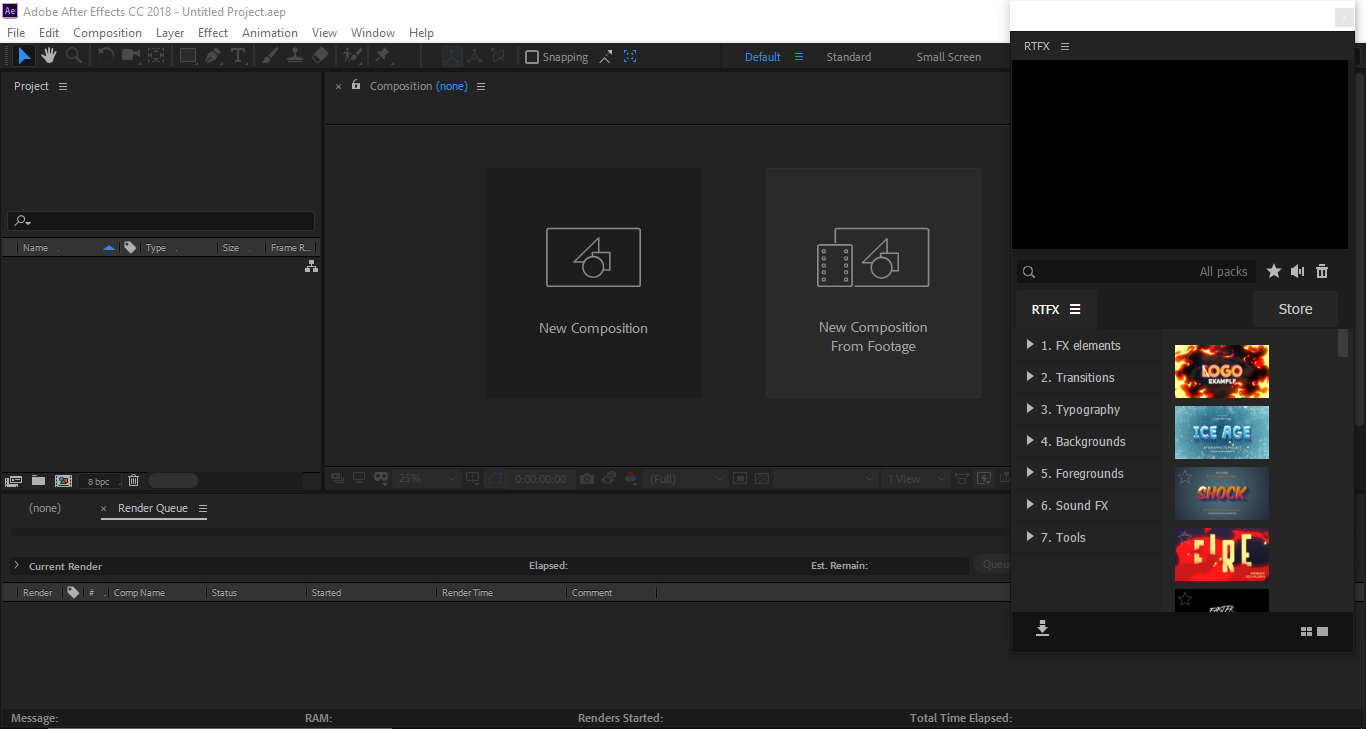
when i extract the files after deactivating the internet and the antivirus it shows me an error message while extracting the file twice and i can’t install the app. need some help plz