Download Free Your Desired App
Home » Softwares » 3D CAD » Gemvision Matrix 9 Free Download
Gemvision Matrix 9 Free Download
Gemvision Matrix 9 Free Download Latest Version for Windows. It is full offline installer standalone setup of Gemvision Matrix 9.
Gemvision Matrix 9 Overview
Gemvision Matrix 9 is an impressive CAD tool for jewelry creation. This program is developed by jewelers for the jewelers. It has got step-by-step builders to allow you for complete creative exploration. You can also download Gemvision Matrix 8.

Gemvision Matrix 9 has been developed to help the jewelers do one thing i.e. to create purely custom designs. This powerful application will meet the requirements of your creativity. With this application you can have a complete control over your design. You will be able to consider exactly what you and your client needs for designing as well as simulating with higer accuracy. It has been equipped with all the necessary tools required to design a jewel. This application is very easy to use and will save much of your precious time. It has also got the ability to view piece weight calculations designed with various different metals. You can also download TDM Solutions RhinoGOLD 5.7.0.6.

Features of Gemvision Matrix 9
Below are some noticeable features which you’ll experience after Gemvision Matrix 9 free download.
- An impressive CAD tool for jewelry creation.
- Got step-by-step builders to allow you for complete creative exploration.
- Developed to help the jewelers to create purely custom designs.
- Can have a complete control over your design.
- Equipped with all the necessary tools required to design a jewel.
- A very easy to use and will save much of your precious time.
- Got the ability to view piece weight calculations designed with various different metals.

Gemvision Matrix 9 Technical Setup Details
- Software Full Name: Gemvision Matrix 9
- Setup File Name: Gemvision_Matrix_9.0_Build_7349x64.rar
- Full Setup Size: 2.2 GB
- Setup Type: Offline Installer / Full Standalone Setup
- Compatibility Architecture: 64 Bit (x64)
- Latest Version Release Added On: 08th Mar 2019
- Developers: Gemvision

System Requirements For Gemvision Matrix 9
Before you start Gemvision Matrix 9 free download, make sure your PC meets minimum system requirements.
- Operating System: Windows 7/8/8.1/10
- Memory (RAM): 4 GB of RAM required.
- Hard Disk Space: 3 GB of free space required.
- Processor: 2 GHz Intel i5 Quad Core processor or later.
Gemvision Matrix 9 Free Download
Click on below button to start Gemvision Matrix 9 Free Download. This is complete offline installer and standalone setup for Gemvision Matrix 9. This would be compatible with both 32 bit and 64 bit windows.
Before Installing Software You Must Watch This Installation Guide Video

Password 123
Related posts:
This Post was Last Updated On: October 12, 2023
-
-
#3 written by Krishan Sharma 6 years ago
-
-
#8 written by ad min 6 years ago
-
-
#11 written by ad min 6 years ago
Hey again, were you able to find a newer version.
This version has started behaving weirdly, I had installed it again but the problem persist. It still gets stuck with each command which is irritating ( I hope you understand).
Requesting you again to rectify this.
Looking forward to hearing from you soon.
Thanks
-
-
#14 written by Ali 6 years ago
-
#16 written by Hesham Mosha 6 years ago
-
#18 written by Luck Holder 6 years ago
-
#20 written by ad min 6 years ago
Hey again,.
Were you able to find a newer version.
This version has started behaving weirdly, I had installed it again but the problem persist. It still gets stuck with each command which is irritating ( I hope you understand).
Requesting you again to rectify this.
Looking forward to hearing from you soon.
Thanks -
#21 written by Habib Ullah Kazimy 6 years ago
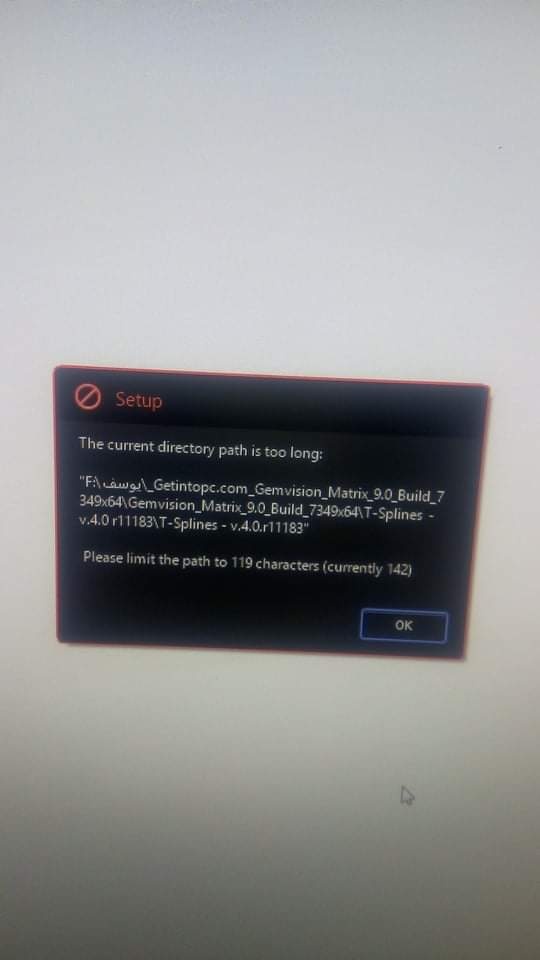
hello admine i cant start the installation https://uploads.disquscdn.com/images/7a95b649322e9b6fbeb65732eb50e335f6e0766ed6d6a2f9e3b5f5185e52e829.jpg
-
#23 written by Moidul Mallick 6 years ago
-
-
#26 written by Faixan Sheikh 6 years ago
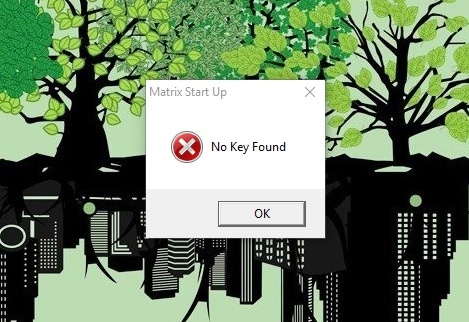
https://uploads.disquscdn.com/images/ae086914cadd9aec0e66ce9c0b9a56d21739c82191c905f719f63f9deec32115.jpg hey admin after installing matrix 9 with all steps mentioned , when i start it give this error please help
-
#27 written by Maniruddin Sekh 5 years ago
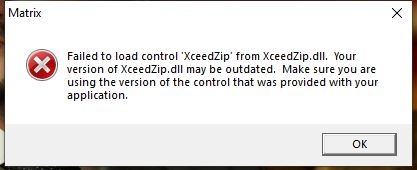
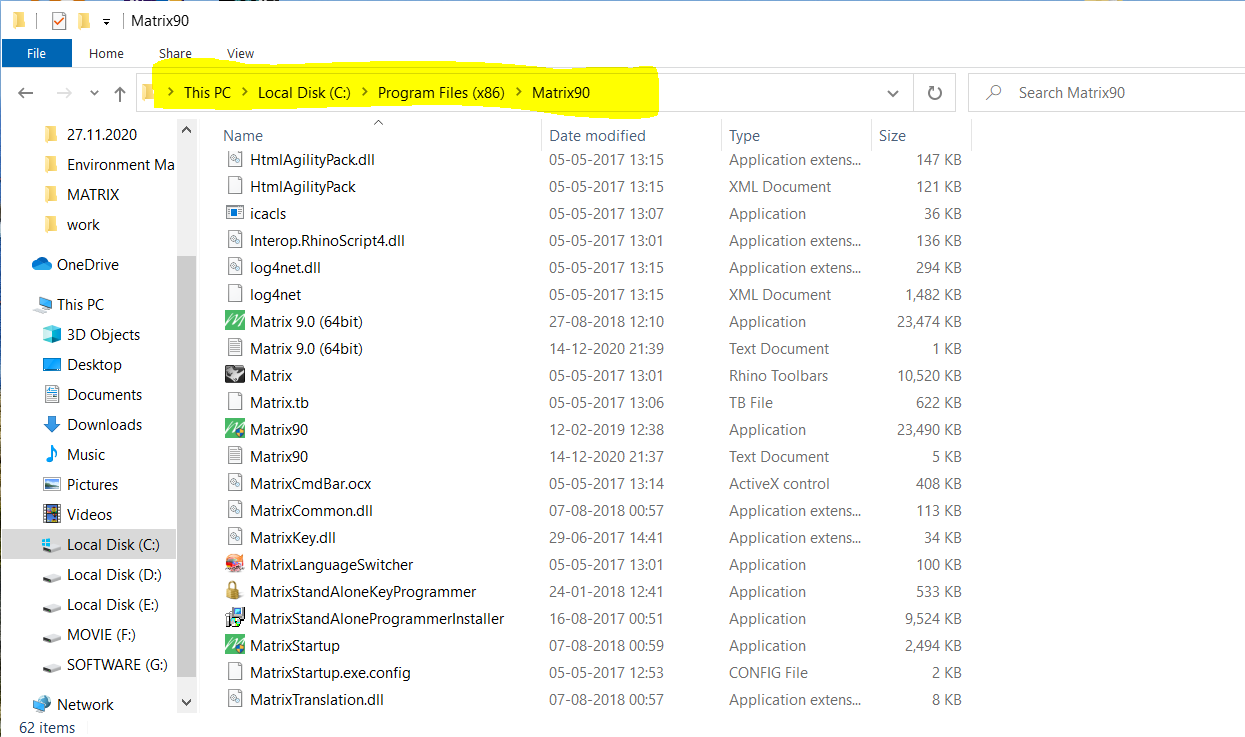
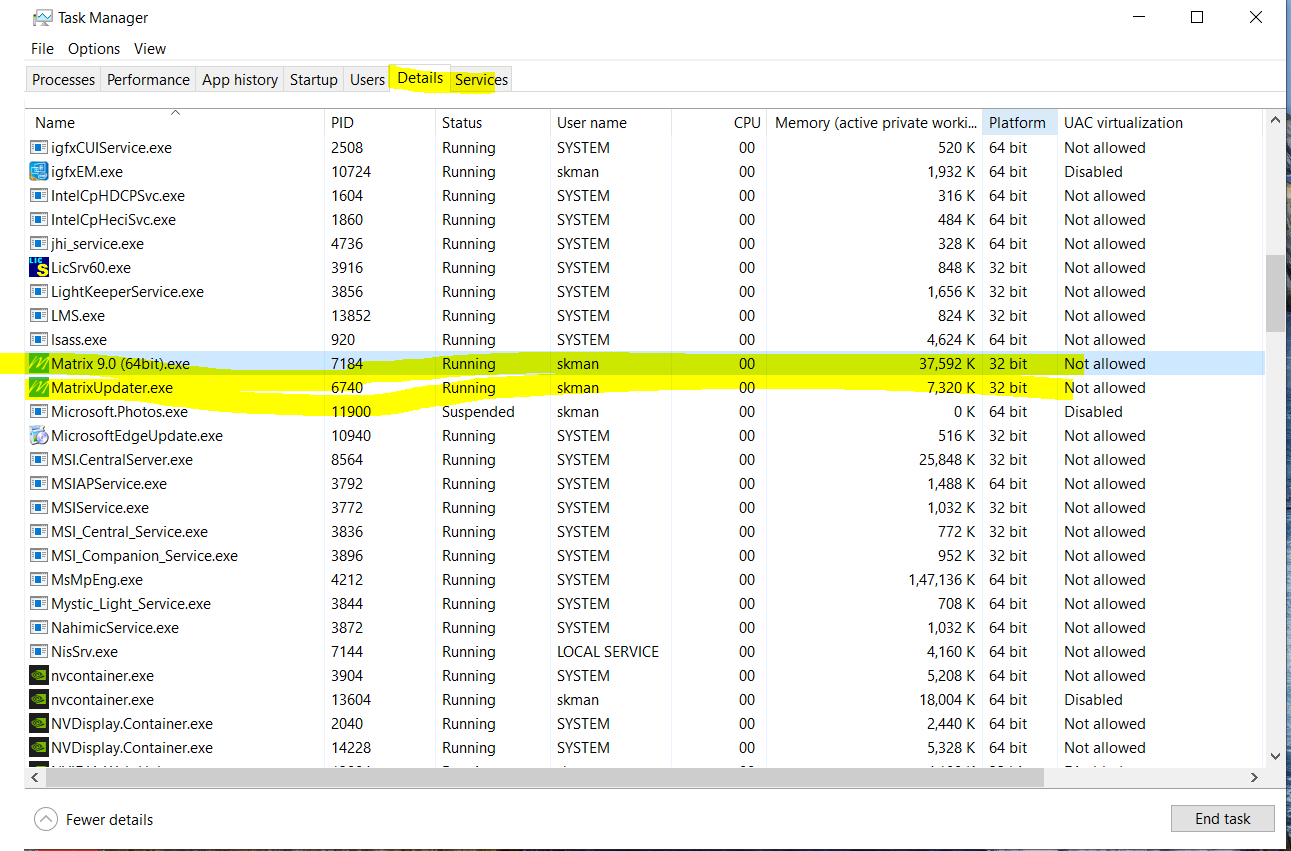
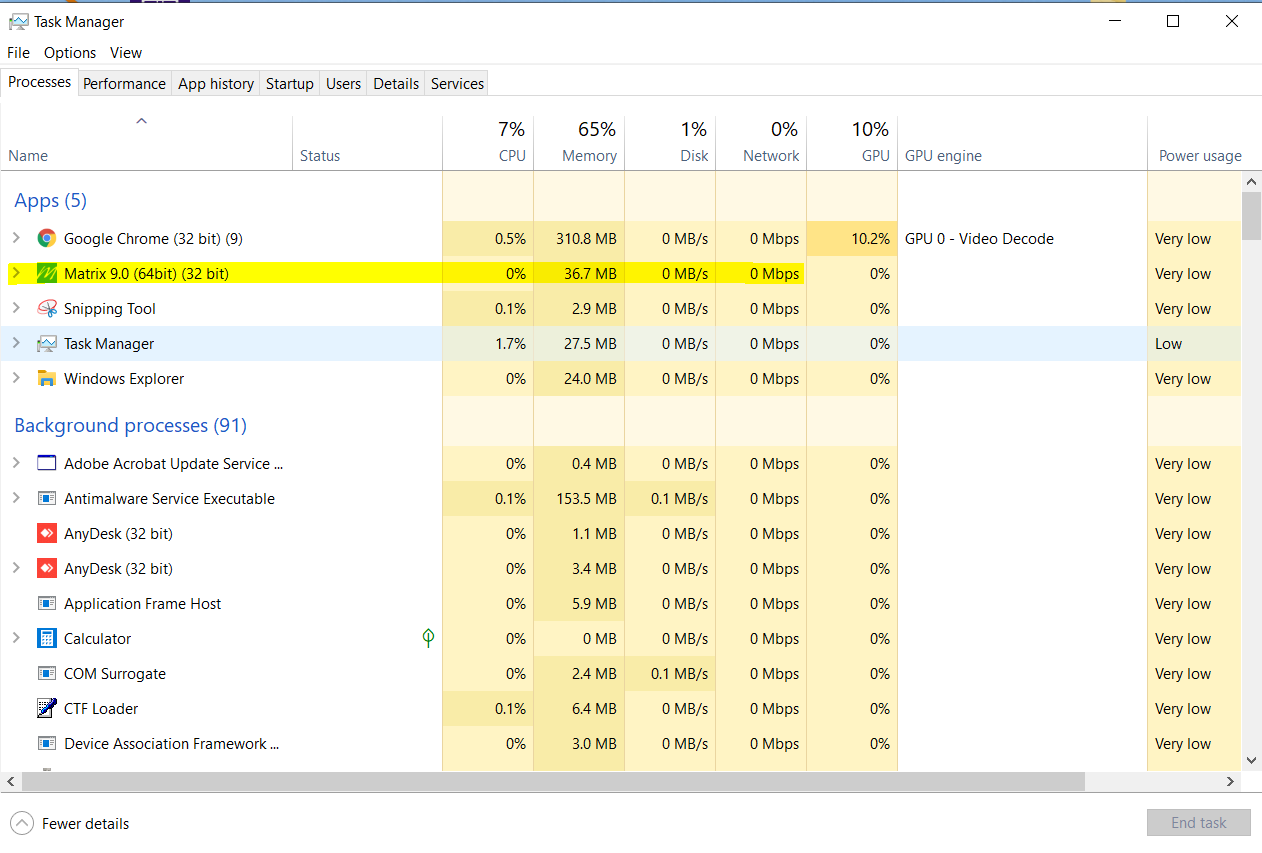
https://uploads.disquscdn.com/images/b82a296ae63baea60aab33f504d323ff210eda1609a0b07dd5a1e12bb401bf1c.png https://uploads.disquscdn.com/images/950abc1cb8a194f7bcb49d4882e9700aaae80fb3f64c9ae7ea200079e7be66d3.png https://uploads.disquscdn.com/images/613dce6d988f74bfc79b701632a2f8efb097bf7dac8342a9978bffacee736776.png Sir this matrix 90 (64bit) is work in 32bit architecture, not work 64 bit architecture. please sir solve this issues.
-
#28 written by Brandon 5 years ago
-
#29 written by Go Les't 5 years ago
https://uploads.disquscdn.com/images/6aa4b6111affa6de95d7fdd8e30676ad6fd15a9db1986c13f38a5dc12546e6ae.jpg?w=800&h=564
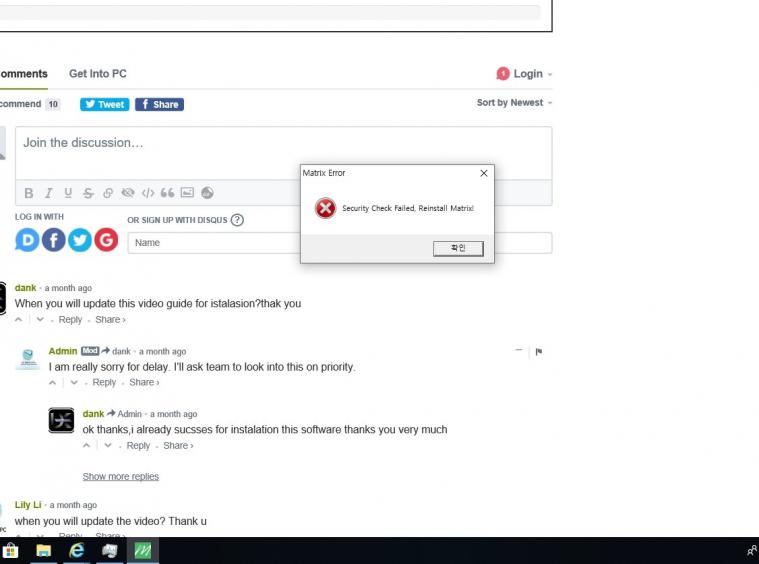
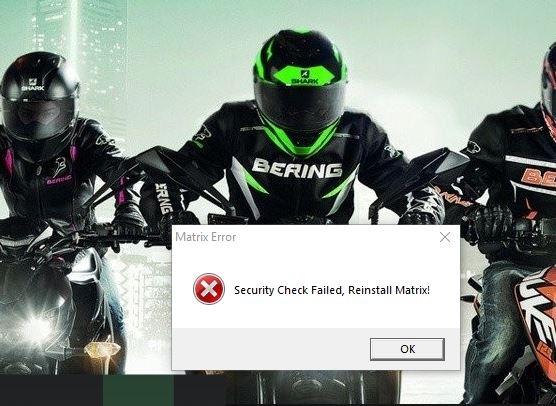
I have a problem “Security check failed, reinstall matrix”
I have disabled the software defender/Regestry and gpedit.msc
I have reinstalled win10 many times
It still has the same error
please someone know how to solve it, please help me, thank you very much… -
#31 written by Yaseen Mallick 5 years ago
All installation went good rhino 5 runs normally but when i start matrix 9 it starts the startup screen loads after some time (30 sec to 1 min) a toolbar shows up next to the startup screen and it stays like that for a while (3-4 mins) and then it all suddenly stops and exits on further checking on taskmanager on it says suspended on status on last moment and matrix 9 and matrix 9 startup closes only matrix 9 updater stays running the PC is
HP All-in-One 24-df1668in PC. -
#32 written by Akash Shanmugam 5 years ago
https://uploads.disquscdn.com/images/a947901b304d41e780a48d05e5e51f4d21649dd899f13592a32759fbb48226ca.jpg could open rhino but not matrix please help
-
#33 written by Karthi Cad 4 years ago
-
-
#42 written by Raghu M 3 years ago
-
-
#45 written by TBMovies 7 months ago
-
-
-
#56 written by z4f4n 2 months ago
The “Failed to Connect with Rhino” error usually means Matrix cannot detect a compatible Rhino installation. Please make sure the correct Rhino version is installed and working properly before launching Matrix. If the issue still persists, please tell us the exact error message so we can help you further.
-
#57 written by z4f4n 2 months ago
The “Failed to Connect with Rhino” error usually means Matrix cannot detect the Rhino installation. Please make sure the correct Rhino version is installed, updated, and running properly before opening Matrix. If the issue still persists, please tell us the exact error message so we can help you further.
-
- Comment Feed for this Post


Keygen file is not there in rhino